System User Guide Rev. 2.5 Kolibri Ver. 2.0 73
MOBILE CAMERA STAND & CAMERA
Camera Field of
View
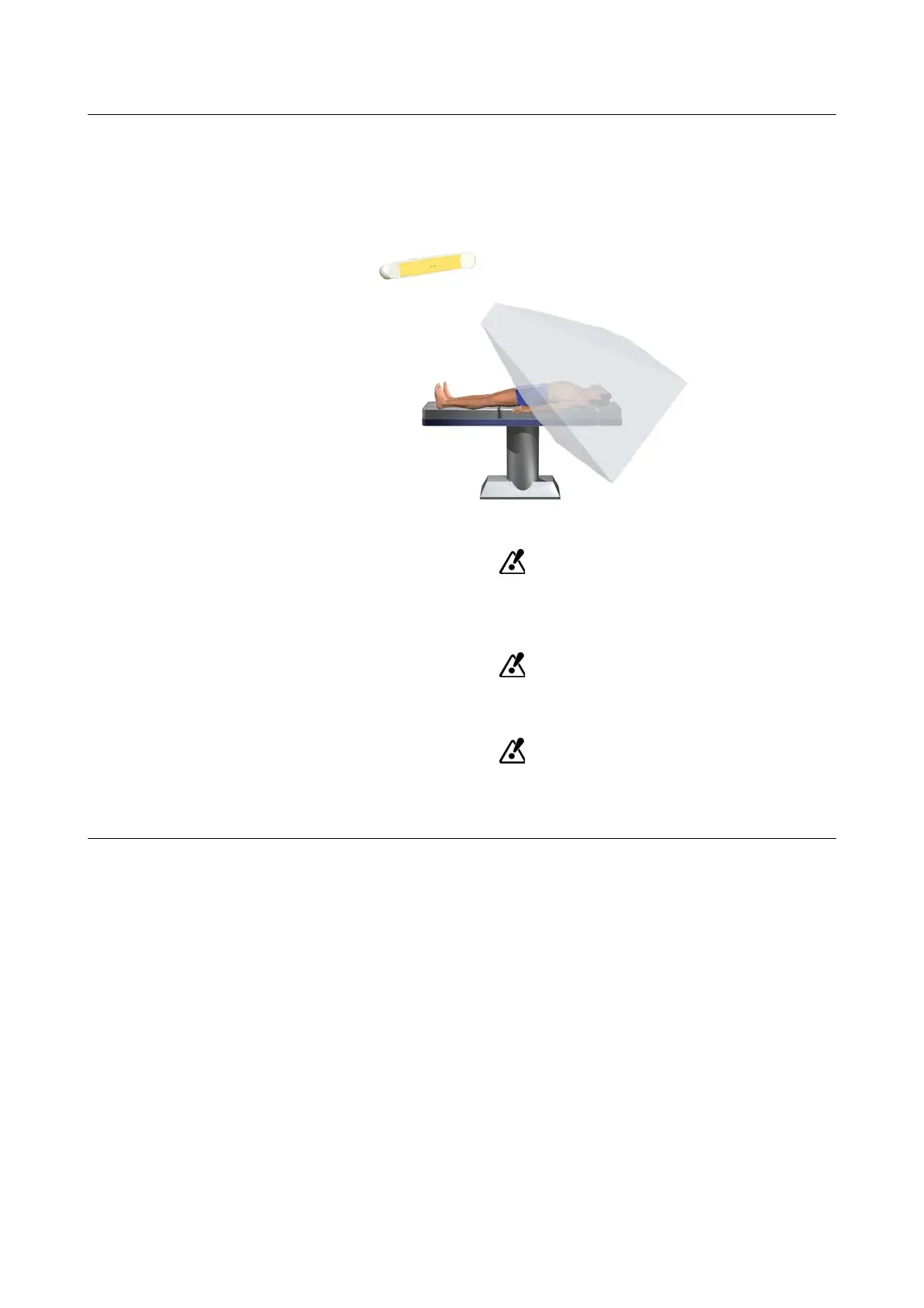
Position camera so that the operating field is in the center of the camera field of view. Optimal work-
ing distance is 1.2 to 1.8 m from the camera to the operating field.
If instruments are not in camera field of view, they cannot be tracked.
The navigation software camera displays and the camera field of view dialog (see Software User
Guide
) help you to determine the best camera position.
.
Figure 35
Measurement precision in a plane perpendicular to viewing direction of camera is
higher than precision along the direction of camera view. Take this into account when
positioning the camera.
Do not place any transparent or semi-transparent materials (such as drape foil or
glass) between camera and instruments to be tracked.
Ensure that all highly reflective items or sources of light do not obstruct the camera’s
view. Artifacts caused by reflections can reduce accuracy, especially during registra-
tion.



 To Next Page