76 System User Guide Rev. 2.5 Kolibri Ver. 2.0
Camera
How to Connect
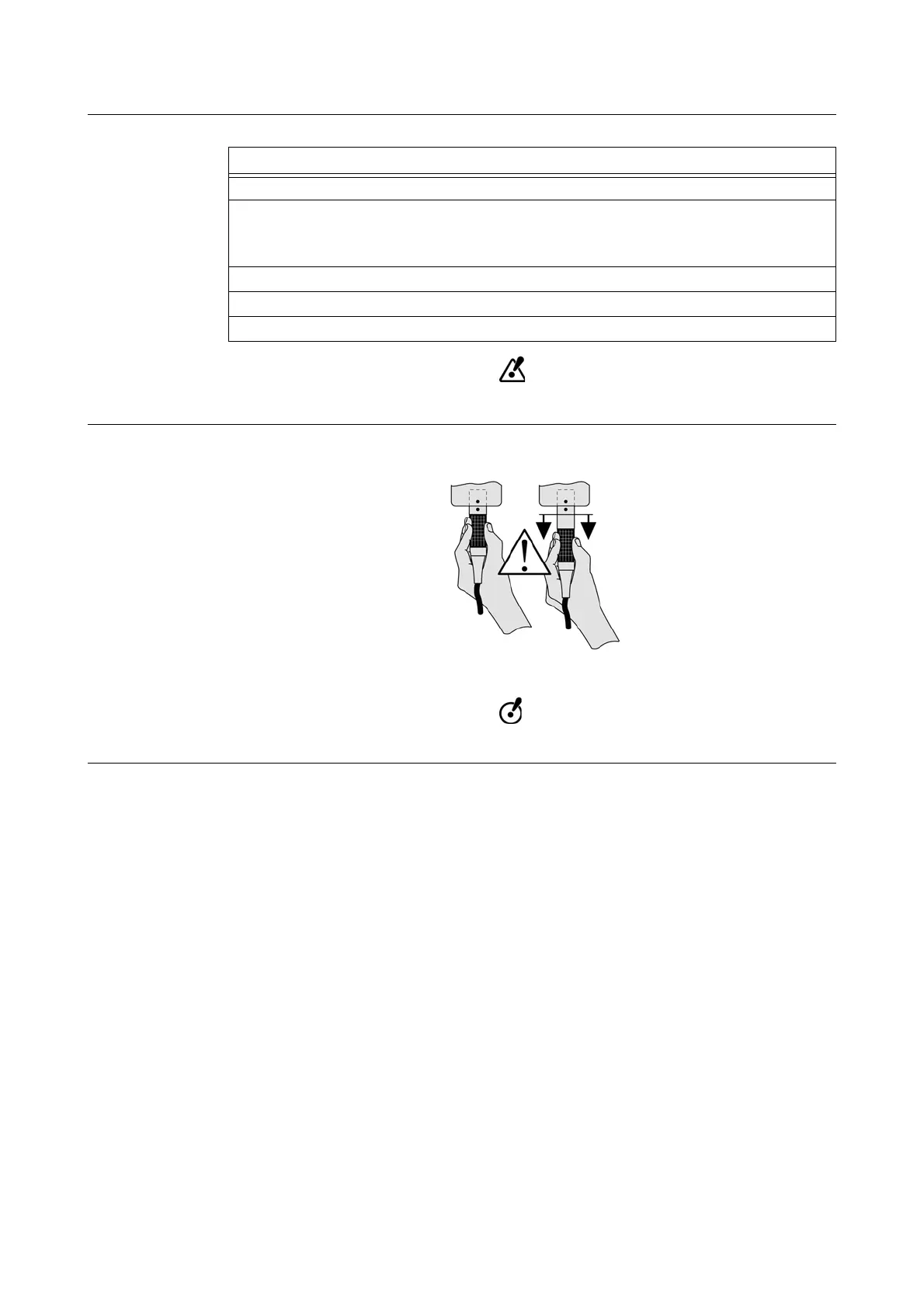
Do not tug on or pull cables.
Warning Label
A warning label on the camera stand illustrates how to correctly unplug the
Kolibri
camera cable.
Figure 37
Pull plug rather than cable when unplugging.
Steps
1. Ensure that
Kolibri
workstation is turned off.
2. If necessary, plug internal camera cable a of camera stand into port s.
NOTE: Usually, internal camera cable is connected during system installation and does
not need to be disconnected.
3. Plug camera cable
f into port d of camera stand.
4. Clamp camera cable f to cable holders g.
5. Plug camera cable f to
Kolibri
workstation.



 To Next Page