Brookeld Engineering Labs., Inc. Page 13 Manual No. M13-167-A0415
II. GETTING STARTED
II.1 Power Up
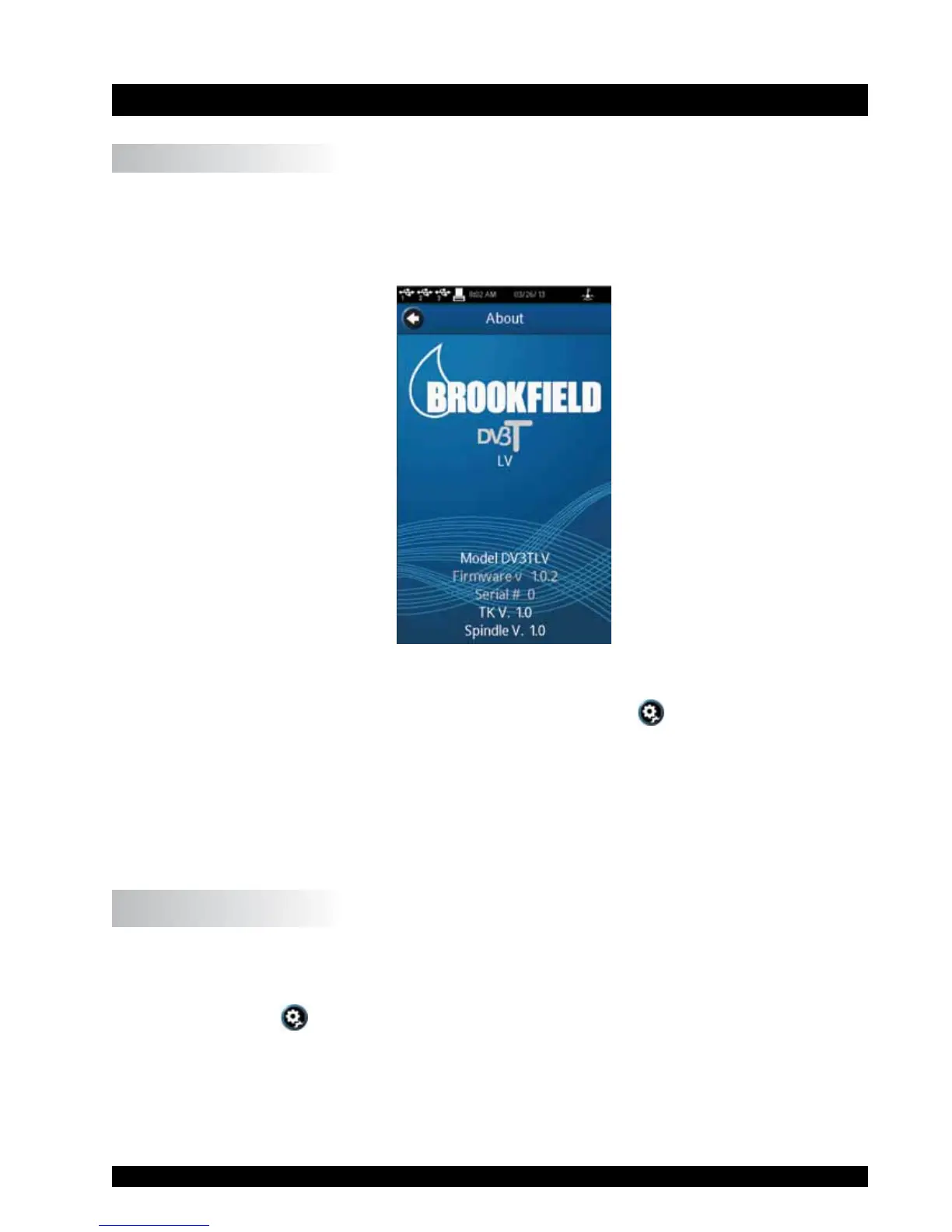
TheDV3TwillgothroughaPowerUpsequencewhenthepoweristurnedon.TheRheometer
willissueabeep,presentabluescreen,andnallyshowtheDV3TAboutscreenfor5seconds.
TheAboutscreenisshownbelowandincludesseveralcriticalparametersabouttherheometer
including;rheometertorque(LV,RV,HA,HB,orother),rmwareversionnumber,modelnumber
(DV3TLVforexample)andtheserialnumber.
Figure II-1
TheAboutscreencanalsobeaccessedthroughtheSettingsMenu
(seeSectionV.1).
TheDV3TRheometerwillautomaticallytransitionfromtheAboutscreentotheAutoZeroscreen.
TIP:WhencontactingBrookeldoryourauthorizedBrookelddealerfortechnicalsupportor
repairservices,pleaserecordtheinformationontheAboutscreenandincludethisdetail
inyouremail.
II.2 AutoZero
TheDV3TRheometermustperformanAutoZeropriortomakingviscositymeasurements.This
processsetsthezeroreadingforthemeasurementsystem.TheAutoZerowillbeperformedevery
timetheinstrumentisturnedon.Additionally,youmayperformanAutoZeroatanytimethrough
theSettingsMenu
(seeSectionV.1).
TheAutoZeroscreenwillbepresentedautomatically,aftertheAboutscreen,duringapowerup.











 To Next Page