Brookeld Engineering Labs., Inc. Page 57 Manual No. M13-167-A0415
V. SETTINGS
TheSettingsmenuprovidesaccesstothemanycontrolsandfeaturesoftheDV3TRheometer.This
menucanbeaccessedthroughtheSettingsNavigationIcon
whichisoftenpresentintheTitleBar.
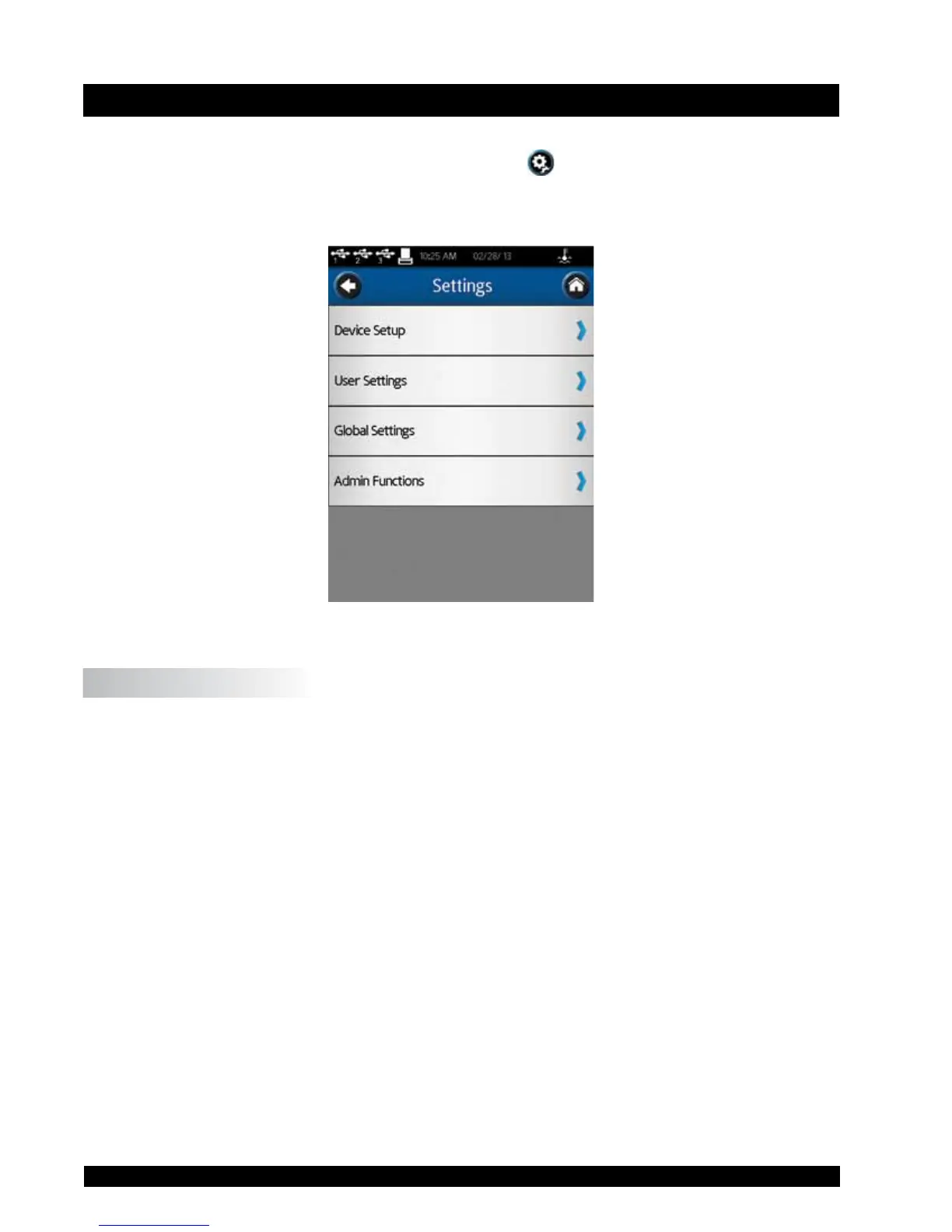
FigureV-1showstheSettingsMenuwhichisdividedinto:DeviceSetup,UserSettings,GlobalSettings,
andAdminFunctions.GlobalSettingsincludeitemsthataffectthecompleterangeoffeatureswithin
theDV3T.AdminFunctionsincludeitemsrelatedtoadministratorlevelcontrols.
Figure V-1
V.1 Device Setup
TheDeviceSetupmenuincludessettingsrelatedtothemechanicalsystemsandconnectionsofthe
DV3T.Sixsettingsareavailableincluding:
Temperature - Createoffsetstobeusedwithspecictemperatureprobes,initiate
controloftheBrookeldThermoselorTemperatureBath.
PrinterSetup - DenetheprintformattobeusedwiththeDymo450Printer.
AutoZero - ForcetheDV3TtoperformanAutoZeroasisdoneatstartup.
OscillationCheck - EvaluatetheperformanceoftheDV3Tlowerbearings.
TechnicalSupportInfo - InformationthatmayberequestedbyBrookeldTechnicalSupport
stafftoassistwithtroubleshooting.
About - PresentbasicinformationabouttheDV3Tasisdoneatstartup.











 To Next Page