Brookeld Engineering Labs., Inc. Page 52 Manual No. M13-167-A0415
Torque Reduction
Torque Reductionispercentagechangeintorquevaluebetweensuccessivedatapoints.Thatis,the
materialyieldsorbeginstobreakdownand,asaresult,themeasuredincrementaltorquebeginsto
decrease.Avalueof100%forthisparametercausesthetesttostopassoonastherearenotorque
increasesduringabasetimeincrement.Someusersmaywishtoseeadropintorqueafterthe
yieldpoint.Settingthisparametertovaluesgreaterthan100%allowsdatatobecollectedafterthe
yieldpointbytheEZ-Yield
TM
softwaresothedecreaseintorquemaybemoreeasilyvisualized.
However,thiswillalsoaffectthecalculatedyieldstressvalue.
TIP:Brookeldrecommendsatorquereductionvalueof100%.
Yield Limits
ThesestressvaluescanbeusedasaQualityControltool.Iftheresultingyieldstressfromatest
fallsoutsidetheselimits,anappropriatemessageisdisplayedandprintedwiththeresults.Entering
zero(0)forboththeseparametersdisablesthisQCfeature.
Instructions
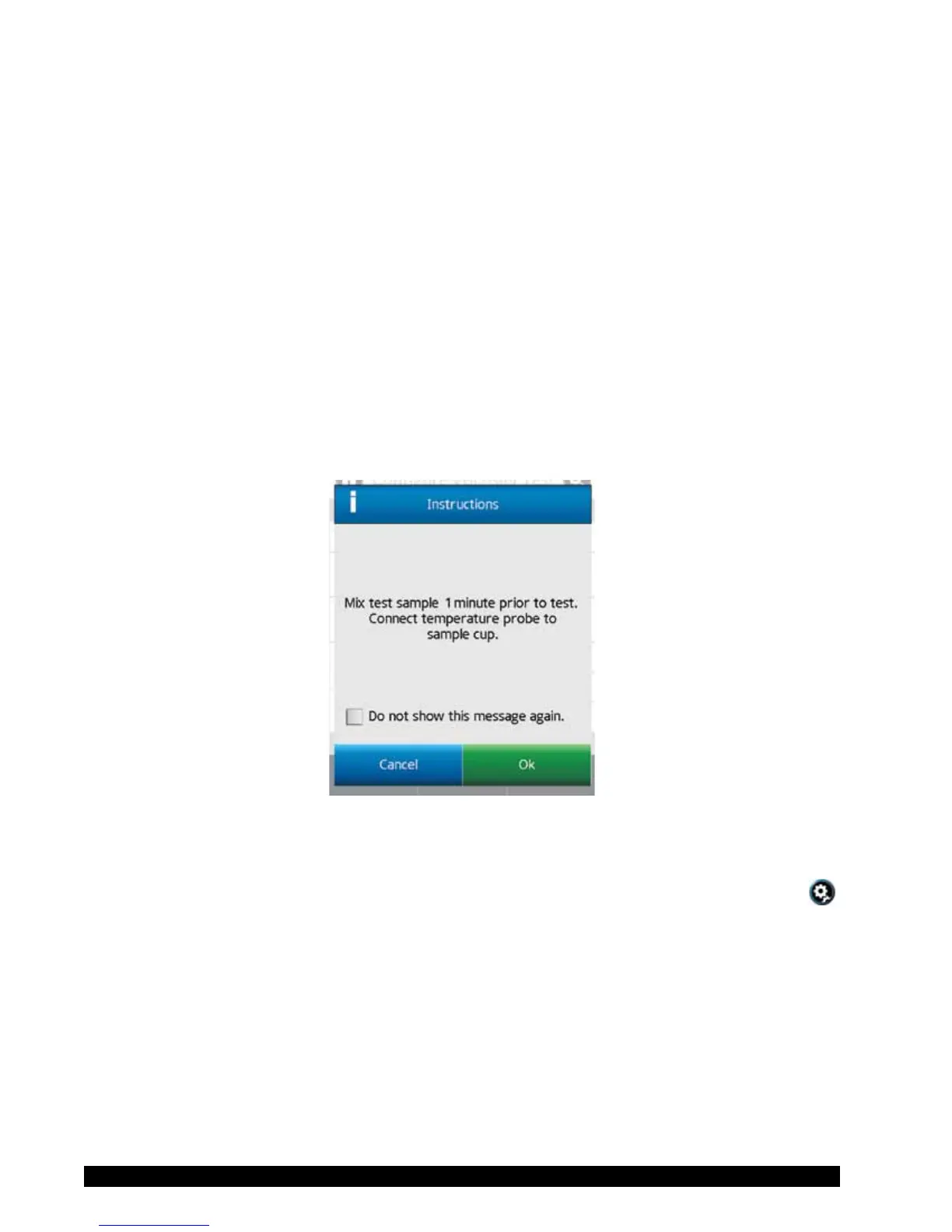
Recordspecicinstructionstotheoperator.Thisinformationwillbepresentedimmediately
whentheprogramisRun(seeFigureIV-6).Theoperatorisrequiredtoacknowledgethemessage
beforetheprogramwillcontinue.
Figure IV-6
TIP:Iftheoperatorselects“Donotshowthismessageagain”withintheInstructionsmessage
box,thenInstructionswillnolongerbedisplayedforanytest.Thisconditioncanbe
resettoallowInstructionstobedisplayedintheDisplaysectionofUserSettings
.
TIP:Instructionscanbeviewedduringthetestbyselectinginstructions(more/lessbar)in
theViewTestscreen.
Save Path
Denethememorylocation(internalorUSBFlashDrive)wheretheTestResultswillbesaved.
TIP:Selectingadatapathcanhelptoorganizedatastorageintheinternalmemoryofthe
DV3T.Bypreselectingthedatapath,operatorsaredirectedtoputthedatafromspecic
testsintospecicareas.
TIP:IfyouselectadatapaththatincludesaUSBFlashDrivelocationandtheFlashDrive
hasbeenremoved,anerrormessagewillbedisplayed.











 To Next Page