EasyManua.ls Logo

Brother MFC-890 - User Manual

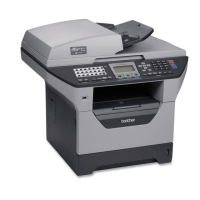
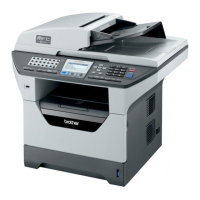
Brother MFC-890
334 pages
Print Icon
To Next Page IconTo Next Page
Loading...
MFC-890
USER’S GUIDE

Table of Contents

Other manuals for Brother MFC-890

Questions and Answers

  • T
    Todd BaldwinAug 8, 2025
    What to do if Brother Fax Machine says 'CHECK PAPER SIZE'?
    • S
      Spencer ThomasAug 9, 2025
      If your Brother Fax Machine displays 'CHECK PAPER SIZE', it means the paper in the paper tray is smaller than A4. The machine requires A4 paper to print fax messages, help lists, or any other fax reports. To resolve this, reload A4 paper into the paper tray and then press the Fax Start button.
  • P
    Paul WheelerAug 23, 2025
    How to fix 'CHECK CARTRIDGE' error on Brother Fax Machine?
    • J
      Jessica FowlerAug 23, 2025
      If your Brother Fax Machine shows 'CHECK CARTRIDGE', it indicates that an ink cartridge is not properly installed. To fix this, take out the ink cartridge and re-install it, making sure it is correctly seated.

Brother MFC-890 Specifications

General IconGeneral
FunctionsPrint, Copy, Scan, Fax
Duplex PrintingYes
Standard Paper Capacity250 sheets
ConnectivityUSB, Ethernet
Fax Resolution300 x 300 dpi
Ink CartridgesBlack

Related product manuals