2 - 5
Main parts
Main unit
Disassembly
Disassembly
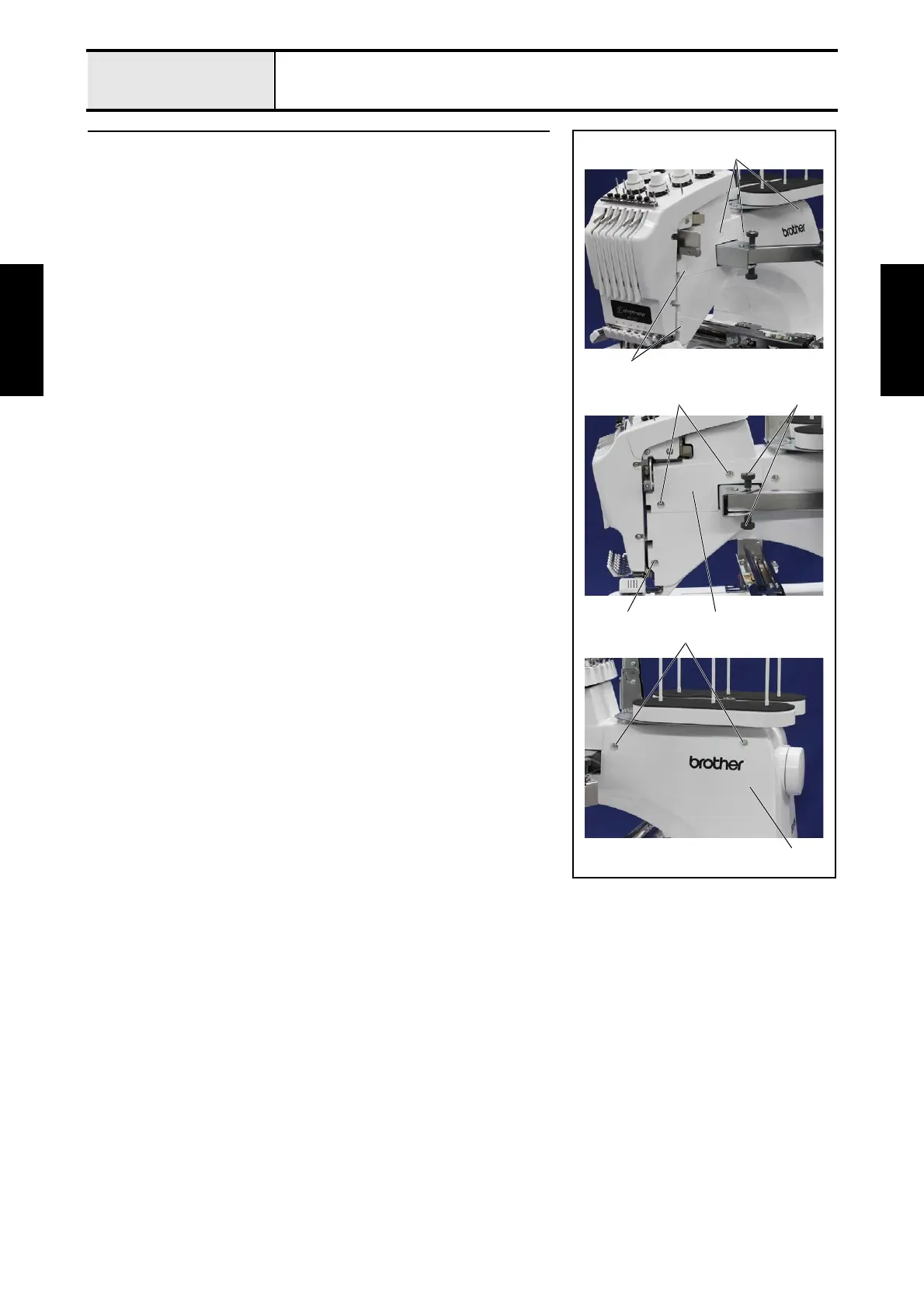
3 Arm cover R removal
1. Remove the 5 screw covers 1.
2. Remove the 2 thumb bolts (M4L) 2, the 2 washer springs (2-4) and the 2
washer plains (M4) from the operation panel assembly.
*Key point
• When remove the thumb bolt (M4L), be careful not to lose the
washer spring (2-4) and the washer plain (M4).
3. Remove the 2 screws 1, and then remove the arm cover R lid 3.
4. Remove the 3 screws 2, and then remove the arm cover R 4.
2
2
4
2
1
1
1
3















 To Next Page