2 - 78
Operation panel
Main unit
Disassembly
Disassembly
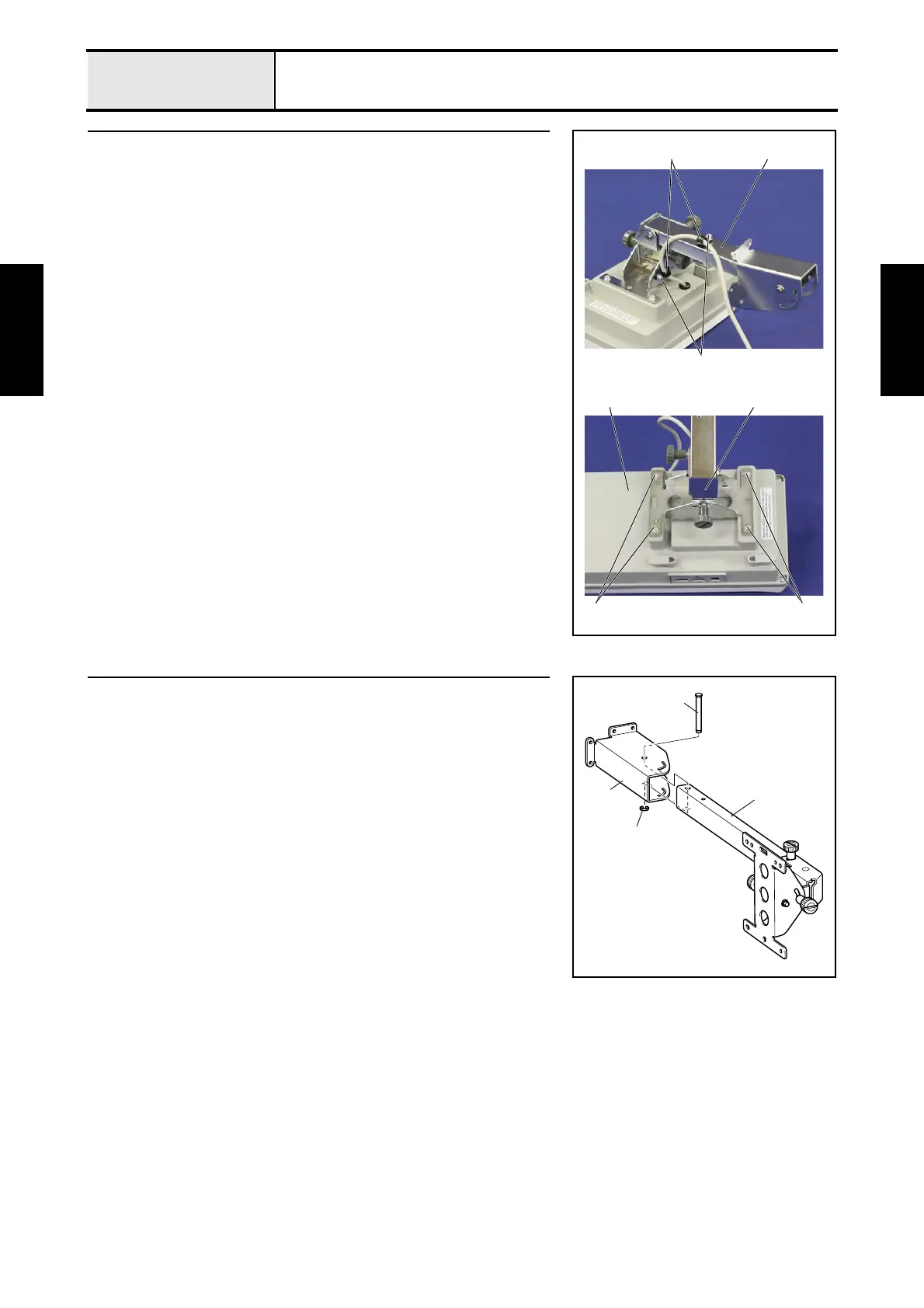
1 Operation panel lever assembly removal
1. Remove the 2 screws 1, and then remove the 2 cord clamps 1 from the
operation panel lever assembly 2.
2. Remove the 4 screws 2, and then remove the operation panel lever
assembly 2 from the panel rear cover 3.
1
1 2
2
22 2
3
2 Operation panel lever C removal
1. Remove the retaining ring E6, and then remove the operation panel lever
shaft 1 and the operation panel lever C 2 from the operation panel lever
B 3.
1
2
3
Retaining ring E6















 To Next Page