2 - 33
Needle bar change unit
Main unit
Disassembly
Disassembly
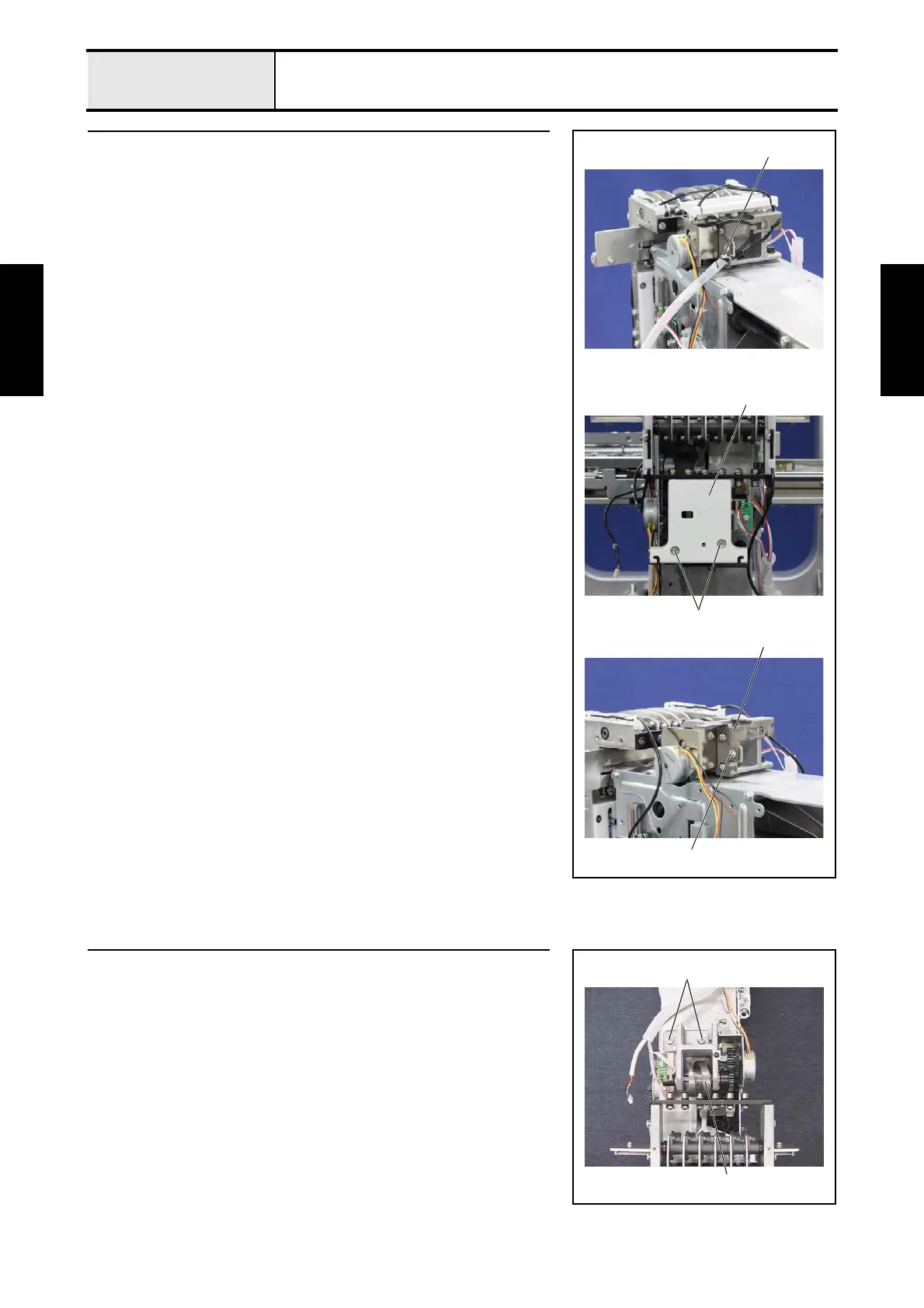
1 Change box center cover removal
1. Remove the spiral tube from the lead wires.
2. Cut the band 1, and then remove the lead wires from the guide parts.
3. Remove the 2 screws 1, and then remove the change box center cover 2.
4. Remove the screw 2, and then remove the LED cord holder 3.
1
1
2
2
3
2 Change box removal
1. Remove the 2 screws 1, and then remove the change box assembly 1.
1
1















 To Next Page