2 - 45
Needle bar unit
Main unit
Disassembly
Disassembly
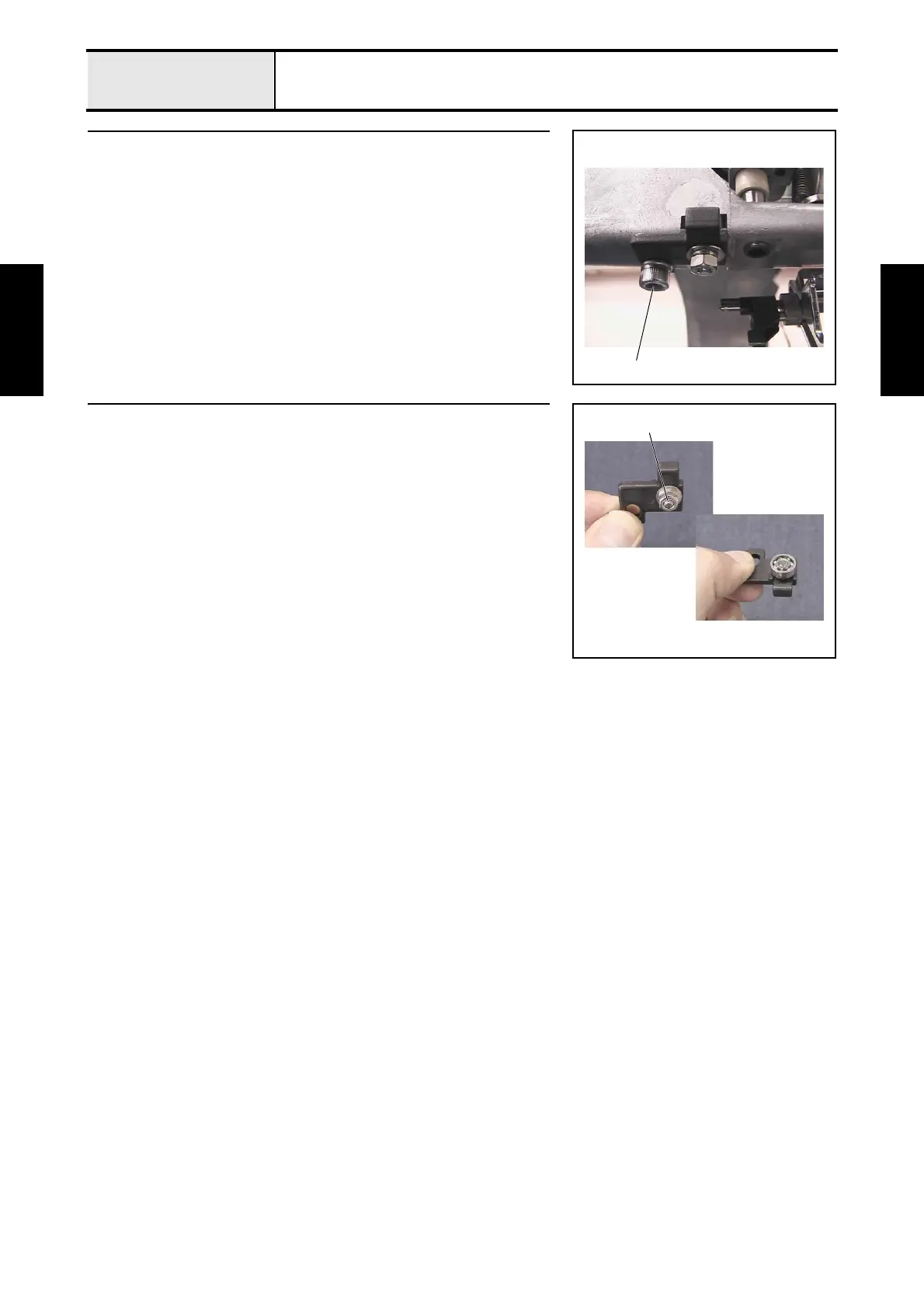
11 Case positioning plate assembly removal
1. Remove the screw 1 and spring washer (2-5), and then remove the case
positioning plate assembly.
1
12 Case positioning plate disassembly
1. Remove the nut (2, M4) 1, spring washer (2-4), and plain washer (M4),
and then remove the ball bearing (694) and the case positioning shaft from
the case positioning plate.
1















 To Next Page