2 - 7
Main parts
Main unit
Disassembly
Disassembly
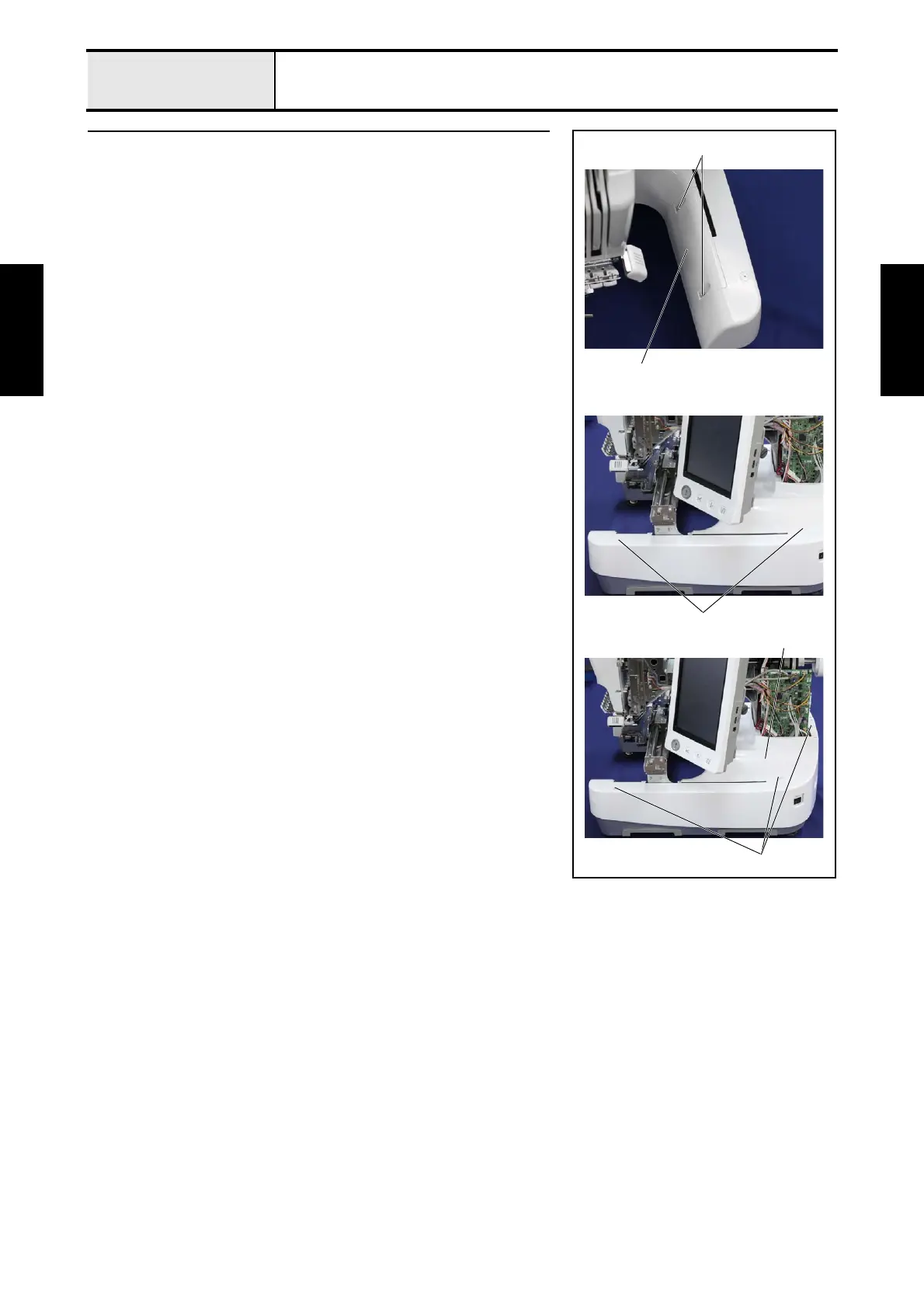
5 Base cover R removal
1. Remove the 2 screws 1, and then remove the base cover R lid 1.
2. Remove the 2 screw covers 2.
3. Removes the 3 screws 2, and then remove the base cover R 3.
*Key point
• Fully draw the feed final assembly toward you before
removing the base cover R.
2
3
2
1
1















 To Next Page