DIAPER FEEDER Device
MATRIX CUBE - 76 -
C – Value Visualization Area
It shows the yarn tension value, during the normal operation, or the parameter being programmed.
D – Graphic Visualization Area
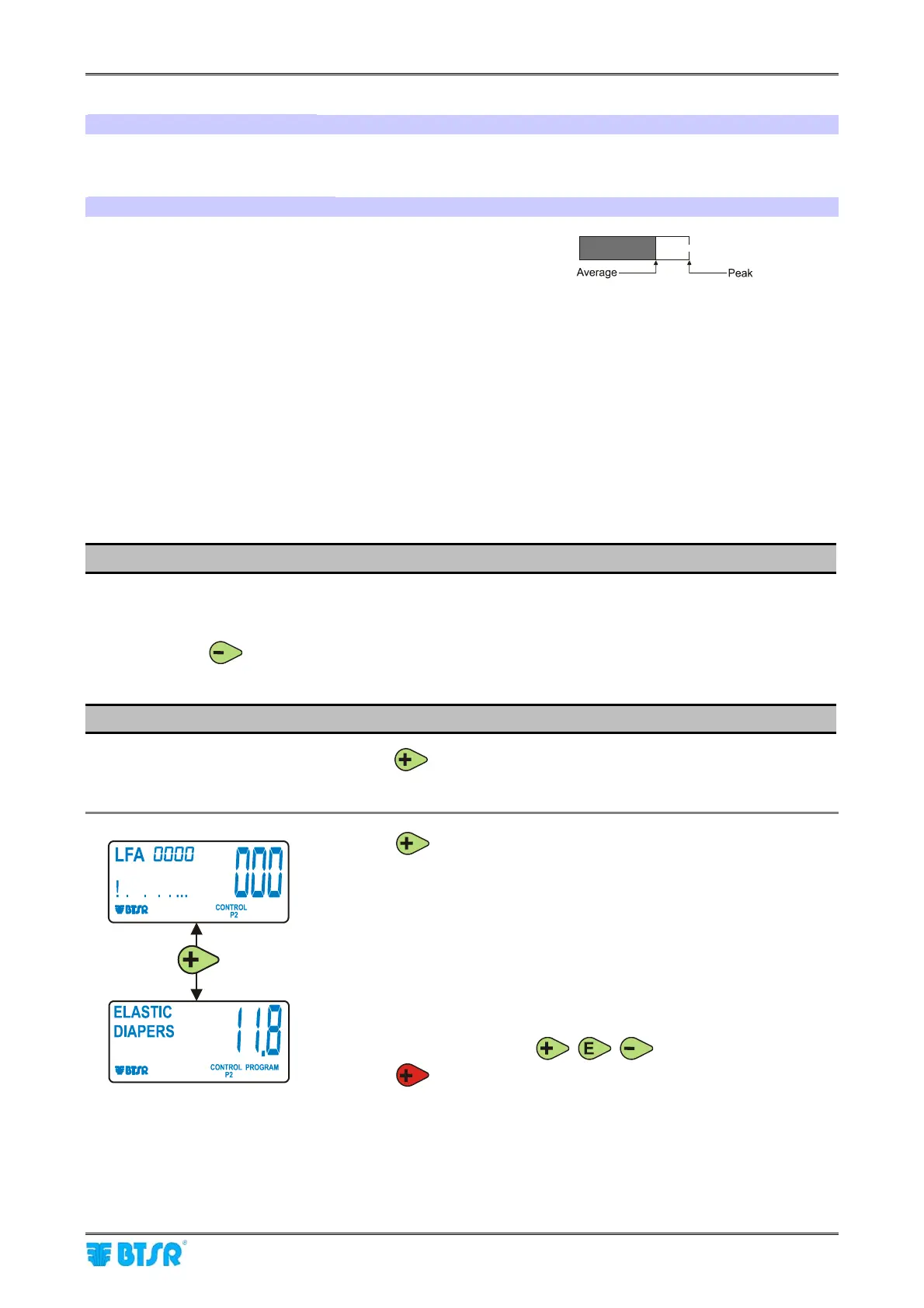
It shows, in graphical form (through a logarithmic scale)
both average and peak tension values.
Functions Directly Available to the Machine Operator
The operator of a machine equipped with DIAPER FEEDER devices has the possibility of
carrying out some simple manual operations on the device themselves, without having to
request the aid of a supervisor or production manager:
1) Alarm reset
2) Current yarn type and application reading
3) Exclusion and re-inclusion of a DIAPER FEEDER device.
4) Real-time control of device temperature and current absorbed by the device motor.
1) Alarm Reset
When a DIAPER FEEDER device detects an Error condition (E2, Tension Error, etc.), the
device stops and the LFA nnnn indication on display is replaced by the error message.
To reset the alarm, once you have removed the cause that generated the error, press the
button on the device.
2) Current Yarn Type and Application Reading
At any time, pressing the button, you may check the yarn type and the application
currently configured on the device.
Press
:
The display will show the yarn type (either
ELASTIC or ALL YARN) and
the application currently configured on the device (
DIAPERS)
The LEDs of push buttons
, , turn to red.
Press
to return to LFA menu.











 To Next Page