60
Start-up
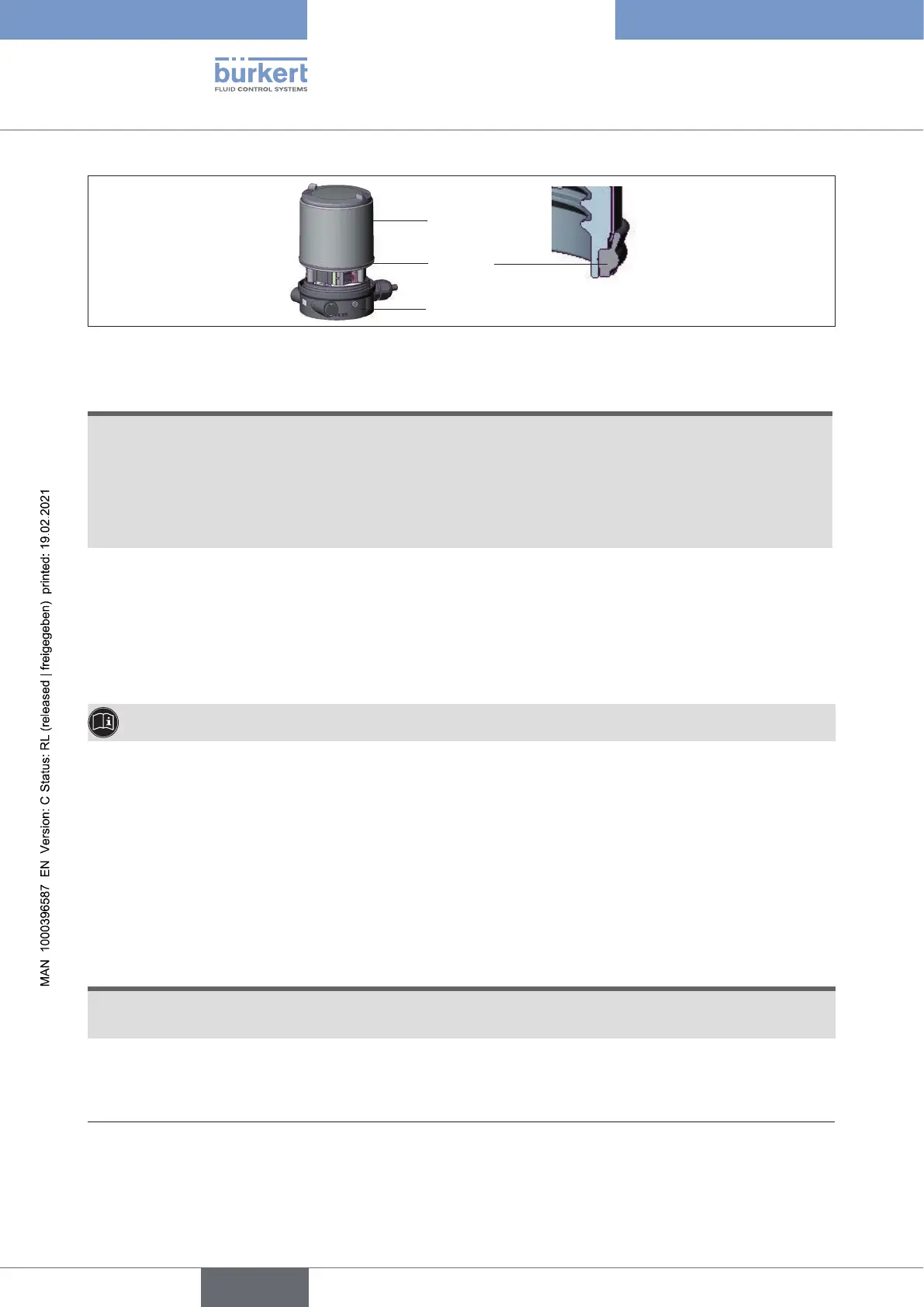
Seal
body casing
Body casing
Basic housing
Figure 44: Position of the seal in the body casing
ATTENTION!
Breakageofthepneumaticconnectionpiecesduetorotationalimpact.
▶ When unscrewing and screwing in the body casing or transparent cap, do not hold the actuator of the
process valve but the basic housing.
D
amageormalfunctionduetopenetrationofdirtandhumidity.
▶ To observe degree of protection IP65 / IP67, screw the transparent cap in all the way.
→ Close the device (assembly tool: 674077
27)
).
13.3 Setting with Bürkert Communicator
The Bürkert Communicator can be used to make all settings on the device.
The settings in the Bürkert Communicator can be found in the operating manual.
13.3.1 Connecting IO-Link device with Bürkert Communicator
Required components:
• Communications software: Bürkert Communicator for PC
• USB-büS interface set (see accessories)
• büS adapter for büS service interface (see accessories)
• If necessary, a büS cable extension (see accessories)
ATTENTION
Breakageofthepneumaticconnectionpiecesduetorotationalimpact.
▶ When opening or closing the device, do not press against the actuator, but against the basic housing.
→ Screwothetransparentcapbyturningcounterclockwise.
27) The assembly tool (674077) is available from your Bürkert sales oce.
english
Type 8694 REV.2



 To Next Page