28
Control and display elements
7.3 Conguration of the buttons
TooperatetheDIPswitchesandbuttons,makesurethatthelocalcontrollockisdeactivated/
unlocked(factorysetting):withcommunicationsoftwareoreldbuscommunication.
Thecongurationofthe2buttonsvariesdependingontheoperatingstate(AUTOMATIC/MANUAL).
The description of the operating states (AUTOMATIC / MANUAL) can be found in the chapter entitled “7.1
Operatingstate”.
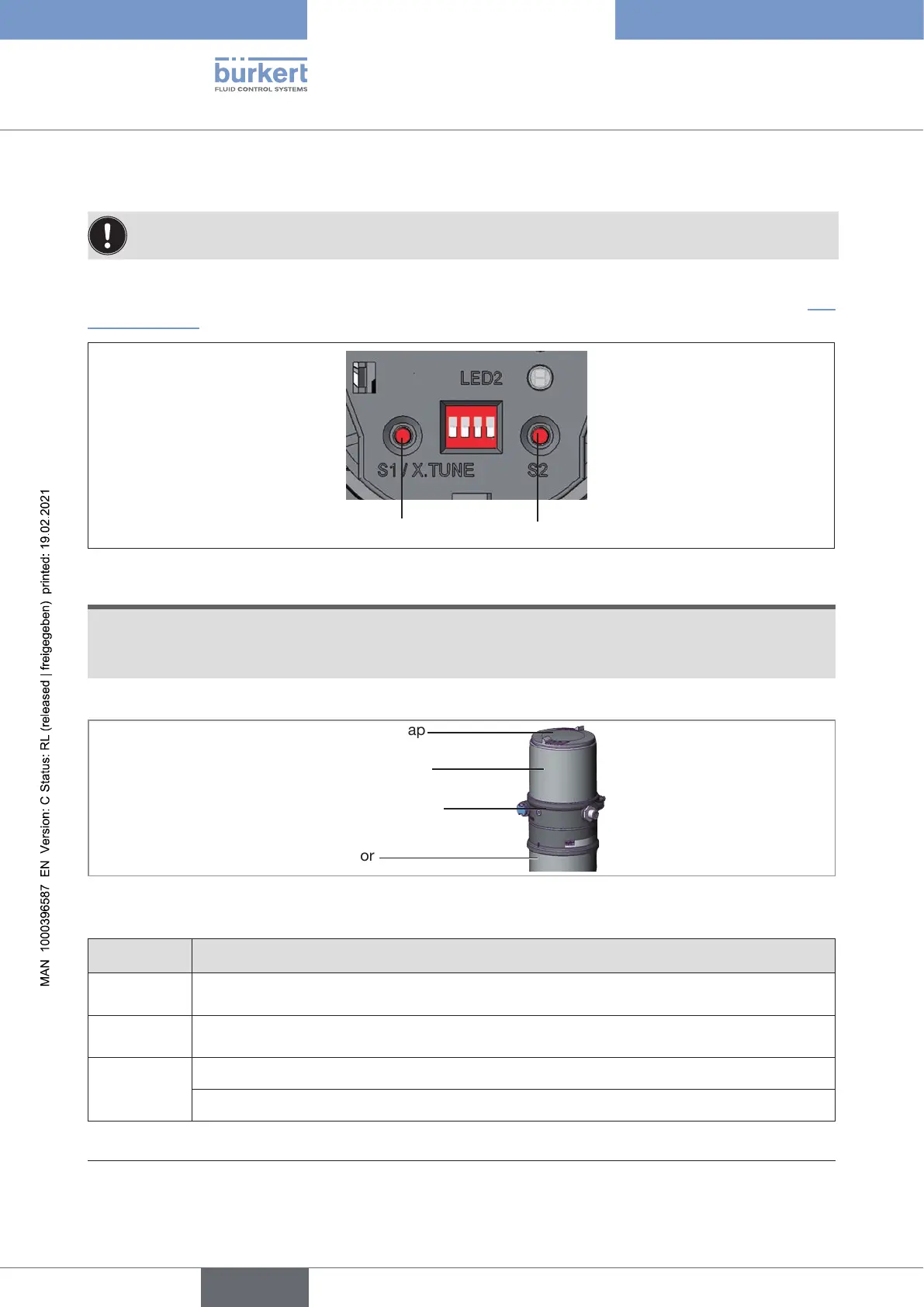
Button 1
Button 2
Figure 12: Description of the buttons
ATTENTION!
Breakageofthepneumaticconnectionpiecesduetorotationalimpact.
▶ When unscrewing and screwing in the body casing or transparent cap, do not hold the actuator of the
process valve but the basic housing.
→ To operate the buttons, unscrew the transparent cap
Body casing
Basic housing
Actuator
Transparent cap
Figure 13: Open positioner
MANUAL operating state (DIP switch 4 set to ON):
Button Function
1
Aerate
(manually open / close the actuator)
13)
2
Deaerate
(manually open / close the actuator)
13)
1 and 2
simultane-
ously
Longerthan10s(<30s,LED2ashesat5Hz):Devicerestart
Longerthan30s(LED2ashesat10Hz):Resetdevicetofactorysetting
Table 7: Conguration of the buttons for MANUAL operating state
13) Depending on the operating principle of the actuator.
english
Type 8694 REV.2



 To Next Page