118 ARTEMIS Digital Broadcast Production Console Monitoring
A fader panel can be set into
Monitor mode providing controls for
monitoring, metering and talkback
features.
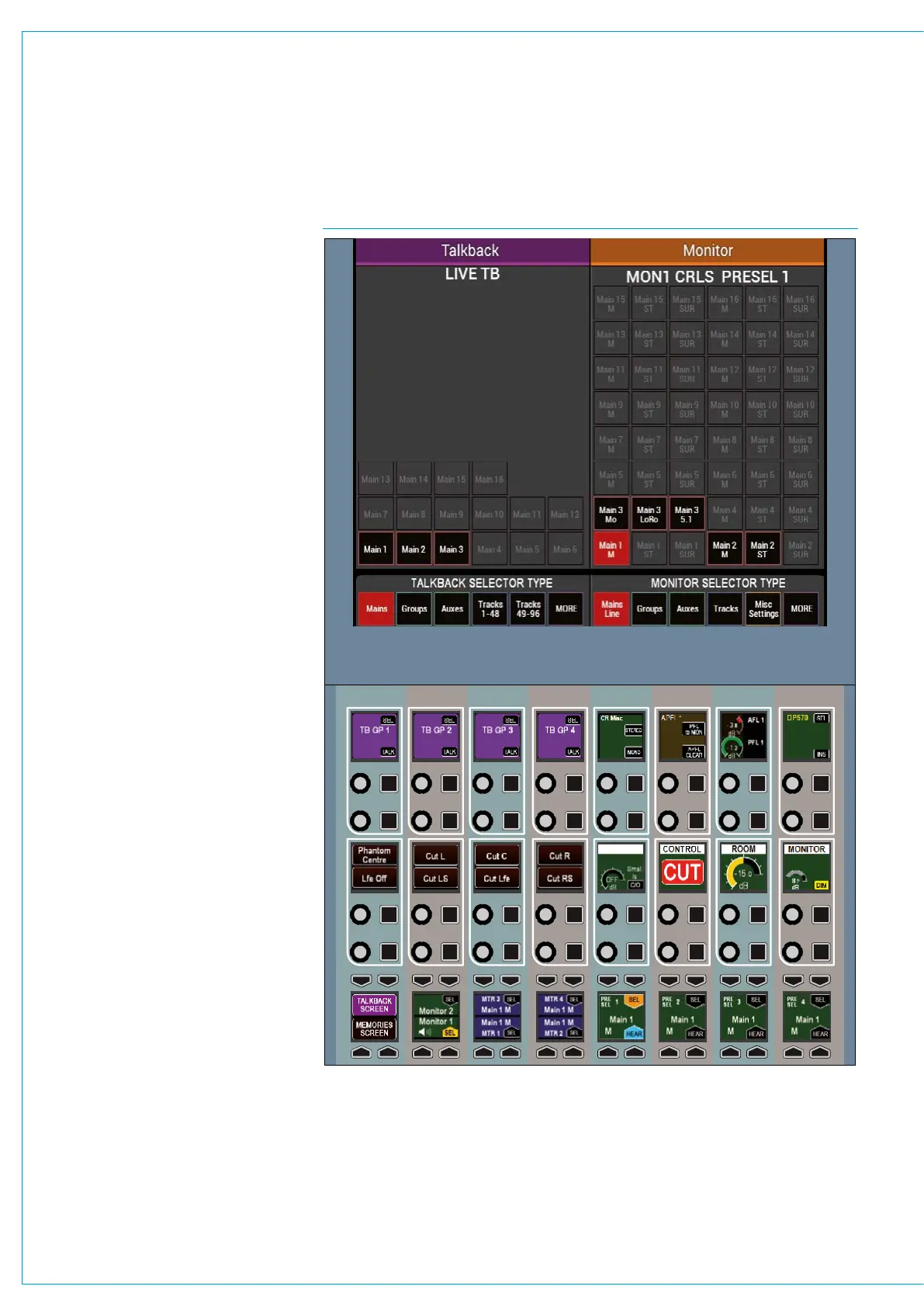
Fig 1 shows the layout of controls in
monitor mode. To set a fader panel into
monitor mode, touch the MONITOR
button on the Modes row.
MONITOR MODE
FIG 1 - CONTROL LAYOUT IN MONITOR MODE



 To Next Page