CALREC Putting Sound in the Picture 165
SYSTEM RESET
In the unlikely event that a failure
should occur at any point in the Artemis
system, the fail component may be
reset individually from the other system
components.
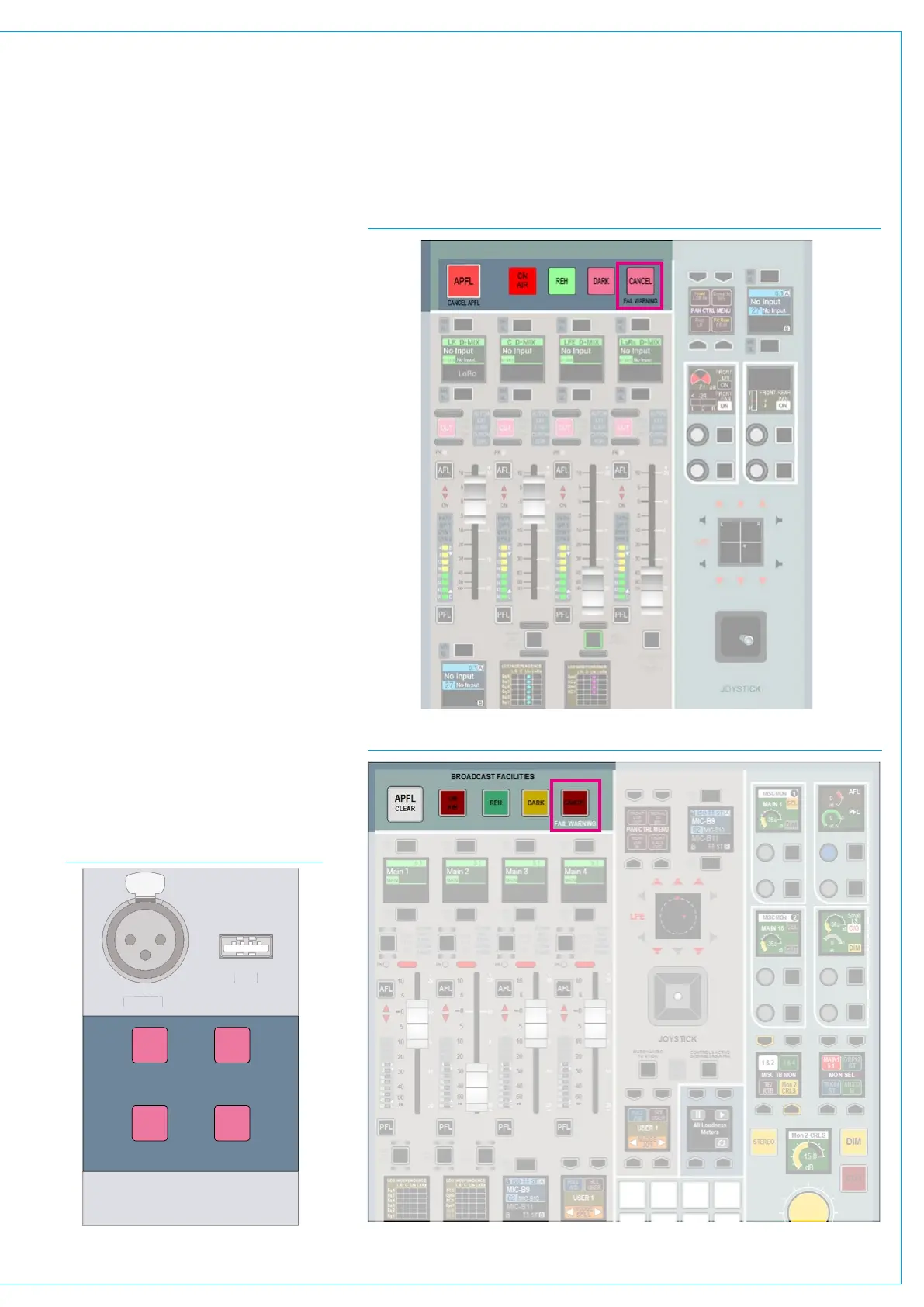
Fail warning indicator
System Status will detect any errors in the
system and issue a warning to the operator.
One warning indicator, the FAIL WARNING
button, is located in the Broadcast Facilities
area of the panel as shown in Fig 1 & Fig
2. This will flash when an error is detected.
It can be pressed to acknowledge the error
and will stop flashing, but will remain lit until
the error has been corrected.
Reset buttons
Buttons on the Central Meter panel allow
the DSP, surface and control systems to
be individually reset. To do this hold the
appropriate button for the failed component
and then press the ENABLE button as shown
in Fig 3 below. Similar buttons are also
available on the rack, with the addition of the
Hydra2 Router reset button.
Be extremely cautious when resetting
the Hydra2 Router/Expander system. If
any other consoles on the same network
are accessing ports on your system, they
will experience signal loss during the
reset period.
FIG 3 - RESET BUTTONS
RESETRESET
RESET
USB
DSPSURFACE
CONTROL
TB MIC
ENABLE
B
B MI
FIG 1 - FAIL WARNING BUTTON ON DEDICATED MONITOR PANEL
FIG 2 - FAIL WARNING BUTTON ON FADER/MONITOR PANEL



 To Next Page