CALREC Putting Sound in the Picture 175
EXTERNAL MONITOR / METER INPUTS
The audio on any input across the
network can be monitored or metered
using external inputs.
External inputs are typically used to
monitor down-stream feeds and ‘off-air’
returns to ensure the console output
is reaching its intended destination
uncompromised.
Configuring external inputs
In the main application selecting:
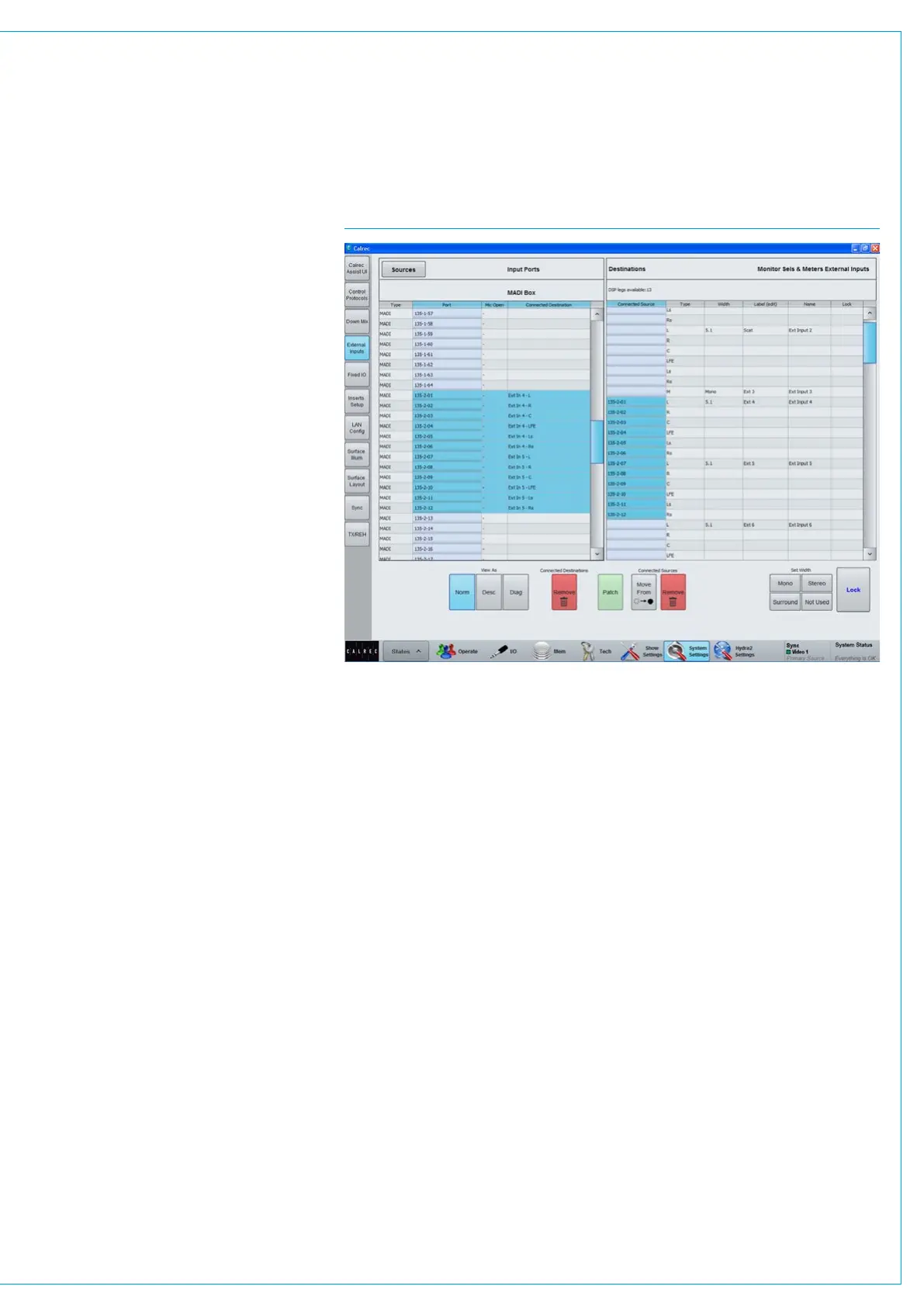
>System Settings>External Inputs allows
external inputs to be configured, see
Fig 1. Click on the Width cell for an input
in order to be able to select it as mono,
stereo or surround. Custom labels can be
given to each input by editing the Label
column.
Patch I/O ports to external inputs in
a similar way to other port patching -
sources are listed in the left hand side of
the screen, select the required port list
from the Filter Ports menu, then highlight
the desired port within the list, highlight
the chosen external input’s blue patching
cell and click ‘Patch’.
Monitoring / metering externals
External inputs appear as sources to the
monitor and meter selectors. Meters can
also be configured to display external
inputs directly (rather than via a meter
selector).
FIG 1 - MAIN APPLICATION, SHOW SETTINGS>EXTERNAL I/P



 To Next Page