CALREC Putting Sound in the Picture 129
The Artemis has both audio signal
path and remote control facilities for
use with encoded surround signals
such as those handled by the Dolby
DP570 (Dolby Digital and E encoder/
decoder), DP564 (Dolby Digital and
Pro Logic decoder) and SDU4 (Pro
Logic decoder).
The console monitor system has insert
points to allow the console selectors to
route audio to the external unit and to
bring it back into the signal path. The
console can also provide GPO control
outputs via relays and display the status
of the external unit via GPI tallies and
indicators on a fader panel.
To enable a monitor insert use the main
application and go to
>System Settings>Fixed I/O and touch
the ‘Select Source’ button then choose
‘Monitor Outputs’ (in the Desk Outputs
column).
Then touch the ‘Select Destination’ button
and filter that to confirm the port to be
used as the insert send, typically an AES
port on a BNC connector, if making a
simple direct connection to a Dolby unit
input. Touch ‘Patch’ to confirm the route.
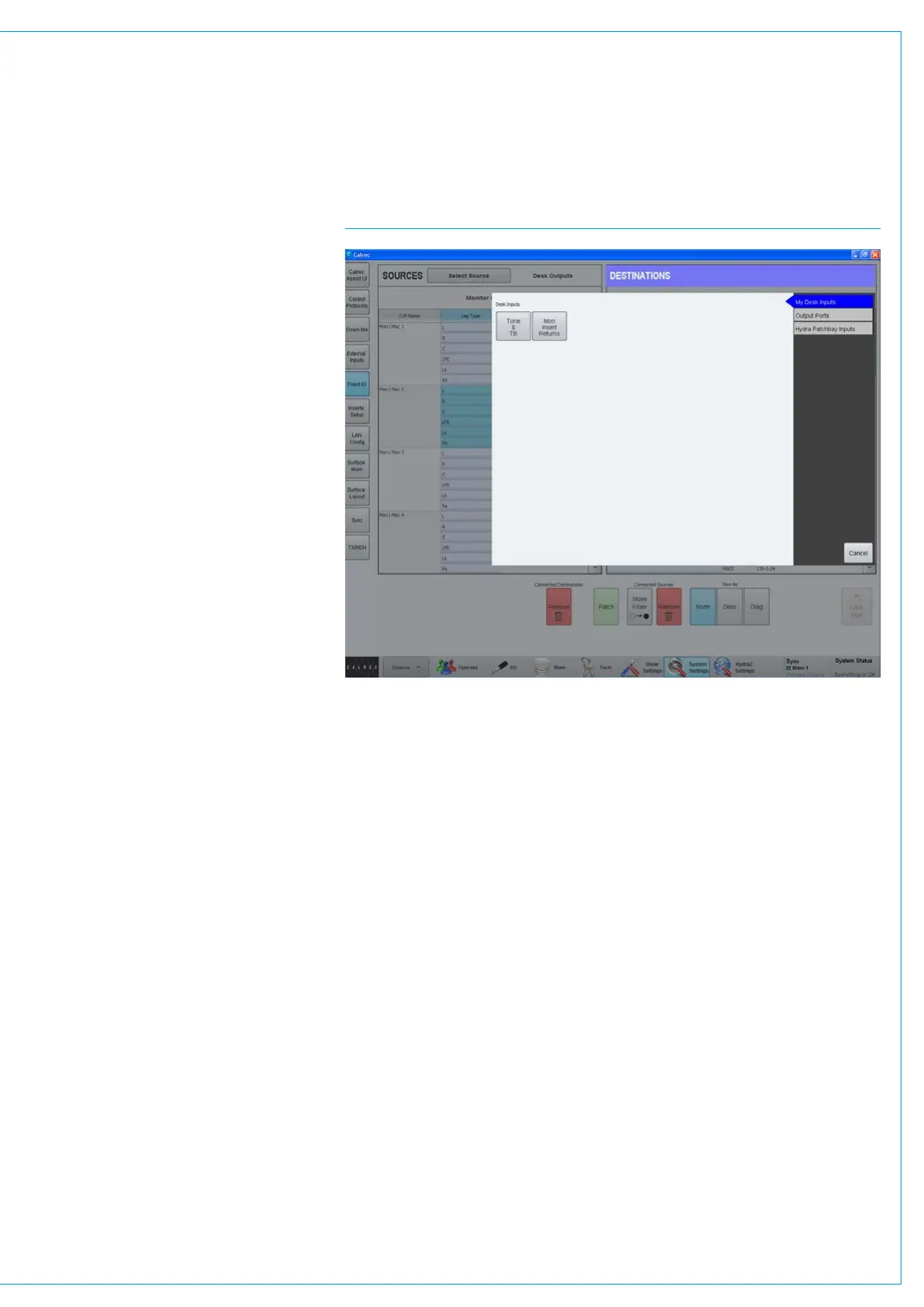
Then go back to the Sources list and
choose the port to be used as the insert
return and filter the Destinations list to
show ‘Mon Insert Returns’ and patch the
required port, see Fig 1.
SURROUND MONITORING
FIG 1 - MONITOR RETURN PATCHING



 To Next Page