Setting the Image Review Time
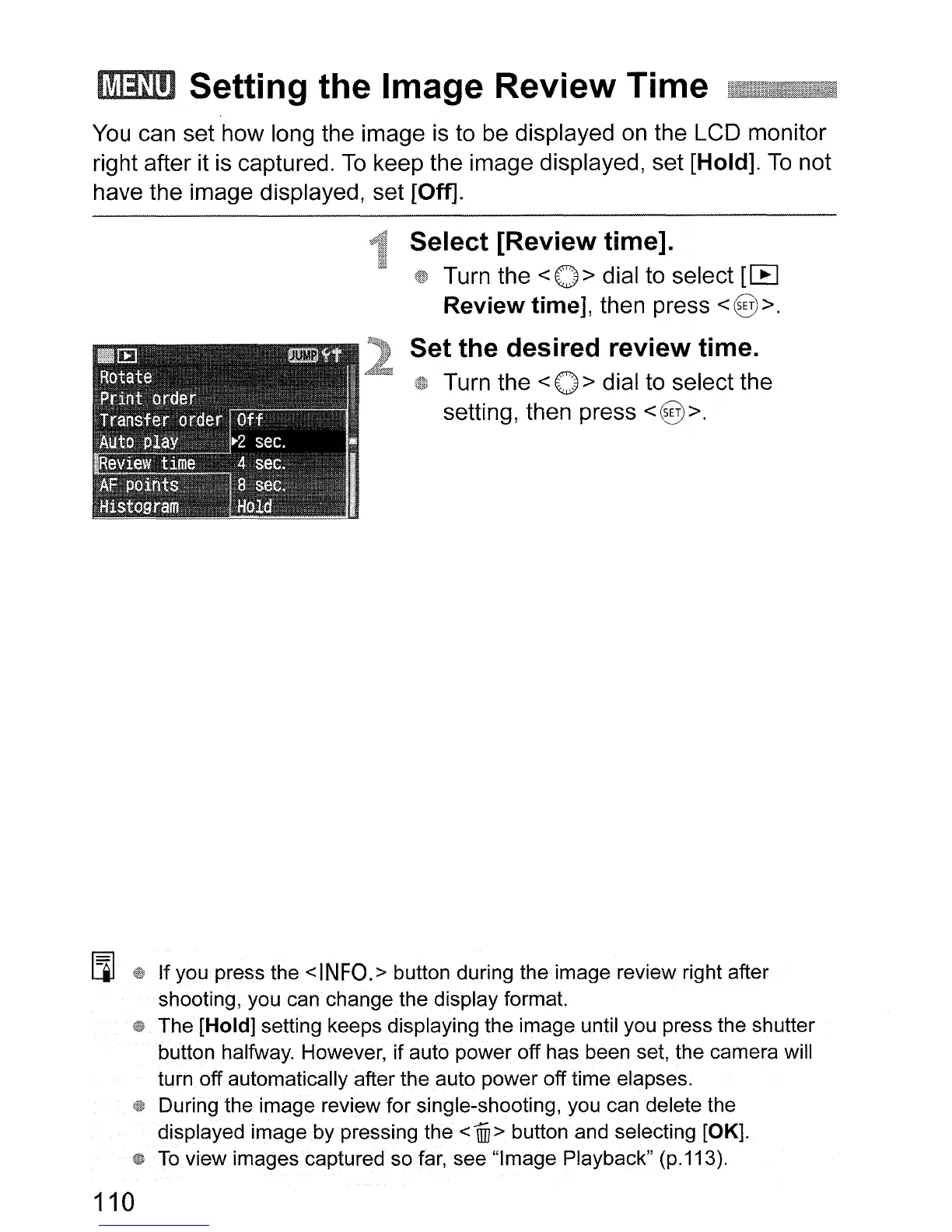
You
can set how long the image
is
to be displayed
on
the LCD monitor
right after it
is
captured.
To
keep the image displayed, set [Hold].
To
not
have the image displayed, set [Off].
Select [Review time].
Turn the <
0>
dial to select
[IB
Review
time], then press
<@>.
Set
the
desired review time.
Turn the <
0>
dial to select the
setting, then press
<@>.
[J]
If you press the
<INFO.>
button during the image review right after
shooting, you can change the display format.
The [Hold] setting keeps displaying the image until you press the shutter
button halfway. However, if auto power off has been set, the camera will
turn off automatically after the auto power off time elapses.
During the image review for single-shooting, you can delete the
displayed image by pressing the
<
1ID
> button and selecting [OK].
To
view images captured so
far,
see "Image Playback" (p.113).
110












 To Next Page