Bulb Exposures
When bulb
is
set, the shutter stays open while you hold down the shutter
button completely, and closes when you let go of the shutter button. This
is
called bulb exposure. Use bulb exposures for night scenes, fireworks,
the heavens, and other subjects requiring long exposures.
Set the Mode Dial
to
<M>.
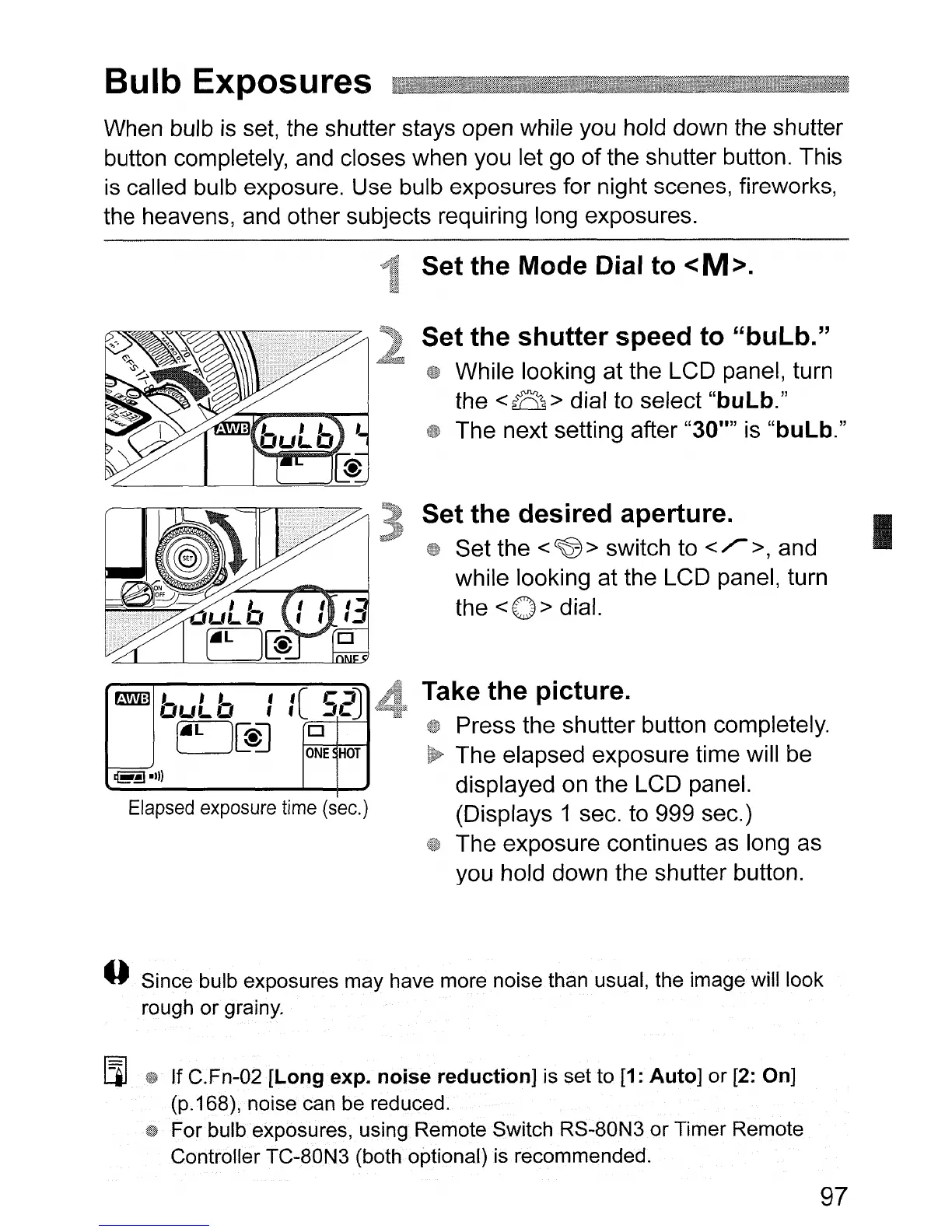
Elapsed
exposure
time
(sec.)
Set
the
shutter
speed
to
"bulb."
While looking at the LCD panel, turn
the
<8>
dial to select
"bulb."
The next setting after "30"" is
"bulb."
Set
the
desired aperture.
Set the <CW> switch to
</>,
and
while looking at the LCD panel, turn
the
<0>
dial.
Take
the
picture.
Press the shutter button completely.
The elapsed exposure time will be
displayed on the LCD panel.
(Displays 1 sec. to 999 sec.)
The exposure continues as long as
you hold down the shutter button.
I
o Since bulb exposures may have more noise than usual, the image will look
rough or grainy.
[l]
iW
If C.Fn-02
[Long
expo
noise
reduction]
is set to [1:
Auto]
or [2: On]
(p.168), noise can be reduced.
For bulb exposures, using Remote Switch RS-80N3
or
Timer Remote
Controller TC-80N3 (both optional) is recommended.
97












 To Next Page