EB
Selecting the AF Point*
The AF point
is
used for focusing. The AF point can
be
selected
automatically by the camera or manually by you.
In
Basic Zone modes and the <
A-DEP
> mode, the AF point
is
selected
automatically.
In
the <P>
<Tv>
<Av>
<M> modes, you can switch
between automatic and manual AF point selection.
Automatic
AF
point
selection
The camera selects the AF point automatically according
to
the
shooting conditions.
All
the
AF
points
in
the
viewfinder
will
light
in
red.
Manual AF
Point
Selection
You can
select
any
of
the
nine
AF
points
manually. This
is
best
when you want to focus
on
a particular subject, or autofocus quickly
while composing the shot.
Selecting
with
the
Multi-controller
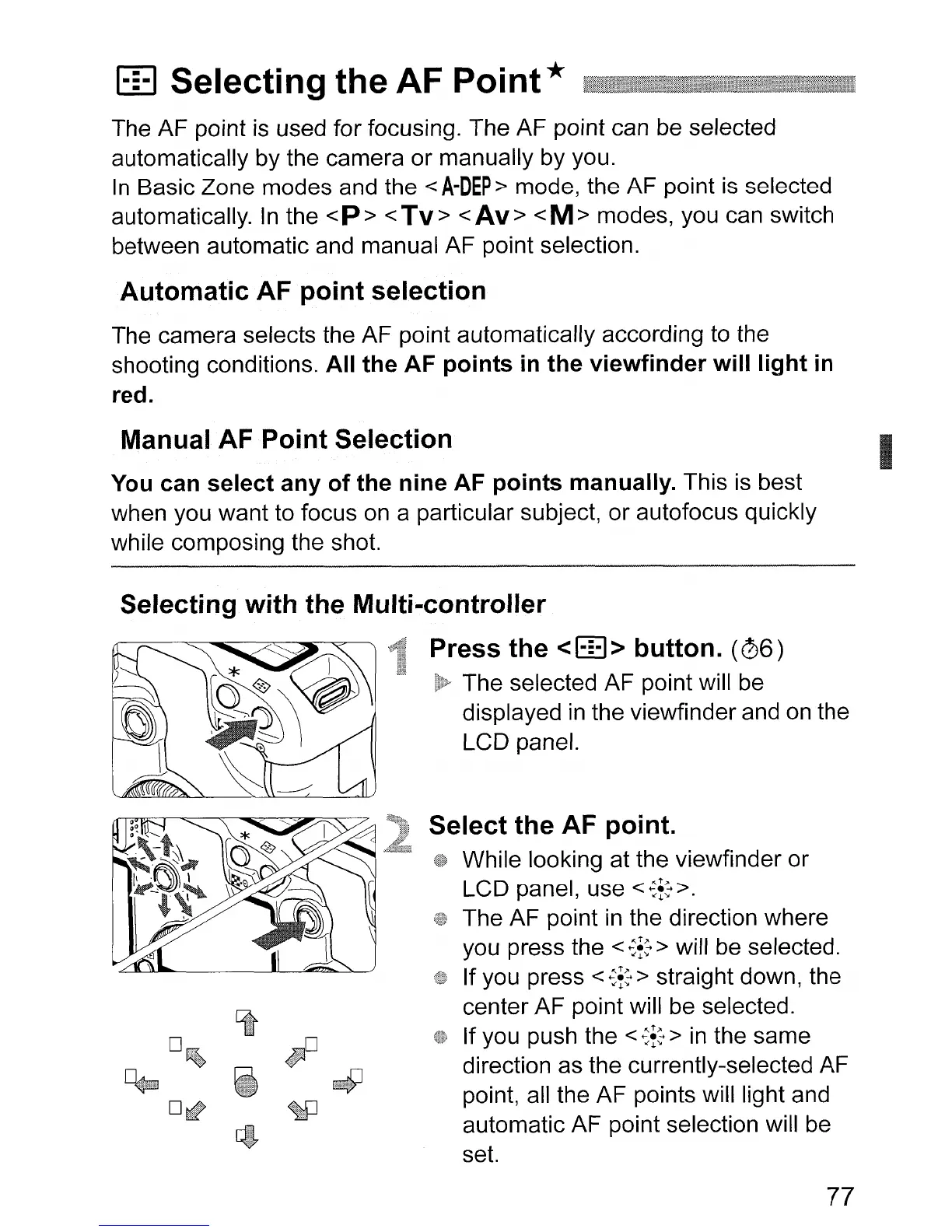
Press the
<EEl>
button.
(06)
The selected AF point will
be
displayed
in
the viewfinder and
on
the
LCD panel.
Select the AF point.
While looking at the viewfinder or
LCD panel, use
<~i:>.
The AF point
in
the direction where
you press the
<
~i:
> will
be
selected.
If you press
<
~i:
> straight down, the
center AF point will be selected.
If you push the
<
~i:
>
in
the same
direction as the currently-selected AF
point, all the AF points will light and
automatic AF point selection will
be
set.
77
I












 To Next Page