Mirror Lockup*
aWA
iIWl
•••
IJ.~_·.·.'
.
Mirror lockup is enabled with C.Fn-12
[Mirror
lockup]
set to [1: Enable]
(p.172). The mirror can be swung
up
separately from when the
exposure is made. This prevents mirror vibrations which may blur the
image during close-ups or when a super telephoto lens
is
used. Set
Custom Functions with
[tT
Custom
Functions
(C.Fn)].
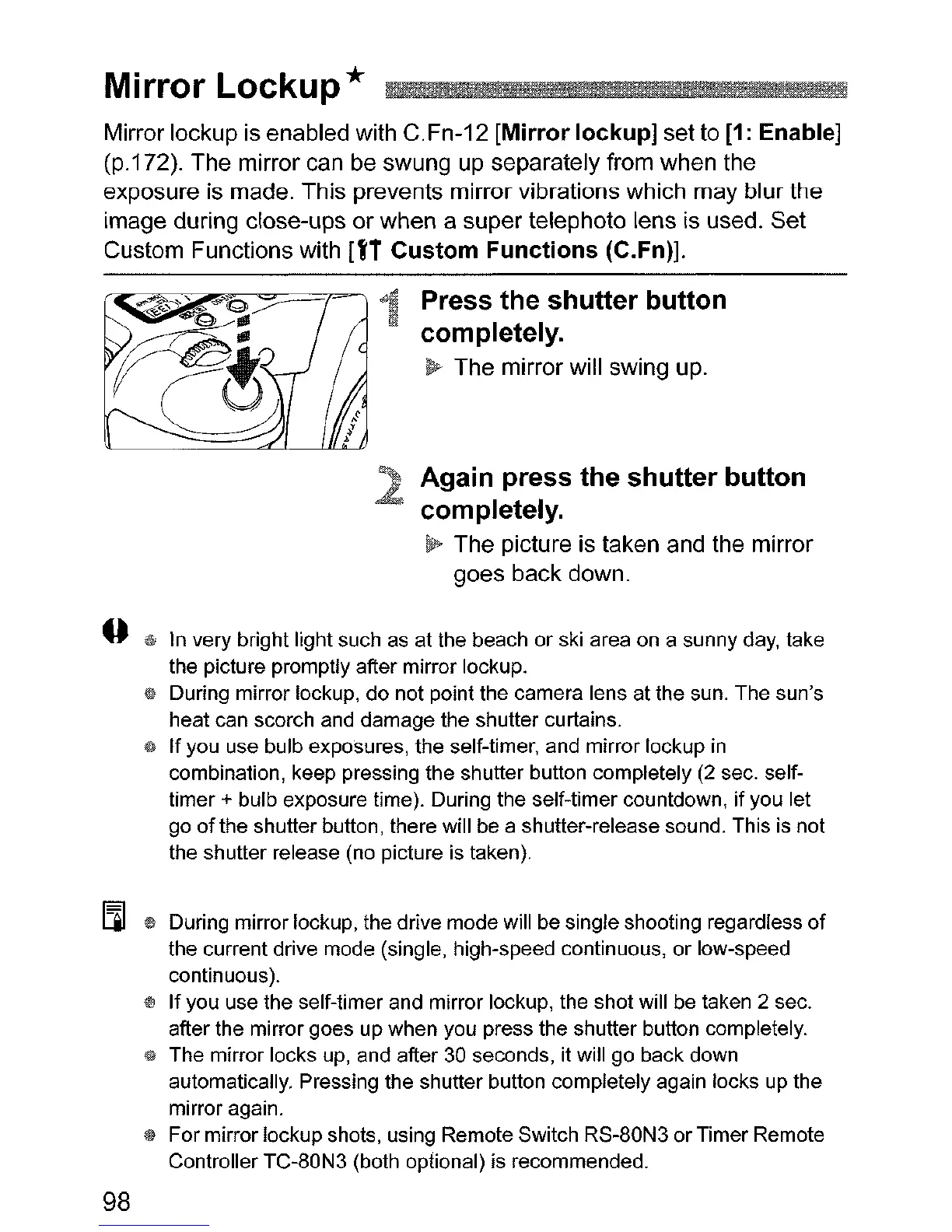
1 Press
the
shutter
button
completely.
~
The mirror will swing up.
Again
press
the
shutter
button
completely.
~
The picture is taken and the mirror
goes back down.
~
In very bright light such as at the beach or ski area on a sunny day, take
the picture promptly after mirror lockup.
1$
During mirror lockup, do not point the camera lens at the sun. The sun's
heat can scorch and damage the shutter curtains.
4t
If you use bulb exposures, the self-timer, and mirror lockup
in
combination, keep pressing the shutter button completely (2 sec. self-
timer + bulb exposure time). During the self-timer countdown,
if
you let
go
of
the shutter button, there will be a shutter-release sound. This
is
not
the shutter release (no picture is taken).
III
* During mirror lockup, the drive mode will be single shooting regardless
of
the current drive mode (single, high-speed continuous, or low-speed
continuous).
l!J
If
you use the self-timer and mirror lockup, the shot will be taken 2 sec.
after the mirror goes up when you press the shutter button completely.
~
The mirror locks
up,
and after 30 seconds, it will go back down
automatically. Pressing the shutter button completely again locks
up
the
mirror again.
$ For mirror lockup shots, using Remote Switch RS-80N3 or Timer Remote
Controller TC-80N3 (both optional) is recommended.
98












 To Next Page