Conventions Used
in
this Manual
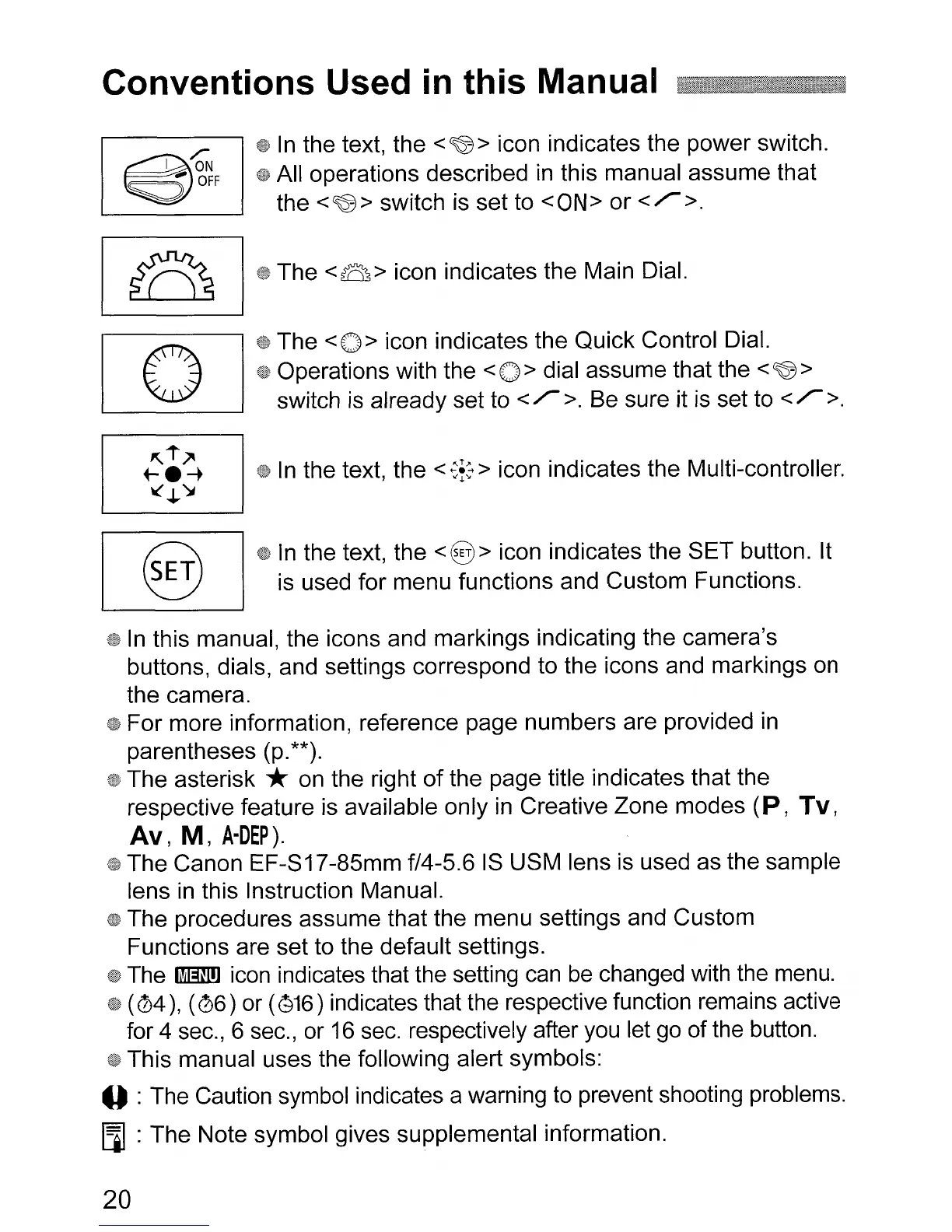
In
the text, the
<~>
icon indicates the power switch.
All operations described
in
this manual assume that
the
<~>
switch is set to
<ON>
or
</>.
The <B > icon indicates the Main Dial.
The <0 > icon indicates the Quick Control Dial.
Operations with the <0 > dial assume that the <
~
>
switch
is
already set to
</>.
Be sure it is set to
</>.
In
the text, the <
~~:
> icon indicates the Multi-controller.
In
the text, the
<@>
icon indicates the SET button. It
is used for menu functions and Custom Functions.
In
this manual, the icons and markings indicating the camera's
buttons, dials, and settings correspond to the icons and markings on
the camera.
For more information, reference page numbers are provided
in
parentheses (p.**).
The asterisk *on the right
of
the page title indicates that the
respective feature is available only
in
Creative Zone modes
(P,
Tv,
Av, M,
A-OEP).
The Canon EF-S17-85mm f/4-5.6
IS
USM lens is used as the sample
lens
in
this Instruction Manual.
The procedures assume that the menu settings and Custom
Functions are set to the default settings.
The
1m!)
icon indicates that the setting
can
be
changed with the menu.
(
(4),
(06)
or (816) indicates that the respective function remains active
for 4 sec., 6 sec., or
16
sec. respectively after you let go of the button.
This manual uses the following alert symbols:
o :The Caution symbol indicates a warning to prevent shooting problems.
[i] :The Note symbol gives supplemental information.
20












 To Next Page