Set the power-offtime/Auto power off
You
can set the auto power-off time for the camera to turn off
automatically after a set time
of
idle operation. If you do not want the
camera to turn off automatically, set this to [Off]. After the power turns
off, you can turn on the camera again by pressing the shutter button or
I
other button.
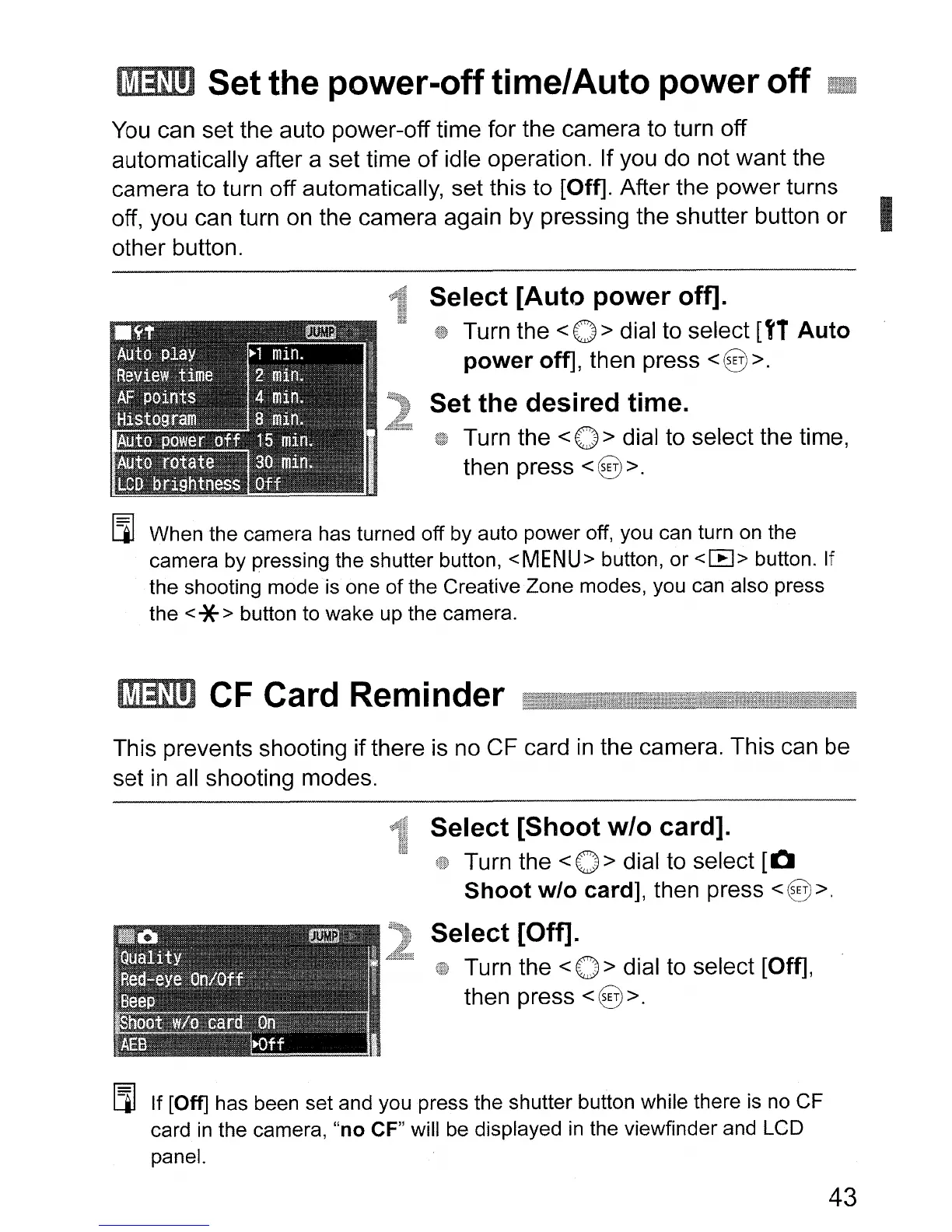
Select
[Auto
power
off].
Turn the
<0>
dial to select [f1
Auto
power
off], then press <@>.
Set
the
desired
time.
Turn the < 0 > dial to select the time,
then press
<@>.
[l]
When the camera has turned off by auto power off, you can turn on the
camera by pressing the shutter button,
<MENU>
button, or
<[8>
button. If
the shooting mode
is
one
of
the Creative Zone modes, you can also press
the
<*> button to wake up the camera.
CF Card Reminder
This prevents shooting ifthere
is
no CF card
in
the camera. This can be
set
in
all shooting modes.
Select
[Shoot
w/o
card].
Turn the < 0 > dial to select
[0
Shoot
w/o
card], then press <@>.
Select
[Off].
Turn the < 0 > dial to select [Off],
then press
<@>.
[l] If [Off] has been set and you press the shutter button while there
is
no CF
card
in
the camera,
"no
CF" will
be
displayed
in
the viewfinder and LCD
panel.
43












 To Next Page