Auto Exposure Bracketing (AEB) *
By changing the shutter speed or aperture automatically, the camera
brackets the exposure
up
to
±2
stops
in
1/3-stop increments for three
successive shots. This
is
called Auto Exposure Bracketing (AEB).
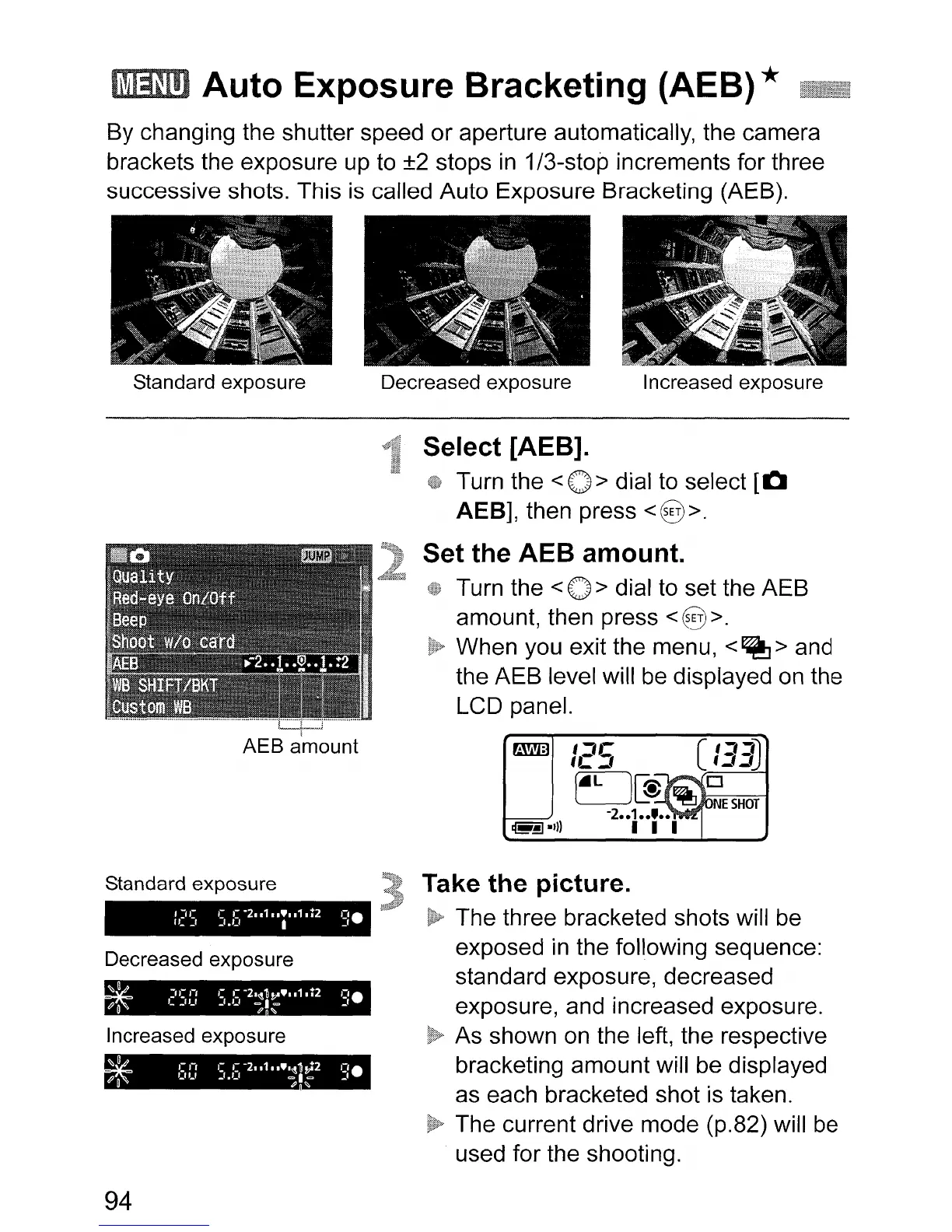
Standard exposure Decreased exposure Increased exposure
AEB a'mount
Standard exposure
Decreased exposure
Increased exposure
94
Select [AEB].
Turn the
<0>
dial to select
[0
AEB], then press <8
>.
Set the AEB amount.
Turn the <0 > dial to set the AEB
amount, then press
<§>.
When you exit the menu,
<~>
and
the AEB level will
be
displayed
on
the
LCD panel.
Take the picture.
The three bracketed shots will
be
exposed
in
the following sequence:
standard exposure, decreased
exposure, and increased exposure.
As shown
on
the left, the respective
bracketing amount will be displayed
as each bracketed shot is taken.
The current drive mode (p.82) will
be
used for the shooting.












 To Next Page