li!iI3mI
Auto Exposure Bracketing (AEB) *
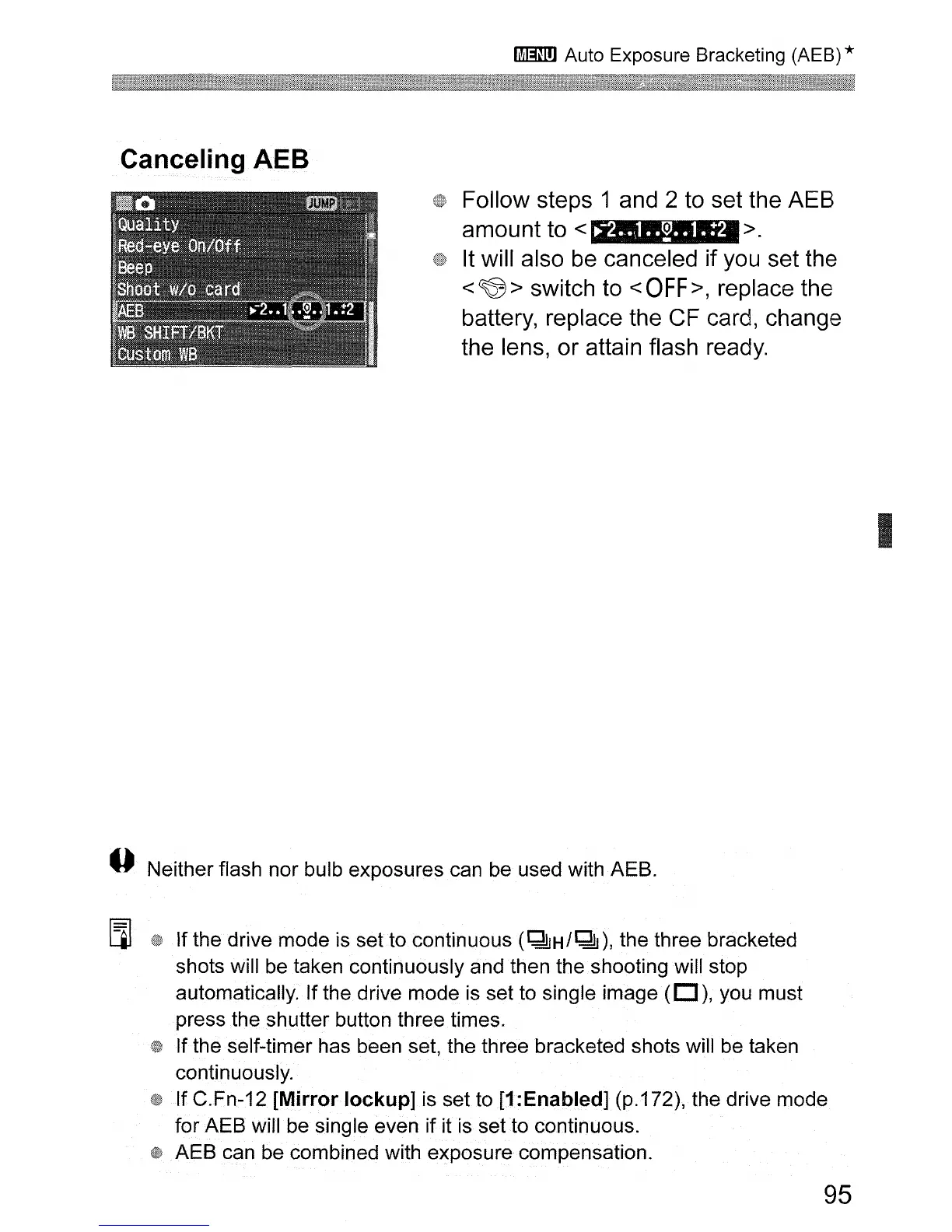
Canceling AEB
Follow steps 1 and 2 to set the AEB
amount to
< >
It will also
be
canceled if you set the
<
~
> switch to <
OFF>,
replace the
battery, replace the CF card, change
the lens, or attain flash ready.
I
--
Neither flash nor bulb exposures can be used with AEB.
[l]
If the drive mode is set to continuous
(~H/~),
the three bracketed
shots will
be
taken continuously and then the shooting will stop
automatically. If the drive mode
is
set to single image
(D),
you must
press
the
shutter button three times.
If the self-timer has been set, the three bracketed shots will be taken
continuously.
If C.Fn-12
[Mirror
lockup]
is set to [1:Enabled] (p.172), the drive mode
for AEB will be single even if it
is
set
to
continuous.
AEB can be combined with exposure compensation.
95












 To Next Page