Quick Start Guide
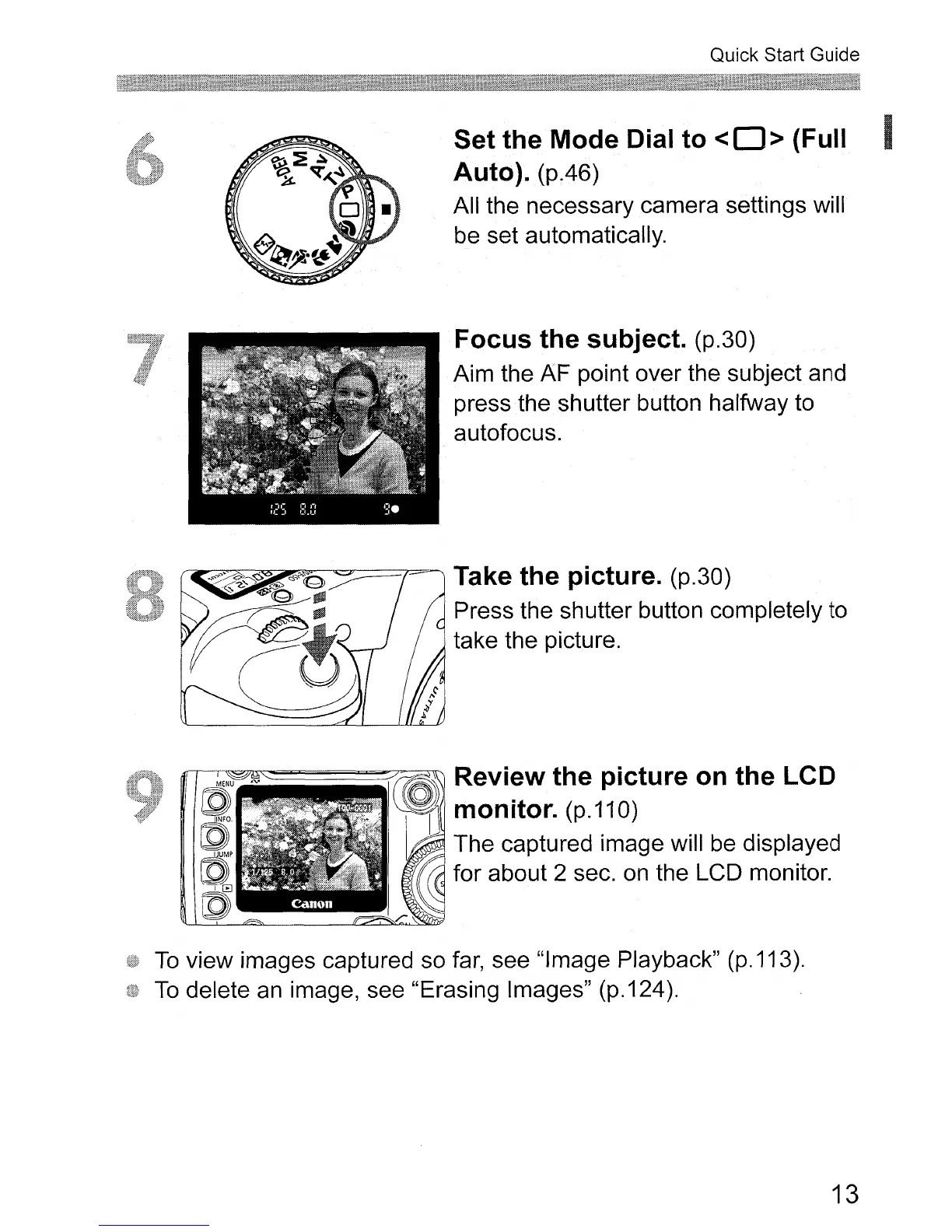
Set the Mode Dial to <0 > (Full
Auto).
(p.46)
All the necessary camera settings will
be set automatically.
Focus the subject. (p.30)
Aim the AF point over the subject and
press the shutter button halfway to
autofocus.
Take the picture. (p.30)
Press the shutter button completely to
take the picture.
1rI~~=========~~
Review the picture on the LCD
monitor.
(p.110)
The captured image will be displayed
for about 2 sec.
on
the LCD monitor.
To
view images captured so
far,
see "Image Playback" (p.113).
To
delete
an
image, see "Erasing Images" (p.124).
13












 To Next Page