Basic Operation
[i]
If you press the shutter button halfway and
(04
) elapse, you must press it
halfway again and
waita
moment before pressing it completely to take a
picture.
If
you press the shutter button completely without pressing it halfway
first
or
if you press the shutter button halfway and then press it completely
immediately, the camera will take a moment before it takes the picture.
Ever during image playback, menu display, or image recording, you can press
the shutter button halfway to instantly return to shooting. (This does not work
during direct printing or while the direct image transfer screen
is
displayed.)
Camera movement during the
moment
of
exposure is called camera
shake. Camera shake can cause blurred pictures.
To
prevent camera
shake, note the advice below. Also see "Holding the Camera" (p.44).
• Hold the
camera
steady.
• Put
your
finger tip on
the
shutter
button, hold
the
camera
with
your
right
hand,
then
press the
shutter
button gently.
Operating the
<~>
Main Dial
The < a > dial is mainly used for shooting-related settings.
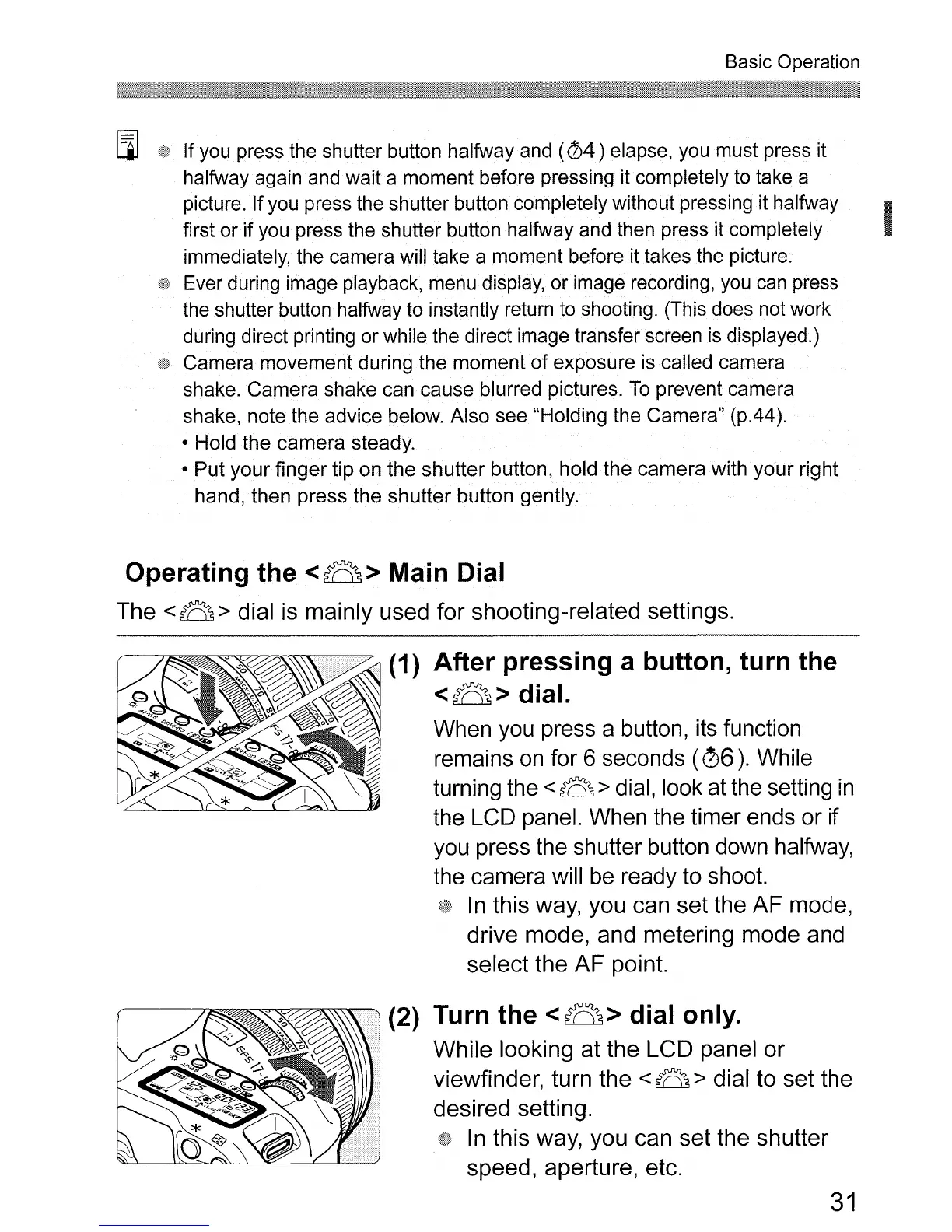
(1) After pressing a button, turn the
<~>dial.
When you press a button, its function
remains
on
for 6 seconds (06). While
turning the
<a > dial, look at the setting
in
the LCD panel. When the timer ends or if
you press the shutter button down halfway,
the camera will
be
ready to shoot.
In
this way, you can set the AF mode,
drive mode, and metering mode and
select the
AF
point.
(2) Turn the
<~>
dial only.
While looking at the LCD panel
or
viewfinder, turn the < a > dial to set the
desired setting.
In
this way, you can set the shutter
speed, aperture, etc.
31












 To Next Page