Fully Automatic
Shooting
This chapter explains how to use the Basic Zone modes
on
the Mode Dial for quick and easy shooting.
In
each mode
<0>
<\l\>
<A&>
<~>
<~>
<~>
<cr;J>, the AF
mode, metering mode, ISO speed, etc., are set
automatically to suit the subject.
In
these modes, all you do
is
point and shoot.
In
addition, to help prevent mistakes
caused by operating the camera improperly, shooting-
related buttons like
<
AF·WB
> <
150
> <
~.~
> <
EEl
>
<
*> buttons and <
~f:
> are disabled
in
these modes. So
you need not worry about accidental errors.
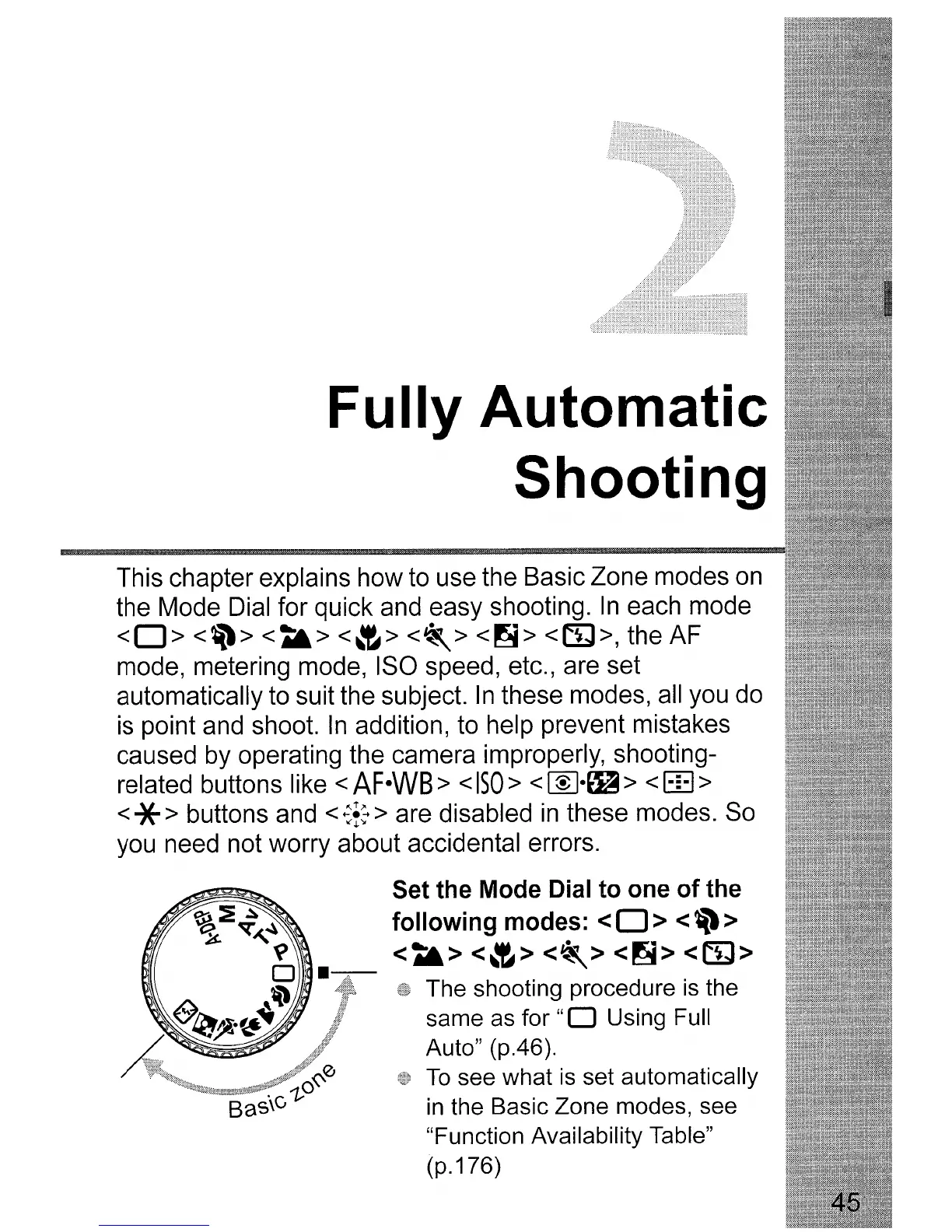
Set
the
Mode
Dial
to
one
of
the
following
modes:
<0>
<\l\>
<A&>
<~>
<~>
<~>
<cr;J>
The shooting procedure
is
the
same
as
for
"0
Using Full
Auto" (p.46).
To
see what
is
set automatically
in
the Basic Zone modes, see
"Function Availability Table"
(p.176)












 To Next Page