o Using
Full
Auto
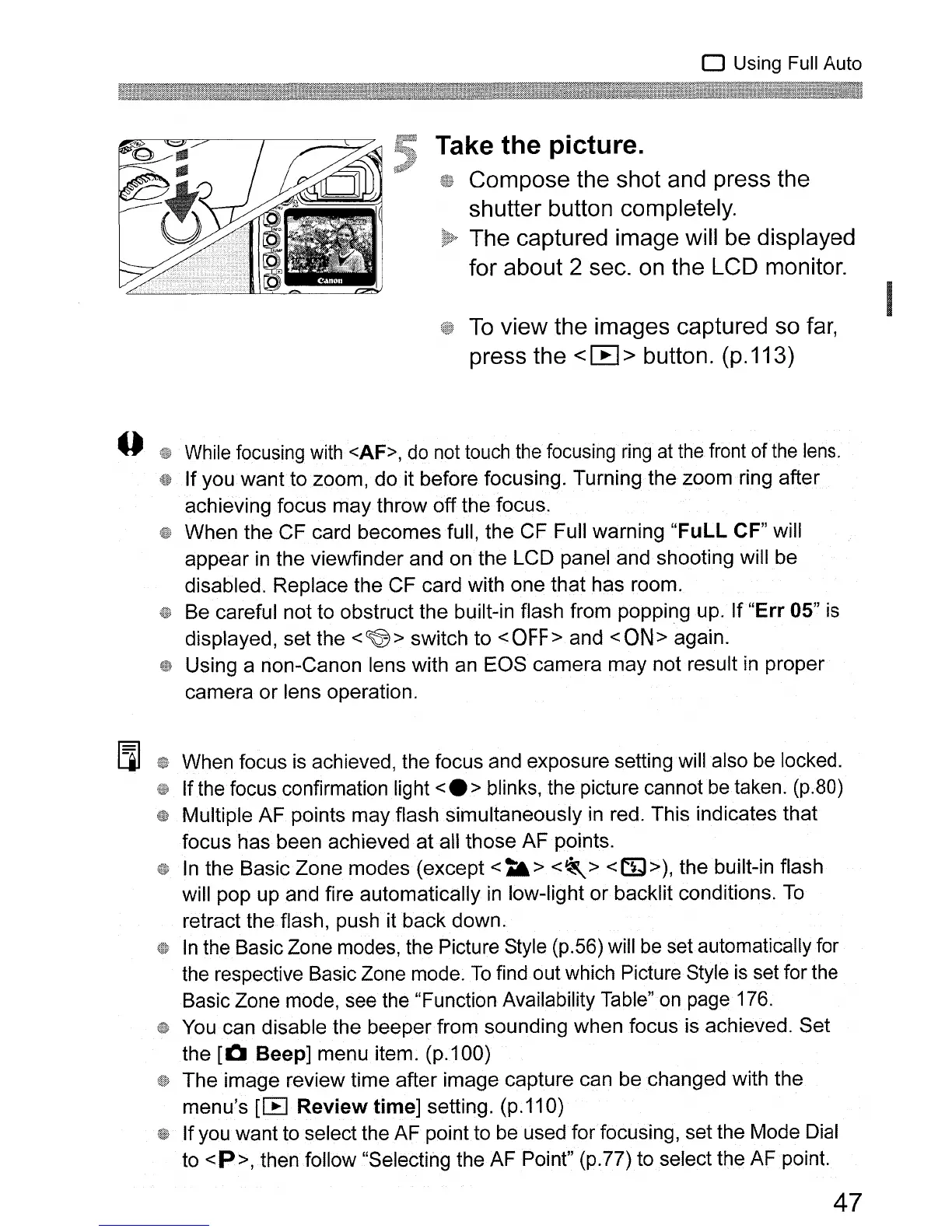
Take the picture.
Compose the shot and press the
shutter button completely.
The captured image will
be
displayed
for about 2 sec.
on
the LCD monitor.
To
view the images captured so
far,
press the < [EJ > button. (p.113)
While
focusing
with
<AF>,
do
not
touch
the
focusing
ring
at
the
front of
the
lens.
,t»
If you want to 200m, do it before focusing. Turning the zoom ring after
achieving focus may throw
off
the focus.
When the CF card becomes full, the CF Full warning
"FuLL
CF" will
appear
in
the viewfinder and
on
the LCD panel and shooting will be
disabled. Replace the CF card with one that has room.
Be careful not to obstruct the built-in flash from popping up.
If
"Err
05" is
displayed, set the
<~>
switch to
<OFF>
and
<ON>
again.
Using a non-Canon lens with an EOS camera may not result
in
proper
camera
or
lens operation.
When focus
is
achieved, the focus and exposure setting will also be locked.
If the focus confirmation light
<.
> blinks, the picture cannot
be
taken. (p.80)
Multiple
AF
points may flash simultaneously
in
red. This indicates that
focus has been achieved
at
all those AF points.
In
the Basic Zone modes (except
<t&>
<~>
<l:Y»,
the built-in flash
will pop up and fire automatically
in
low-light
or
backlit conditions.
To
retract the flash, push it
back
down.
In
the Basic Zone modes, the Picture Style (p.56) will
be
set automatically for
the respective Basic Zone mode.
To
find out which Picture Style
is
set for the
Basic Zone mode, see the "Function Availability Table"
on
page 176.
You can disable the beeper from sounding when focus is achieved. Set
the
[0
Beep] menu item. (p.100)
The image review time after image capture can be changed with the
menu's
[IB
Review time] setting. (p.110)
Ifyou want to select the AF point to be used for focusing, set the Mode Dial
to
<P>, then follow "Selecting the AF Point" (p.77) to select the AFpoint.
47












 To Next Page