Basic Zone Modes
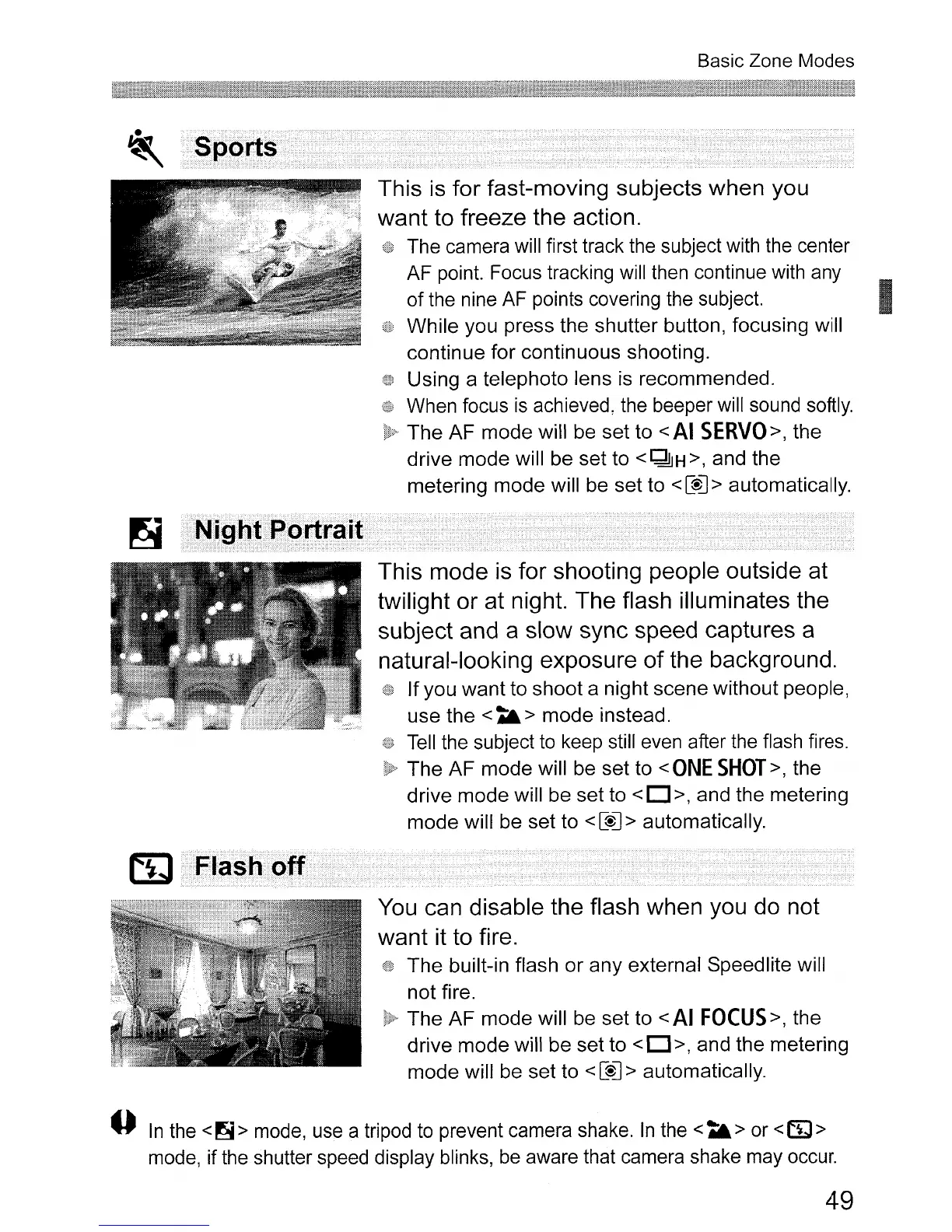
This
is
for fast-moving subjects when you
want to freeze the action.
The camera will first track the subject with the center
AF point. Focus tracking will then continue with any
I
of the nine AF points covering the subject.
While
you press the shutter button, focusing will
continue
for
continuous shooting.
Using a telephoto lens is recommended.
When focus
is
achieved, the beeper will sound softly.
The
AF
mode
will be
set
to
<
AI
SERVO>,
the
drive
mode
will be set to
<~H>,
and the
metering
mode
will be
set
to <
[$J
> automatically.
This mode
is
for shooting people outside at
twilight or at night. The flash illuminates the
subject and a slow sync speed captures a
natural-looking exposure of the background.
If
you
want
to
shoot
a night
scene
without
people,
use
the
<A&>
mode
instead.
Tell
the subject to keep still even after the flash fires.
The
AF
mode
will be
set
to <
ONE
SHOT>,
the
drive
mode
will be
set
to < 0 >, and
the
metering
mode
will be set to <
[$J
> automatically.
You
can disable the flash when you
do
not
want it to fire.
The
built-in flash
or
any
external Speedlite will
not
fire.
The
AF
mode
will be
set
to <
AI
FOCUS>,
the
drive
mode
will
be
set
to
<0 >, and
the
metering
mode
will be set to <
[$J
> automatically.
o
In
the
<~>
mode, use a tripod to prevent camera shake.
In
the
<A&>
or <cr;J>
mode, if the shutter speed display blinks, be aware that camera shake may occur.
49












 To Next Page