P Program AE
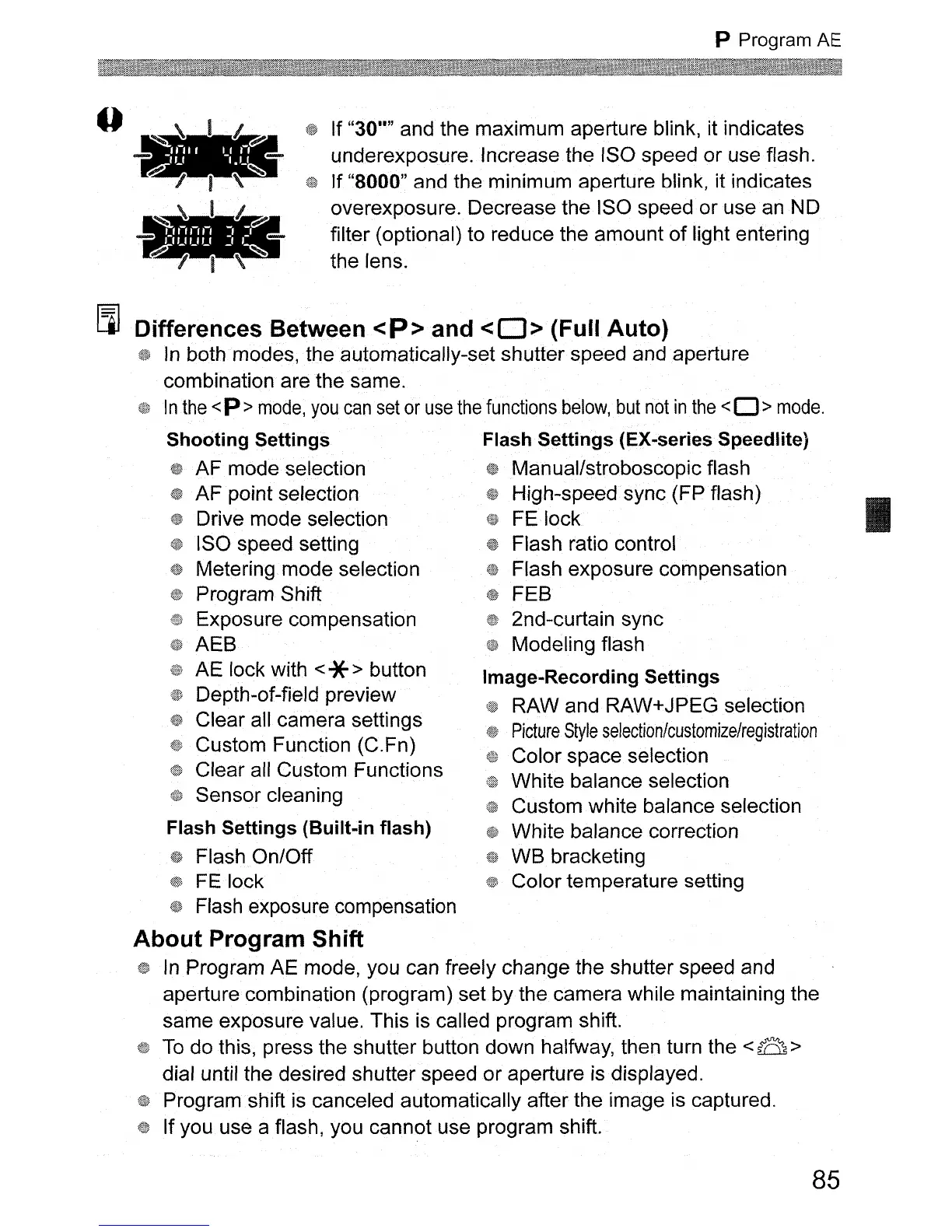
If "30"" and the maximum aperture blink, it indicates
underexposure. Increase the ISO speed or use flash.
If "8000" and the minimum aperture blink, it indicates
overexposure. Decrease the ISO speed or use
an
NO
filter (optional) to reduce the amount
of
light entering
the lens.
[J]
Differences Between
<P>
and
<0>
(Full Auto)
In
both modes, the automatically-set shutter speed and aperture
combination are the same.
In
the
<P >
mode,
you
can
set
or
use
the
functions
below,
but
not
in
the
<0 >
mode.
Shooting Settings Flash Settings (EX-series Speedlite)
{1f
AF mode selection Manual/stroboscopic flash
AF point selection High-speed sync (FP flash)
Drive mode selection
FE
lock
ISO speed setting Flash ratio control
Metering mode selection Flash exposure compensation
Program Shift FEB
Exposure compensation 2nd-curtain sync
AEB Modeling flash
AE lock with
<*> button Image-Recording Settings
Depth-of-field
previe~
RAW and RAW+JPEG selection
Clear all
cam~ra
settings
Picture
Style
selection/customize/registration
Custom Function (C.Fn) Color space selection
Clear all
Cus~om
Functions White balance selection
Sensor cleaning Custom white balance selection
Flash Settings (Built-in flash) White balance correction
Flash On/Off WB bracketing
FE
lock Color temperature setting
Flash exposure compensation
About Program Shift
In
Program AE mode, you can freely change the shutter speed and
aperture combination (program) set by the camera while maintaining the
same exposure value. This is called program shift.
To
do this, press the shutter button down halfway, then turn the < a >
dial until the desired shutter speed or aperture
is
displayed.
Program shift is canceled automatically after the image is captured.
If you use a flash, you cannot use program shift.
85












 To Next Page