M Manual Exposure
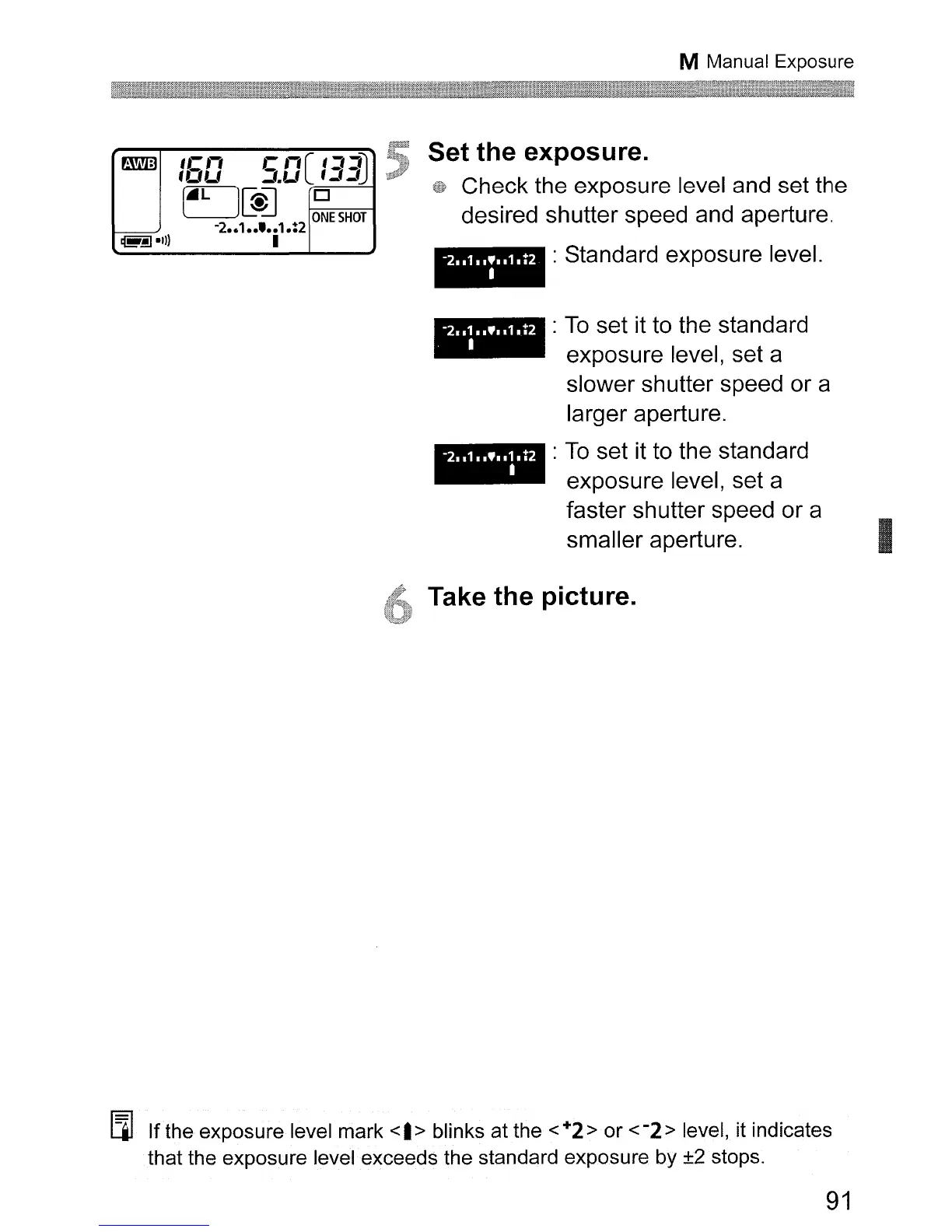
Set the exposure.
Check the exposure level and set the
desired shutter speed and aperture.
..
: Standard exposure level.
_
:
To
set it to the standard
exposure level, set a
slower shutter speed or a
larger aperture.
_
:
To
set it to the standard
exposure level, set a
faster
sh
utter speed or a
smaller aperture.
I
Take the picture.
[lJ
If the exposure level mark
<I>
blinks at the <+2> or
<-2>
level, it indicates
that the exposure level exceeds the standard exposure by ±2 stops.
91












 To Next Page