115
Setting the Aperture Value Before Shooting (Aperture-Priority AE)
o
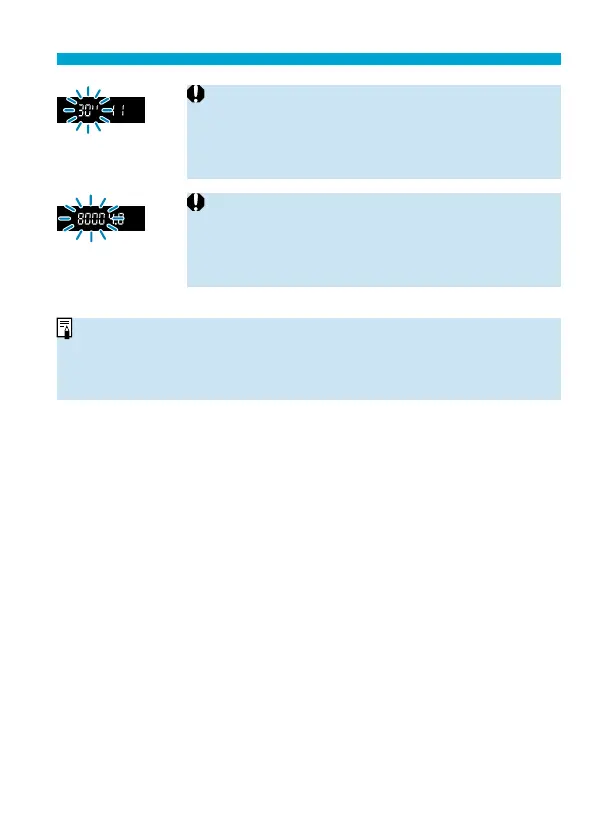
If the “30"” shutter speed blinks, it indicates
underexposure.
Use the <
6
> dial to decrease the f/number (open the
aperture) until the shutter speed stops blinking, or set a
higher ISO speed.
o
If the “8000” shutter speed blinks, it indicates
overexposure.
Use the <
6
> dial to increase the f/number (close the
aperture) until the shutter speed stops blinking, or set a
lower ISO speed.
Aperture Value Display
o
The higher the f/number, the smaller the aperture opening will be. The f/
number displayed varies depending on the lens. If no lens is attached to the
camera, “00” will be displayed for the aperture.



 To Next Page