143
Selecting the AF Method (Live View Shooting)
o
Subject eyes may not be detected correctly, depending on the subject and
shooting conditions.
o
To disable Eye Detection AF without using menu operations, press these
buttons, one after another: <
G
>, and <
B
>. To resume Eye Detection AF,
press the <
B
> button again.
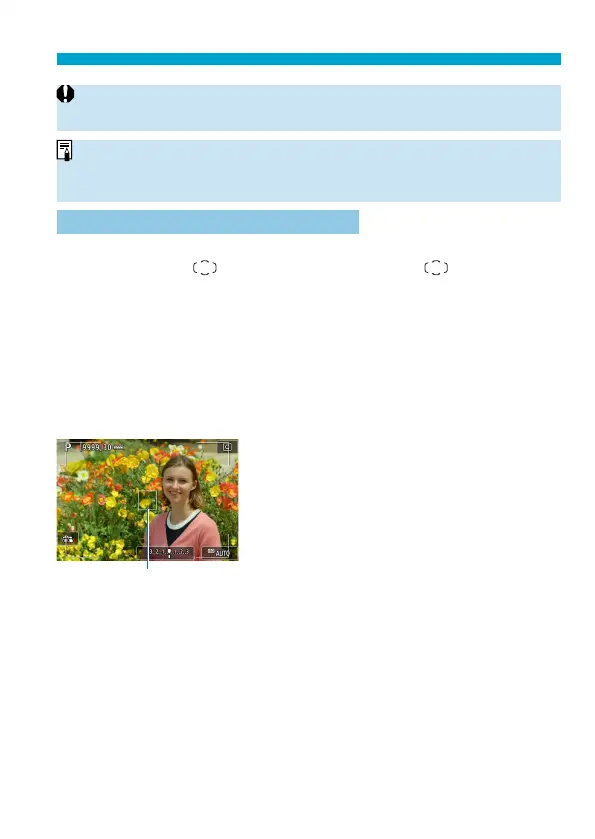
Setting the Initial Servo AF Position
You can freely set the initial position for Servo AF when [
8
C.Fn II-11:
Initial Servo AF pt,
/
c
] is [1:Initial AF pt set for /
c
] (
=
566).
1
Set the AF method to [u+Tracking]
(=137).
2
Set the AF operation to [Servo AF]
(=124).
(1)
3
Set the AF point (=132).
Use <
j
> <
9
> or tap the screen to
move the AF point (1), then set it.
Pressing <
j
> or the <
0
> or <
L
>
button will return the AF point to the
screen center.



 To Next Page