347
Protecting images
Specifying the Range of Images to be Protected
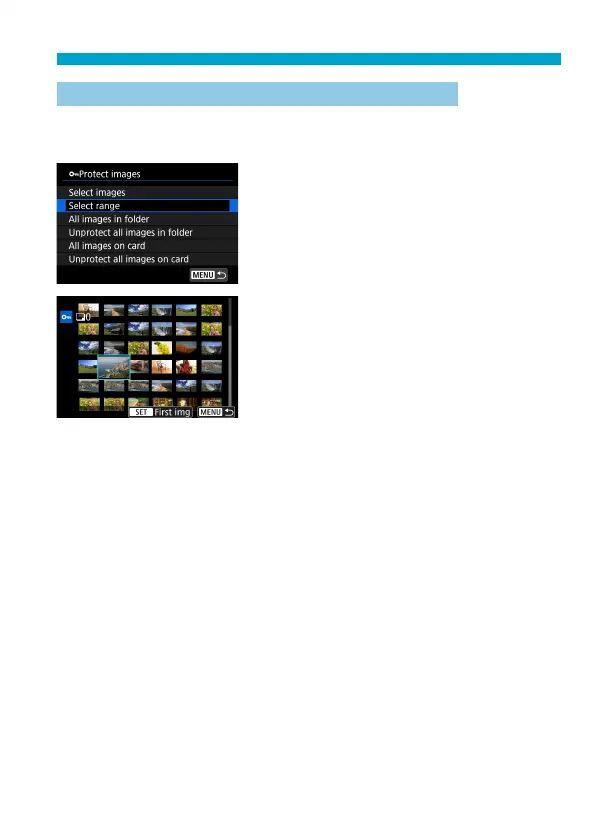
While looking at the images in the index display, you can specify the fi rst
and last images for a range to protect all the specifi ed images at once.
1
Select [Select range].
Select [Select range] in [
3
: Protect
images].
2
Specify the range of images.
Select the fi rst image (start point).
Next, select the last image (end point).
The images in the specifi ed range will
be protected and the <
J
> icon will
appear.
To select another image to be protected,
repeat step 2.



 To Next Page