461
Wi-Fi Connection via Access Points
9
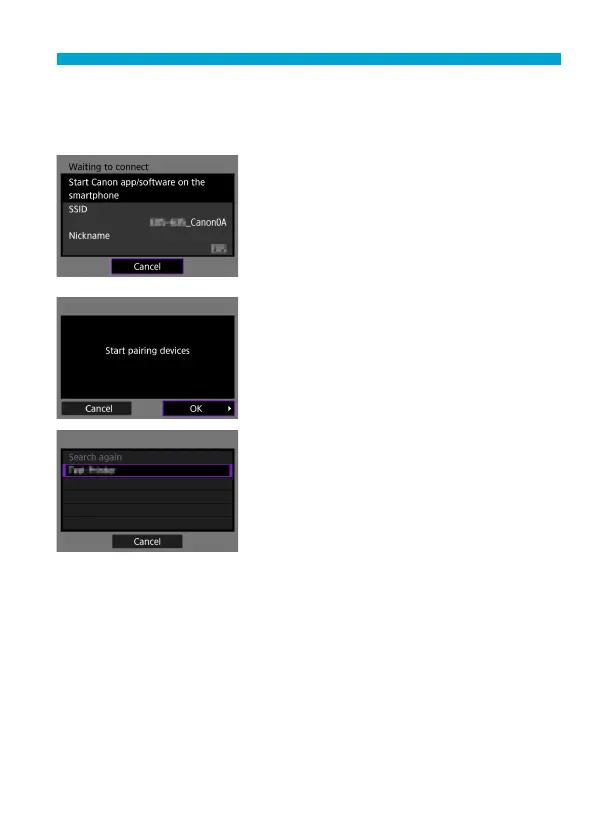
Specify the settings for the Wi-Fi
function.
[qConnect to smartphone]
On the smartphone’s Wi-Fi setting
screen, tap the SSID (network name)
shown on the camera, then enter the
password of the access point for the
connection.
Go to step 8 on
=
410.
[DRemote control (EOS Utility)]
Go to step 7 or 8 on
=
428.
[lPrint from Wi-Fi printer]
Go to step 6 on
=
435.
Registering CANON iMAGE
GATEWAY
Go to step 5 on
=
446.


 To Next Page
 Loading...











