Displaying the Edit Window
2-4
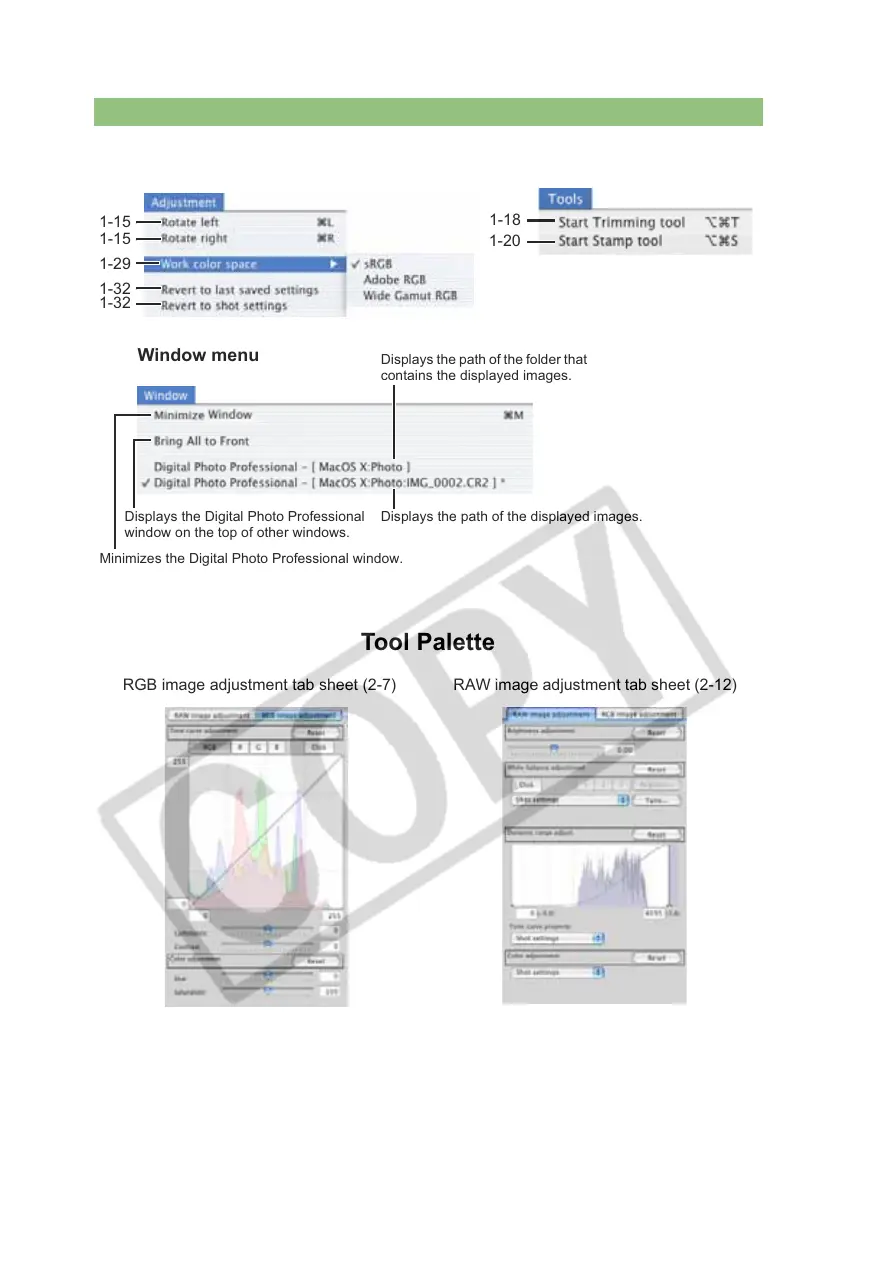
Tool Palette
1-15
1-15
1-29
1-32
1-32
Adjustment menu
Window menu
Minimizes the Digital Photo Professional window.
Displays the Digital Photo Professional
window on the top of other windows.
Displays the path of the folder that
contains the displayed images.
Displays the path of the displayed images.
Tools menu
1-18
1-20
RGB image adjustment tab sheet (2-7) RAW image adjustment tab sheet (2-12)














 To Next Page