Displaying the Edit Image Window
3-6
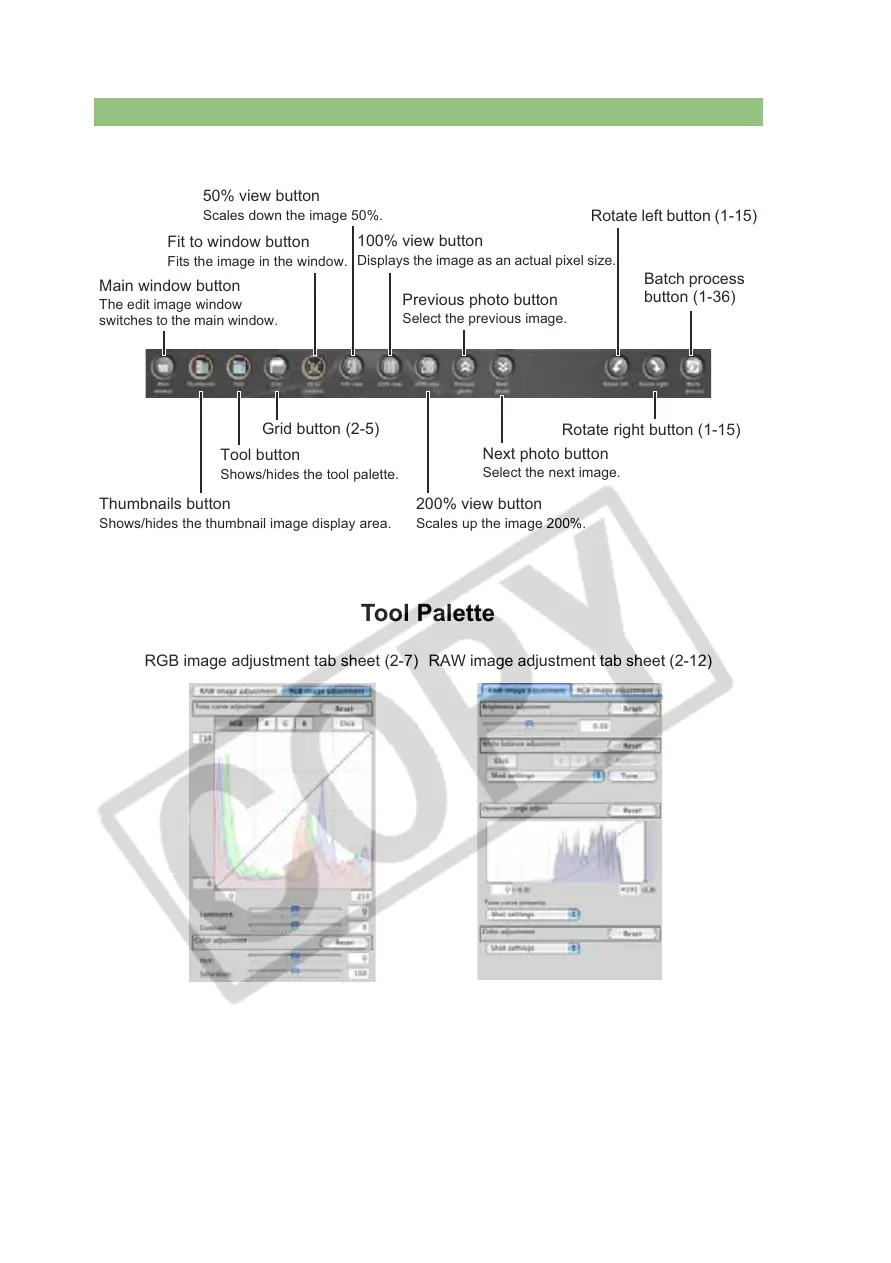
Toolbar
Tool Palette
Main window button
The edit image window
switches to the main window.
Grid button (2-5)
Fit to window button
Fits the image in the window.
100% view button
Displays the image as an actual pixel size.
Previous photo button
Select the previous image.
Rotate left button (1-15)
Batch process
button (1-36)
50% view button
Scales down the image 50%.
Tool button
Shows/hides the tool palette.
Thumbnails button
Shows/hides the thumbnail image display area.
Rotate right button (1-15)
Next photo button
Select the next image.
200% view button
Scales up the image 200%.
RGB image adjustment tab sheet (2-7) RAW image adjustment tab sheet (2-12)














 To Next Page