Hiding Unused Paper Sizes
95LW-02F
The paper settings scr
een displays the registered frequently used paper sizes. If unused paper sizes are displayed, you
can hide these to make it easier to select a paper size.
To select a hidden paper size, press [Other Sizes] on the paper settings screen.
Use the operation panel to congure the settings. You cannot congure the settings using Remote UI from a
computer.
1
On the operation panel, select [Menu] in the [Home] screen, and press
. [Home]
Scr
een(P. 81)
2
Press [Paper Settings]
[Select Frequently Used Paper Sizes] .
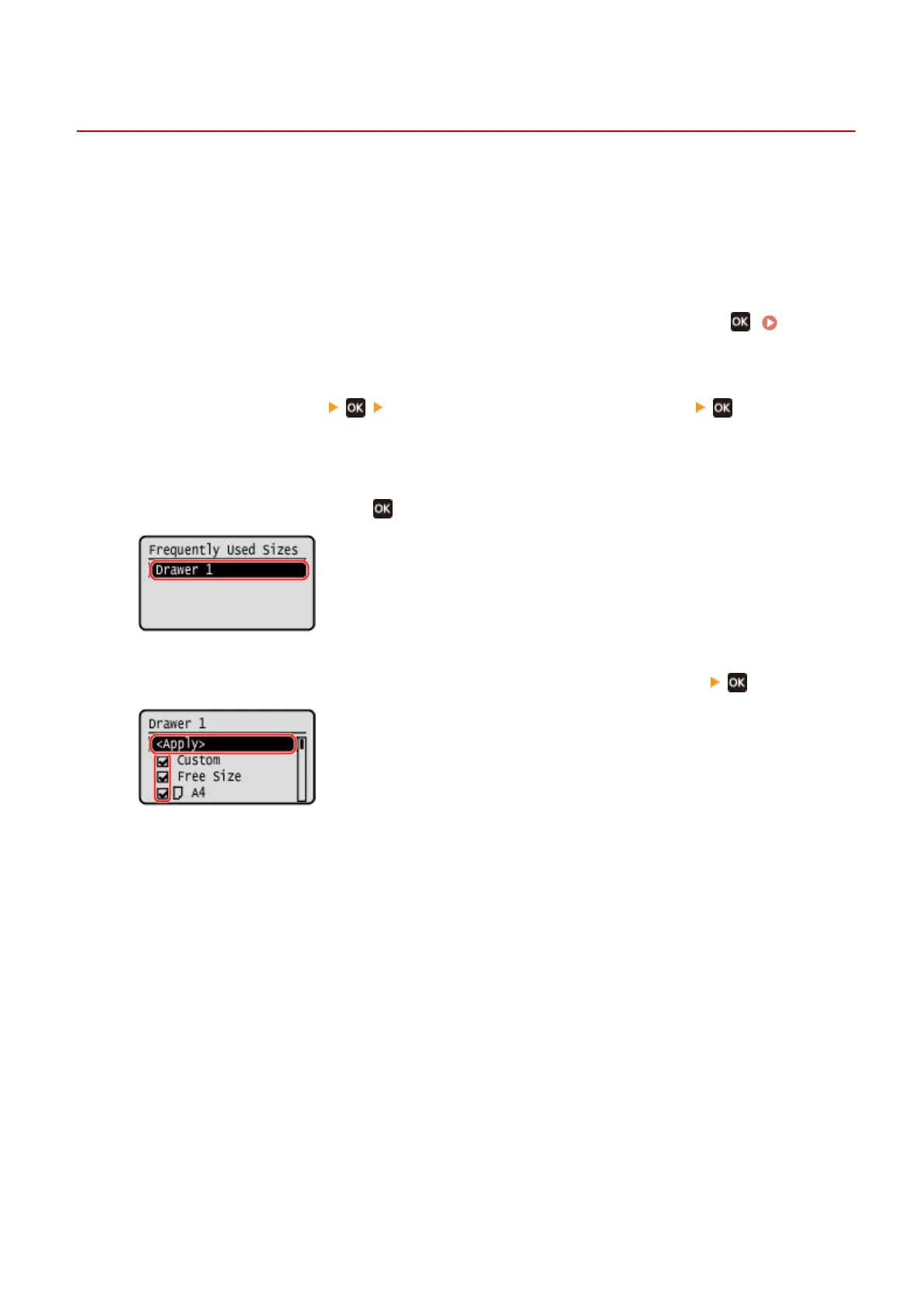
➠ The [Frequently Used Sizes] screen is displayed.
3
Press [Drawer 1], and press .
4
Clear the checkboxes of the paper sizes to hide, and press [<Apply>] .
➠ Paper sizes whose checkbo
xes are cleared are not displayed on the paper settings screen.
Basic Operations
99













 To Next Page