Adjusting the Print Density
95LW-06A
If print r
esults are too dark or too faint, adjust the print density.
Use the operation panel to perform adjustment. You cannot perform adjustment using Remote UI from a computer.
1
On the operation panel, select [Menu] in the [Home] screen, and press
. [Home]
Scr
een(P. 81)
2
Press [Adjustment/Maintenance]
[Adjust Image Quality] [Printer
Density] .
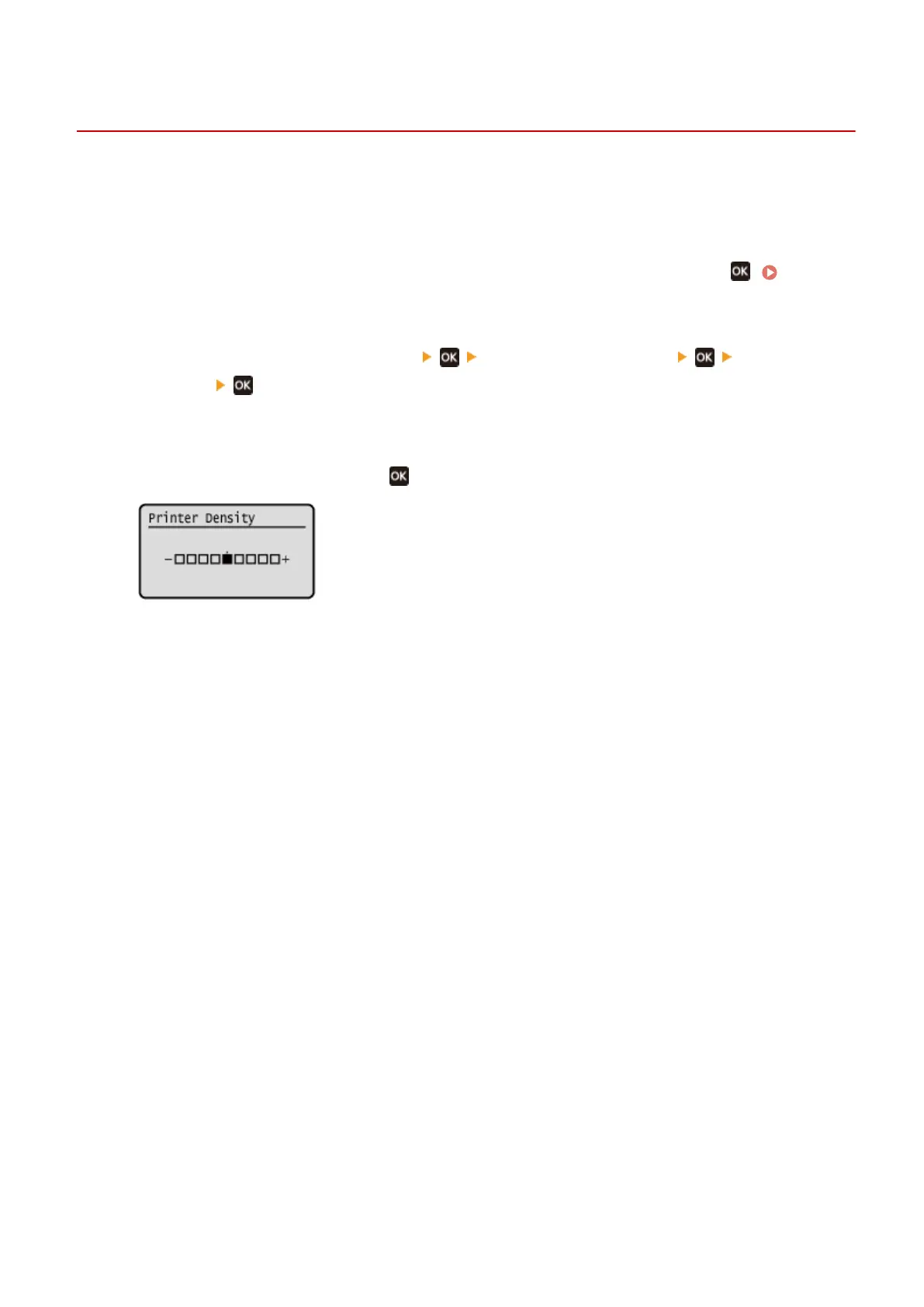
➠ The [Printer Density] scr
een is displayed.
3
Adjust the density, and press
.
Specify [+] to increase the density and [-] to reduce it.
Maintenance
265













 To Next Page