Paper Jams
95LW-06F
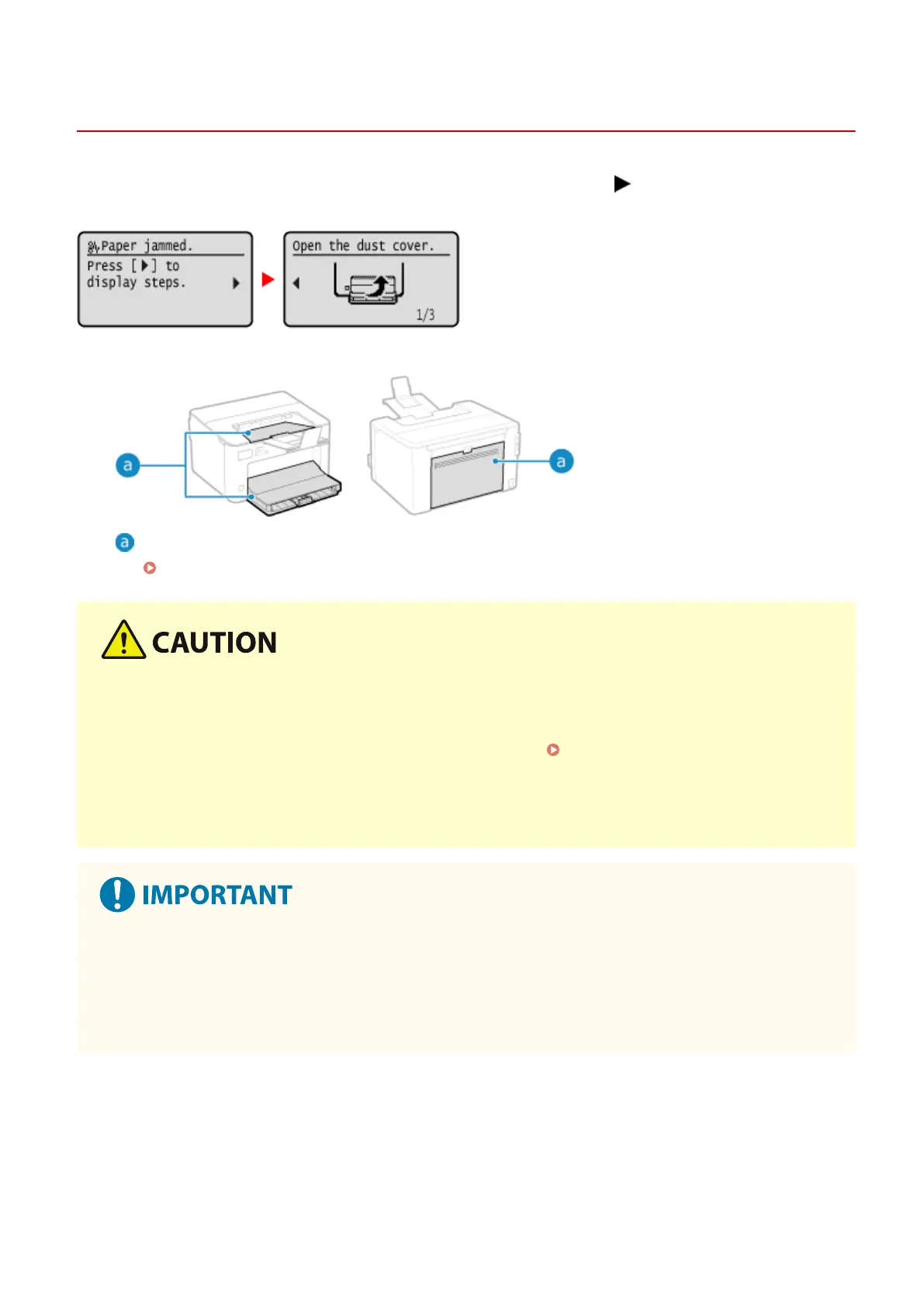
If paper jams in the machine, [Paper jammed.] appears on oper
ation panel. Press
, and follow the displayed
instructions on ho
w to clear the paper jam.
For details about clearing paper jams from various parts of the machine, see below.
Paper drawer, output tray, and rear side
Paper Jams in the Paper Drawer, Output Tray, and Rear Side(P. 272)
Do not forcibly remove the jammed paper from the machine.
● For
cibly removing the paper may result in personal injury or damage parts of the machine. If you cannot
remove the paper, contact your dealer or service representative.
If the Problem Persists(P. 339)
When All Paper Jams Have Been Cleared
● Immediately remove your hands from the machine so that your clothing and hands do not get caught in the
rollers.
When clearing paper jams, do not turn the power OFF.
● Data being printed is er
ased when you turn the power OFF.
When the Paper Gets Torn
● Be sure to remove it so that no pieces remain.
Troubleshooting
271













 To Next Page