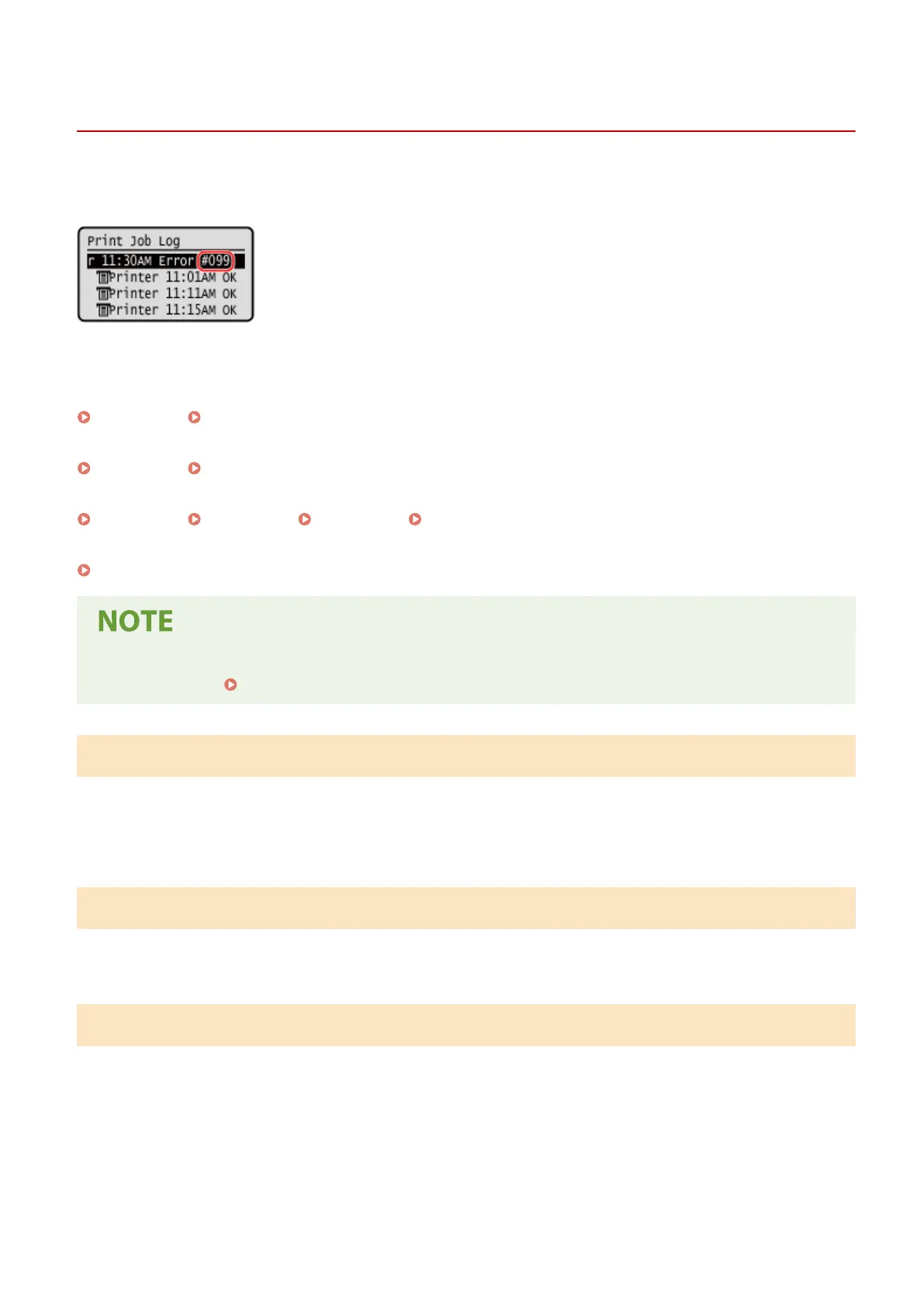
An Error Code Is Displayed
95LW-089
If printing cannot be performed, or another err
or occurs, an error code (three-digit number starting with "#") is
displayed in the job log.
Select the err
or code from the list below, and check how to troubleshoot the problem.
#001 to #099
#037(P. 336) #099(P. 336)
#701 to #799
#753(P. 336) #766(P. 337)
#801 to #899
#852(P. 337) #853(P. 337) #861(P. 337) #863(P. 337)
#901 to #999
#934(P. 338)
● If the pr
oblem persists even after trying the troubleshooting methods, contact your dealer or service
representative.
If the Problem Persists(P. 339)
#037
Printing could not be performed due to the le size.
Reduce the File Size or Divide the File.
Optimize the le to mak
e it smaller, or divide the le and then print it.
#099
The job was canceled.
This does not indicate a malfunction. Perform the oper
ation again, as needed.
#753
The machine was unable to connect to the network due to a disconnected Ethernet cable.
Check That the Ethernet Cable Is Pr
operly Connected.
Troubleshooting
336













 To Next Page