Cannot Find the IP Address of the Machine
95LW-07R
Vie
w the IP address using the following procedure:
Viewing the IPv4 Address
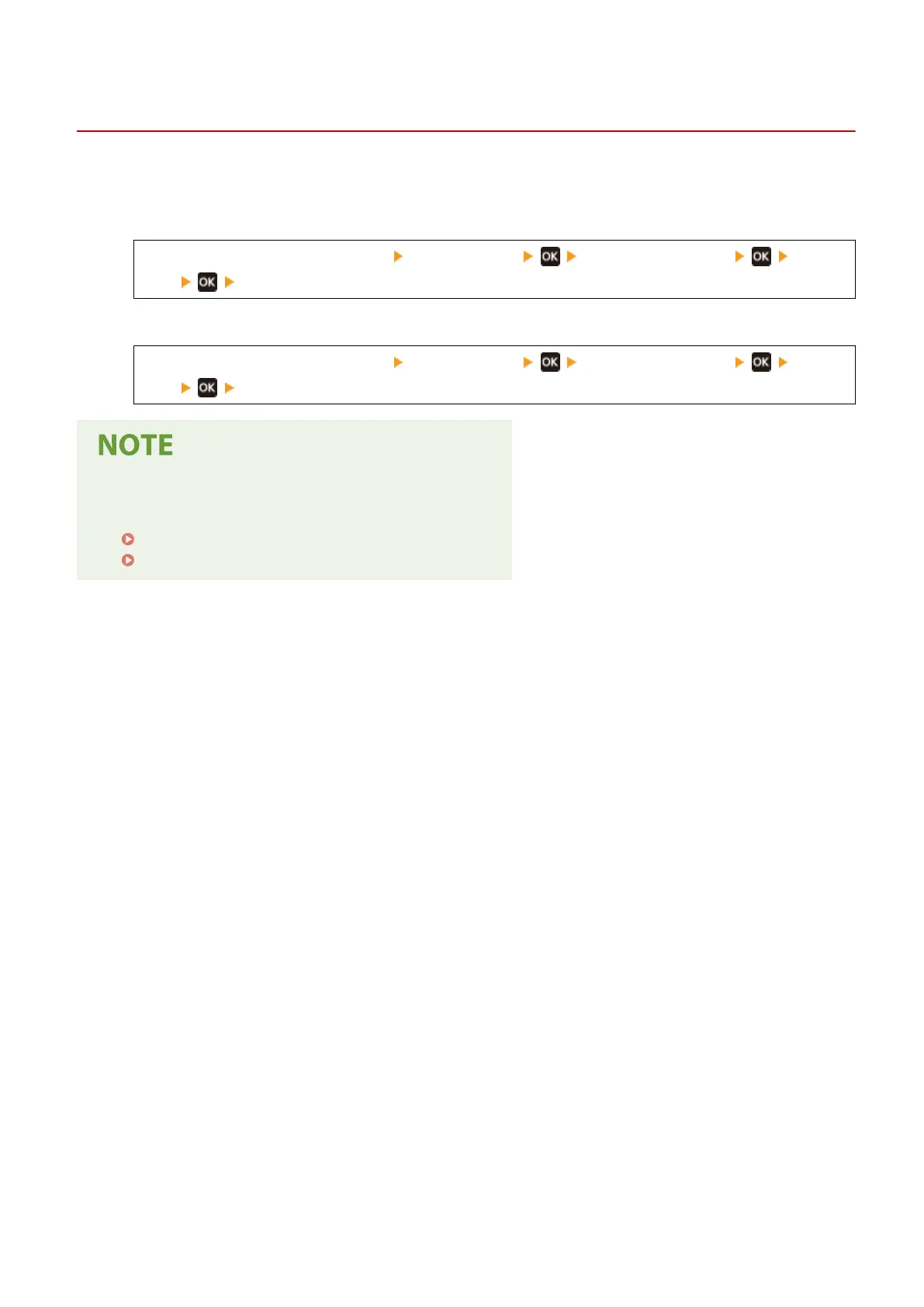
[Home] screen on the operation panel [Status Monitor] [Network Information]
[IPv4] view the setting.
Viewing the IPv6 Address
[Home] screen on the operation panel [Status Monitor] [Network Information]
[IPv6] view the setting.
If the IP Address Is Displayed as "0.0.0.0"
● A suitable IP addr
ess is not set. Set the IP address again.
Setting IPv4 Addresses(P. 50)
Setting IPv6 Addresses(P. 52)
Troubleshooting
310













 To Next Page