Registering Non-standard Size Paper (Custom Paper)
95LW-02E
Custom paper is non-standar
d size paper whose side lengths can be freely dened within the range supported by the
machine.
You can register sizes when frequently using specic non-standard size paper. You can call up the paper on the size
input screen, saving you the trouble of entering the size.
You can register up to three custom sizes.
This section describes how to register the settings using the operation panel.
You can also register the settings using Remote UI from a computer.
Managing the Machine from a Computer
(Remote UI)
(P. 178)
1
On the operation panel, select [Menu] in the [Home] screen, and press
. [Home]
Scr
een(P. 81)
2
Press [Paper Settings]
[Register Custom Paper] .
➠ The [Register Custom Paper] screen is displayed.
3
Select the registration number, and press .
If you have selected the registered number, continue on to select [Edit], and press .
4
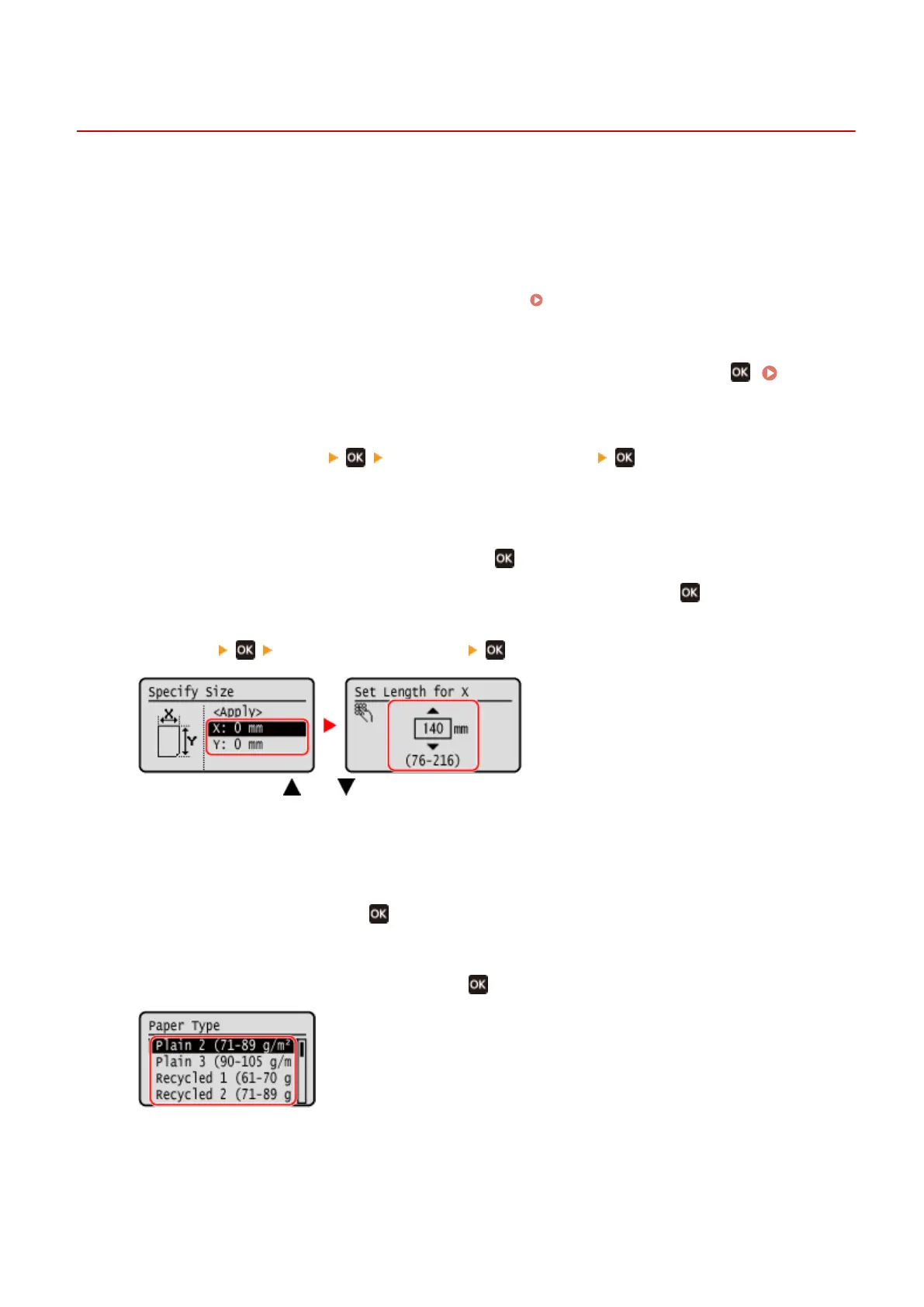
Press [X] enter the values in [X] .
Enter the value using and .
5
Enter the values in [Y] in the same way as [X].
6
Select [<Apply>], and press
.
7
Select the type of the paper, and press .
If you frequently need to change the paper to be loaded, set to [Free]; this will reduce the number of steps
r
equired to change the setting each time. However, note that this setting lets the machine perform printing
even if there is mismatch between the paper type setting in the printer driver and the paper type actually
loaded in the machine.
When the paper type setting in the printer driver is [Auto], the machine operates the same way as when the
paper type is [Plain 1].
Basic Operations
97













 To Next Page