9
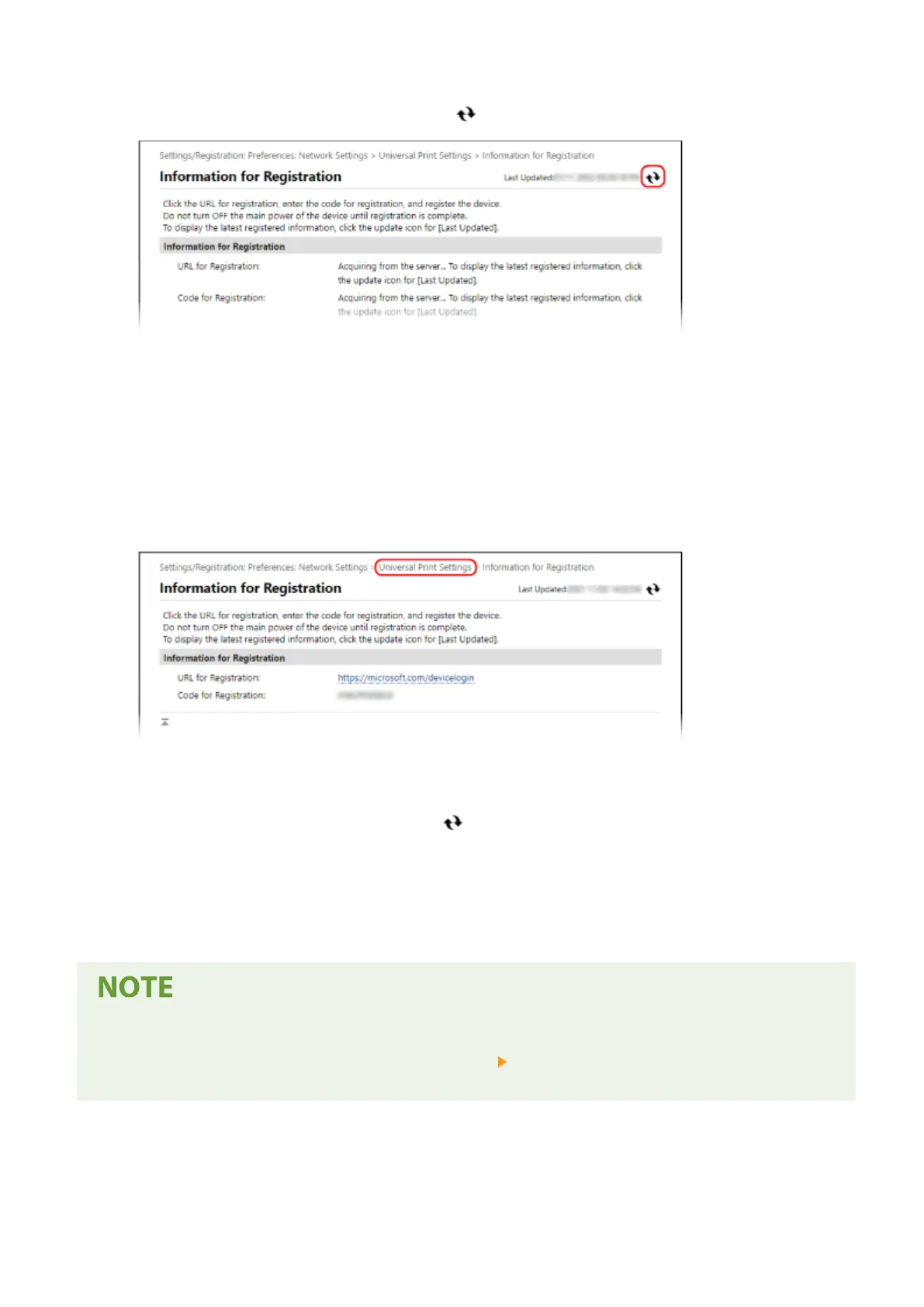
Wait several seconds, and then click [ ].
10
Click the link displayed in [URL for Registration].
11
Register the machine according to the instructions on the screen.
12
Click [Universal Print Settings] at the top of the Remote UI screen.
➠ The [Universal Print Settings] scr
een is displayed.
13
Wait a few minutes, and then click [
].
➠ When r
egistration is complete, [Registered] is displayed in [Registration Status].
14
Log out from Remote UI.
Canceling the Registration
● Click [Unr
egister] on the [Universal Print Settings] screen
[OK]. On the Azure Active Directory device
management screen, select the machine and click [Delete].
Printing
112













 To Next Page