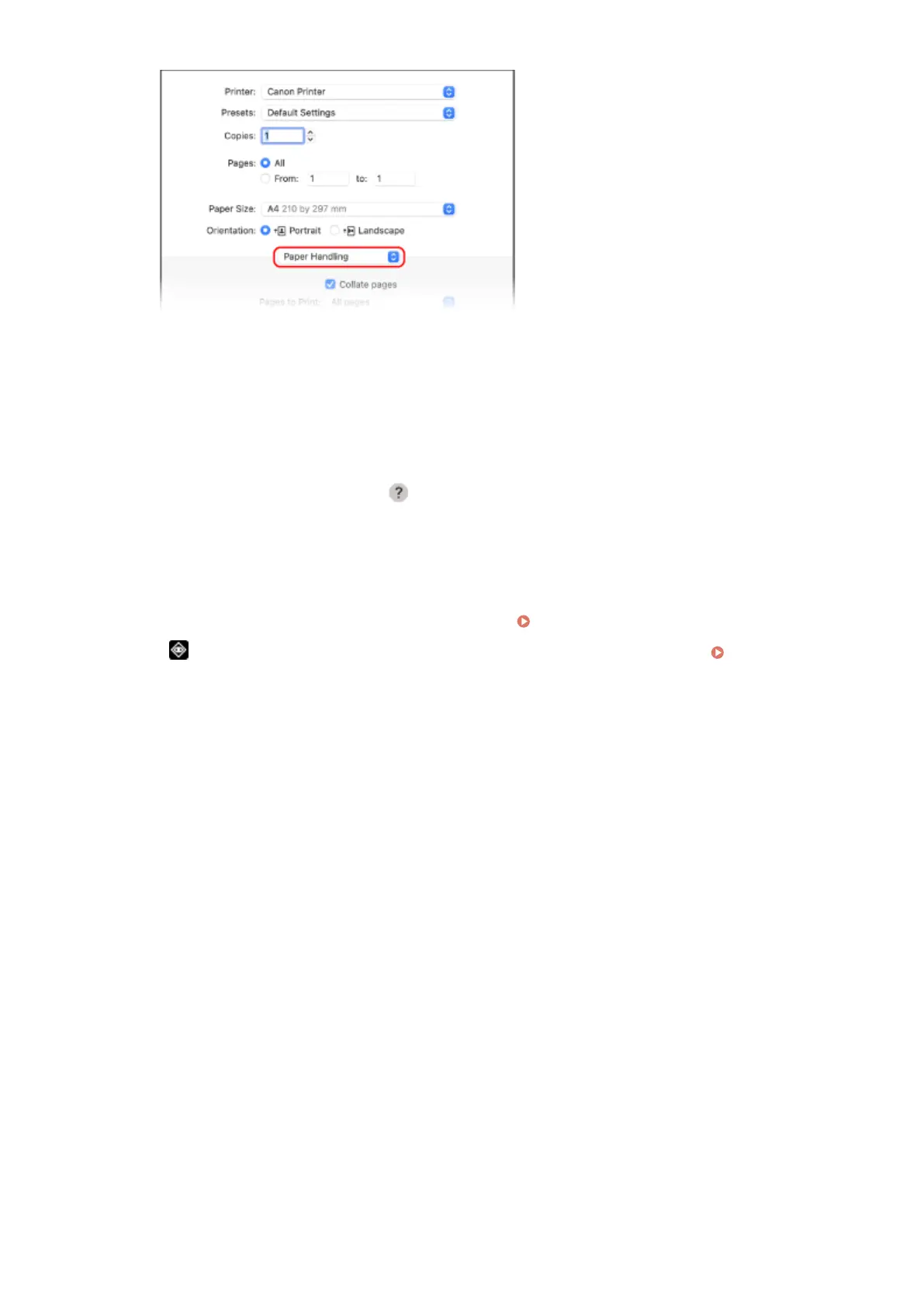
2
Select the [Scale to t paper size] checkbo
x, and in [Destination Paper Size], select the paper size to print
on.
The document is enlarged or reduced to match the paper size in [Destination Paper Size].
5
Congure the other print settings, as needed.
Congure 2-sided printing and adjust the image quality and other settings to suit your document and
purpose. For mor
e information, click [
] in the printing dialog box to display help.
6
Click [Print].
➠ Printing starts.
● Y
ou can cancel printing from the printer icon in the Dock.
Canceling Printing from a Computer(P. 121)
● Use or [Status Monitor] on the operation panel to view the print job status and log. Viewing the Print
Job Status and Log(P
. 123)
Printing
117













 To Next Page