2
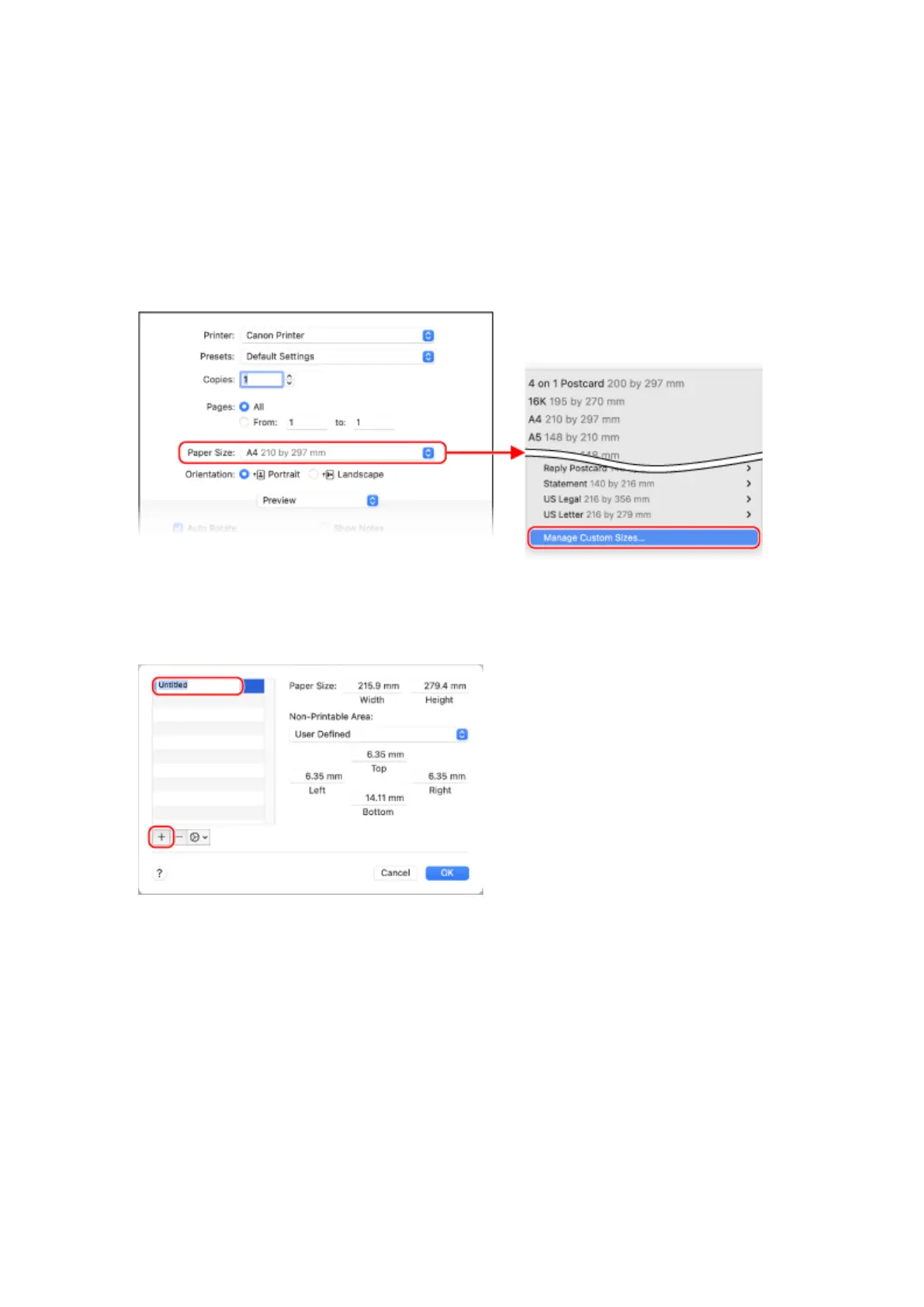
From the menu in the application used to open the document, click [Print].
➠ The printing dialog bo
x appears.
3
In [Printer], select the printer driver of the machine.
4
In [Paper Size] of the print options, select [Manage Custom Sizes].
If print options are not displayed, click [Show Details] in the printing dialog box.
5
Click [+] at the bottom left, double-click [Untitled], and enter the custom size paper
name.
6
Enter the paper size, and click [OK].
➠ The custom size paper is r
egistered.
Printing
119













 To Next Page