Displays the paper source information and remaining amount of ink in the toner cartridge.
Click [Check Consumables Details] to display the toner cartridge name.
[Support Link]
Displays a link to support information for this machine that is set in [Settings/Registr
ation]
[License/Other]
[Support Link].
[Status Monitor/Cancel]
Click this to display the [Status Monitor/Cancel] scr
een.
From here, you can check the status and logs of a function, operation status of the machine, and error information.
Checking Usage and Logs with Remote UI(P. 183)
[Settings/Registration]
Click this to display the [Settings/Registr
ation] screen.
If you logged in with System Manager Mode, you can change any settings and perform operations such as saving
and importing data.
● The items that can be set in the [Settings/Registration] screen are nearly the same as those of the operation
panel, but some items can only be set with either the operation panel or Remote UI.
Settings Menu
Items(P
. 196)
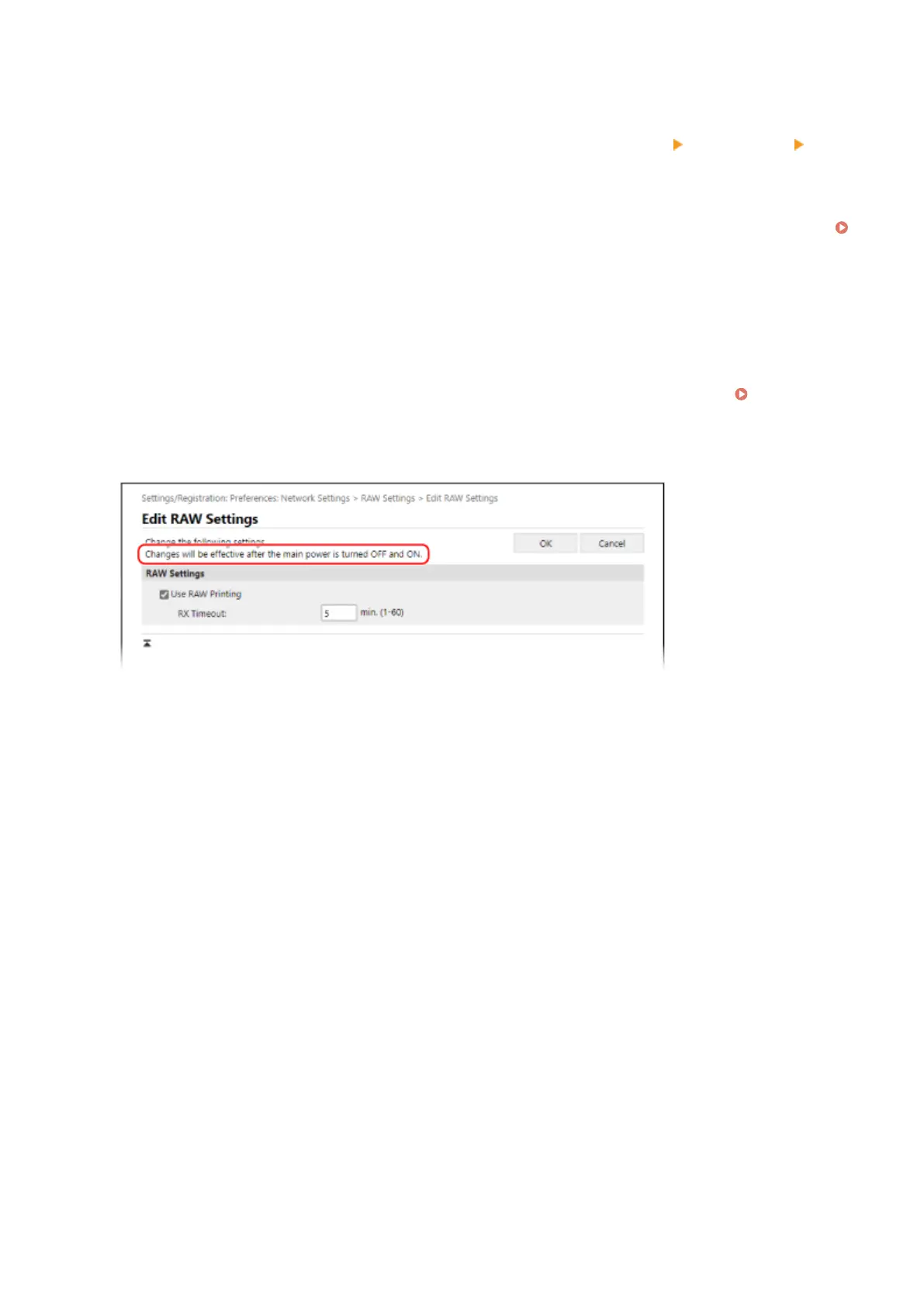
● Depending on the item, you may have to restart the machine for the settings to be applied. If a restart is
required, a message appears at the top of the screen.
Managing the Machine
182













 To Next Page