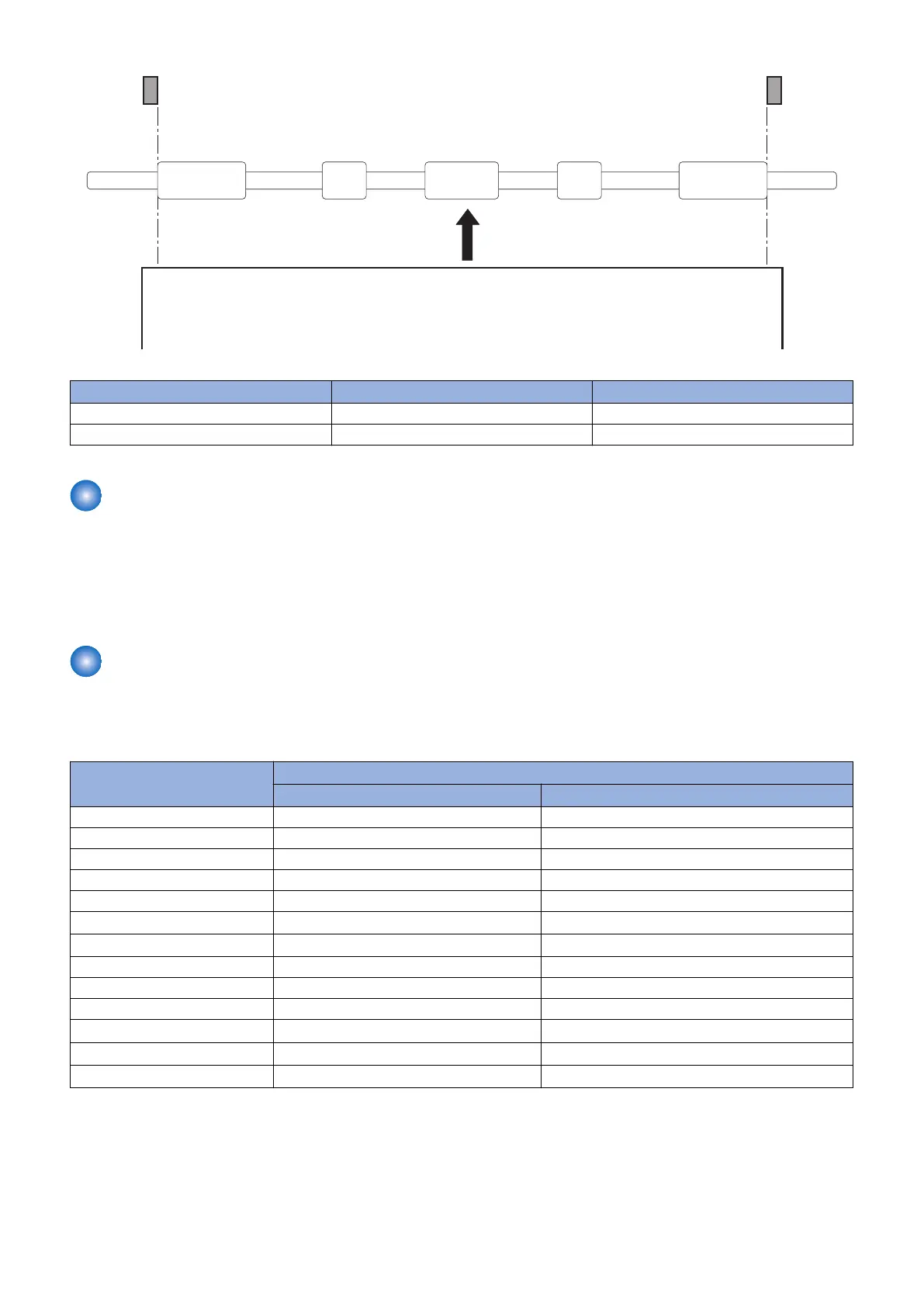
Media
Media width sensor flag(Left)
Media width sensor flag(Right)
Registration driven roller
Paper Width Sensor (PS21) Detection result Paper size
ON Paper width: 210 mm or wider A4, LTR, LGL, Indian LGL
OFF Paper width: shorter than 210 mm EXEC, B5, A6, A5
Paper Length Detection
The TOP Sensor (PS2) measures the paper length to prevent soiling of the Transfer Roller.
There is no way to detect the size in the Multi-purpose Tray.
The DC Controller detects the actual length of the paper by measuring the time when paper is fed using the TOP Sensor (PS2).
If the detected paper is detected to be shorter than the specified size, image masking is performed from that point in time to
prevent toner soiling of the Transfer Roller.
Feed Speed Control
The printer changes the feed speed for each paper setting (print mode) to prevent fixing failures.
The DC Controller changes the paper feed speed (1/1 speed or 1/2 speed) for each paper setting to prevent the temperature rise
at the edge of the Fixing Assembly.
Paper settings Pickup from Multi-Purpose Tray/Cassette
1/1 speed 1/2 speed
Thin 1 Yes Yes
Plain 1 Yes Yes
Plain 2 Yes Yes
Heavy 1 - Yes
Heavy 2 - Yes
Heavy 3 -
Yes
*1
Heavy 4 -
Yes
*1
Bond 1 - Yes
Bond 2 - Yes
Bond 3 - Yes
Labels -
Yes
*1
Envelope -
Yes
*1
Envelope H -
Yes
*1
*1 : Supported only at paper pickup from the Multi-purpose Tray.
2. Technical Explanation (Device)
44














 To Next Page